Workflows
From practice
How modules become one continuous flow
Five flows, one system
Each workflow shows how modules interlock – from the first click to the result, without switching tools.
Workflow 01
A shoot from start to finish
From planning through briefing and upload to the finished post – every shoot follows the same path.
- Involved
- Agency · Models
- 01
Plan
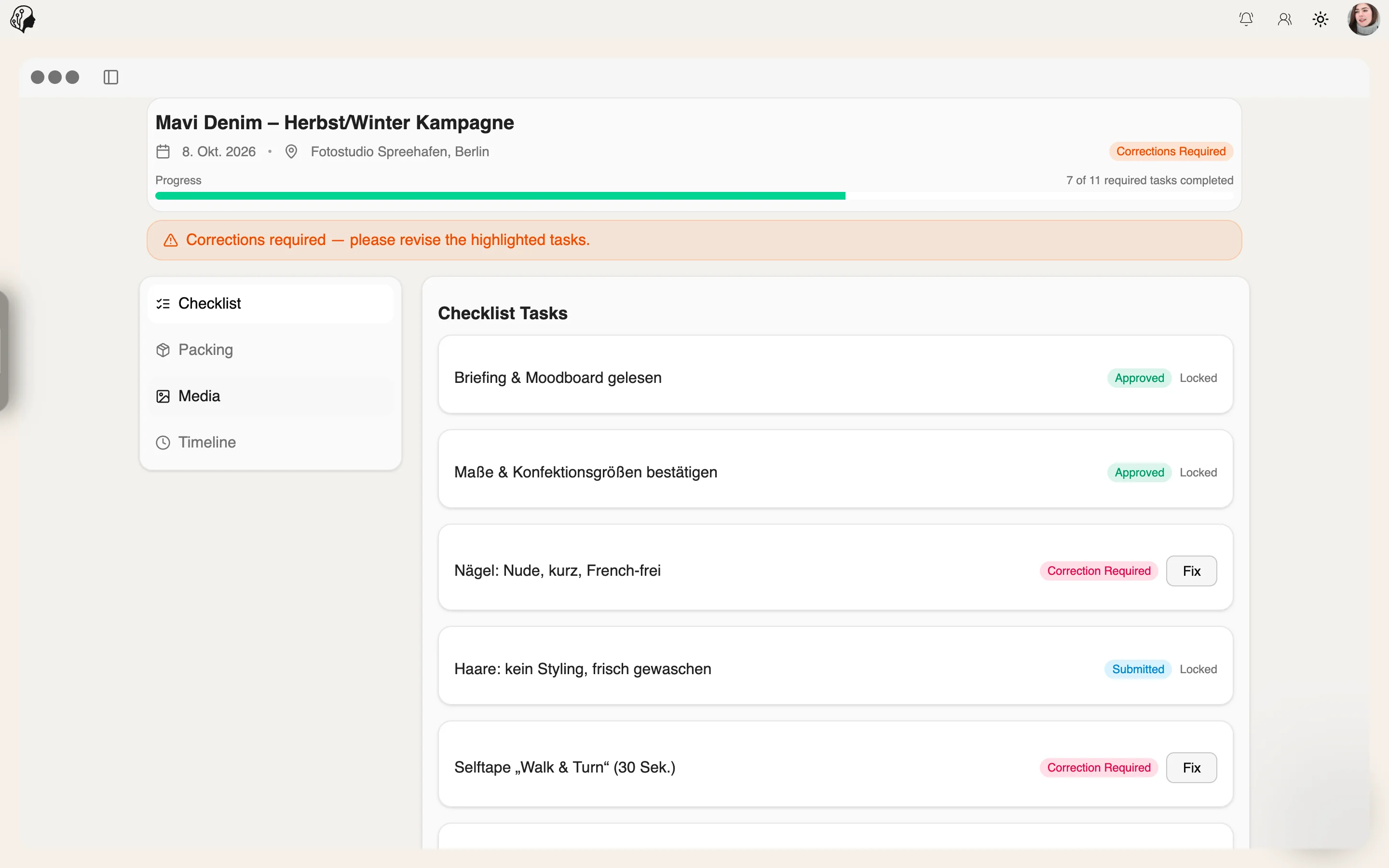
Create the shoot with location and date in Shoot Prep, assign a template.
Shoot Prep → - 02
Prepare
The model works through checklist and packing list in the portal.
Shoot Prep → - 03
Align
Questions in Messenger, the briefing as a note.
Messenger → - 04
Collect
Submit images and videos via Content Upload.
Content Upload & Review → - 05
Refine
Edit the selection in the Image Editor, export with watermark.
Image Editor → - 06
Publish
Captions with Lyra AI, scheduled in the content plan.
Lyra AI Captions →
Workflow 02
Onboarding new talent
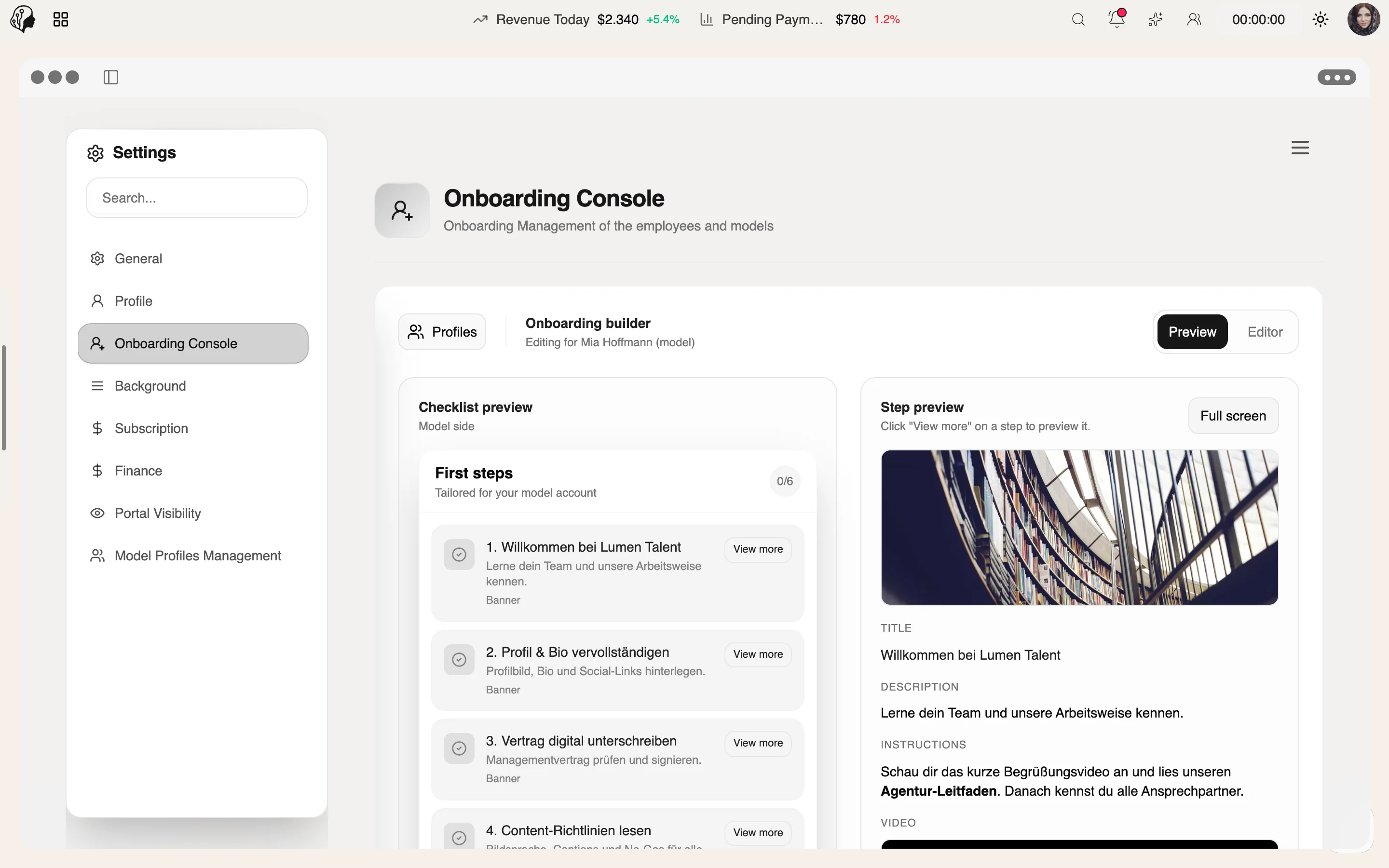
From invitation link to a ready portal: contract, details and persona in one place.
- Involved
- Agency · Models
- 01
Invite
The model registers via an invitation link.
Onboarding Console → - 02
Contract
Generate the contract from a PandaDoc template and have it signed.
Contracts → - 03
Capture Details
A questionnaire on measurements, preferences and social accounts.
Questionnaires → - 04
Persona
Lyra creates the model's content persona.
Lyra Persona → - 05
Set Up the Portal
Define visible modules and background.
Portal Control → - 06
Ready
Onboarding checklist complete – the agency is notified.
Onboarding Console →
Workflow 03
A day with the team
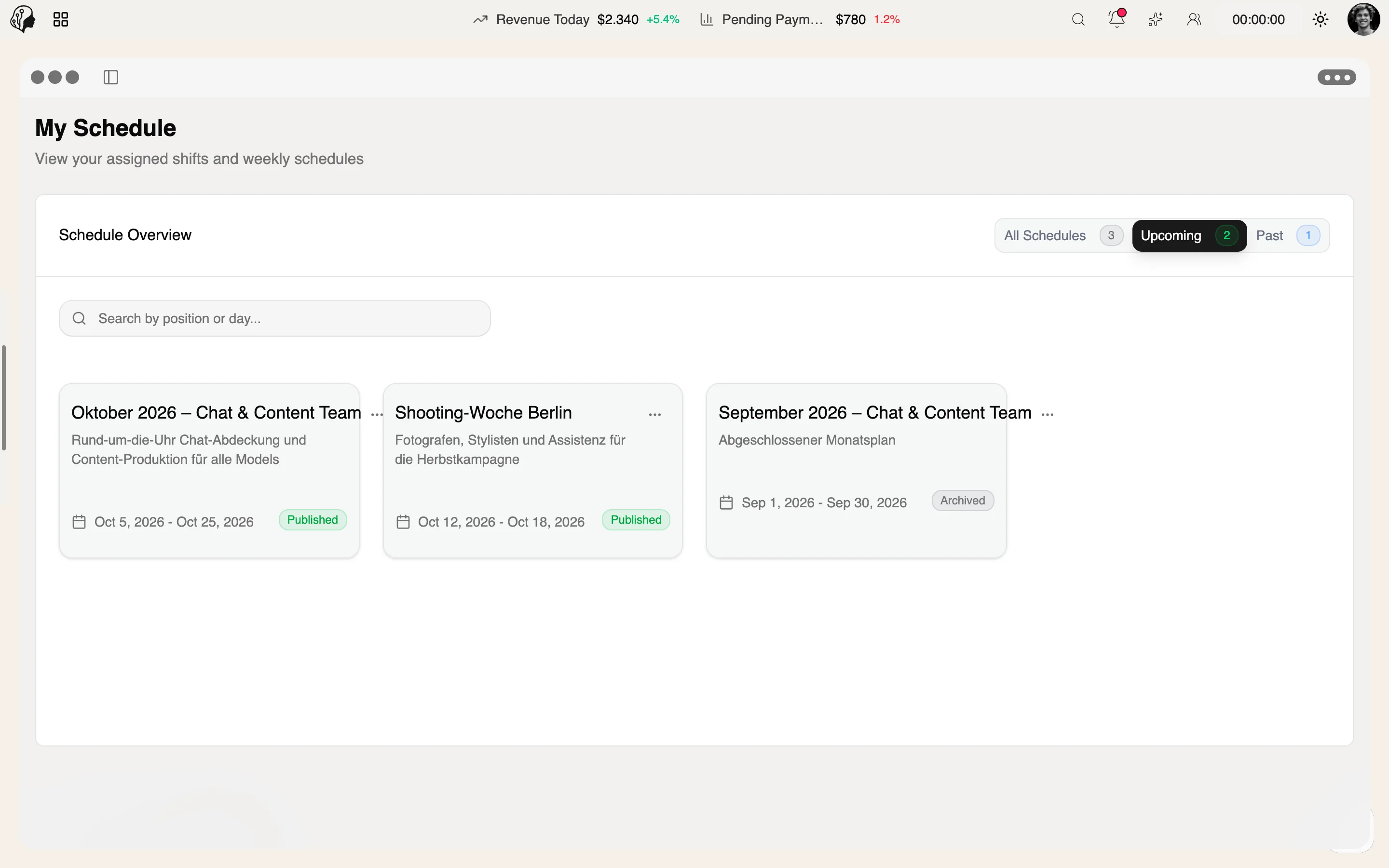
Clock in, align, work, report – the working day of chatters and content managers.
- Involved
- Staff · Agency
- 01
Clock In
Start the shift with the shift timer, choose the day's tasks.
Shift Planning → - 02
Catch Up
See in the Command Center what has happened since the last shift.
Command Center → - 03
Align
The daily stand-up in an Agency Chat voice channel.
Agency Chat → - 04
Work
Tasks, emails and chats, with logins from the vault.
Tasks & Boards → - 05
Review
Approve uploads, check the Trouble Center.
Content Upload & Review → - 06
Report
End the shift, complete the report, earn XP.
Shift Reports & XP →
Workflow 04
Planning a content week
From trend to published post – research, plan, production and review in one flow.
- Involved
- Agency · Models
- 01
Research
Search Viral Trends in the model's niche and save the trends that fit.
Viral Trends → - 02
Plan
Set weekly goals per platform in the content plan.
Content Planning → - 03
Collect
The model uploads images and videos to the right upload category.
Content Upload & Review → - 04
Refine
Edit the selection in the Image Editor and export with a watermark.
Image Editor → - 05
Write
Create captions with Lyra AI – in the persona's voice.
Lyra AI Captions → - 06
Check
The content plan matches against the real posts; the traffic light shows whether the week is on track.
Content Planning →
Workflow 05
Closing the month
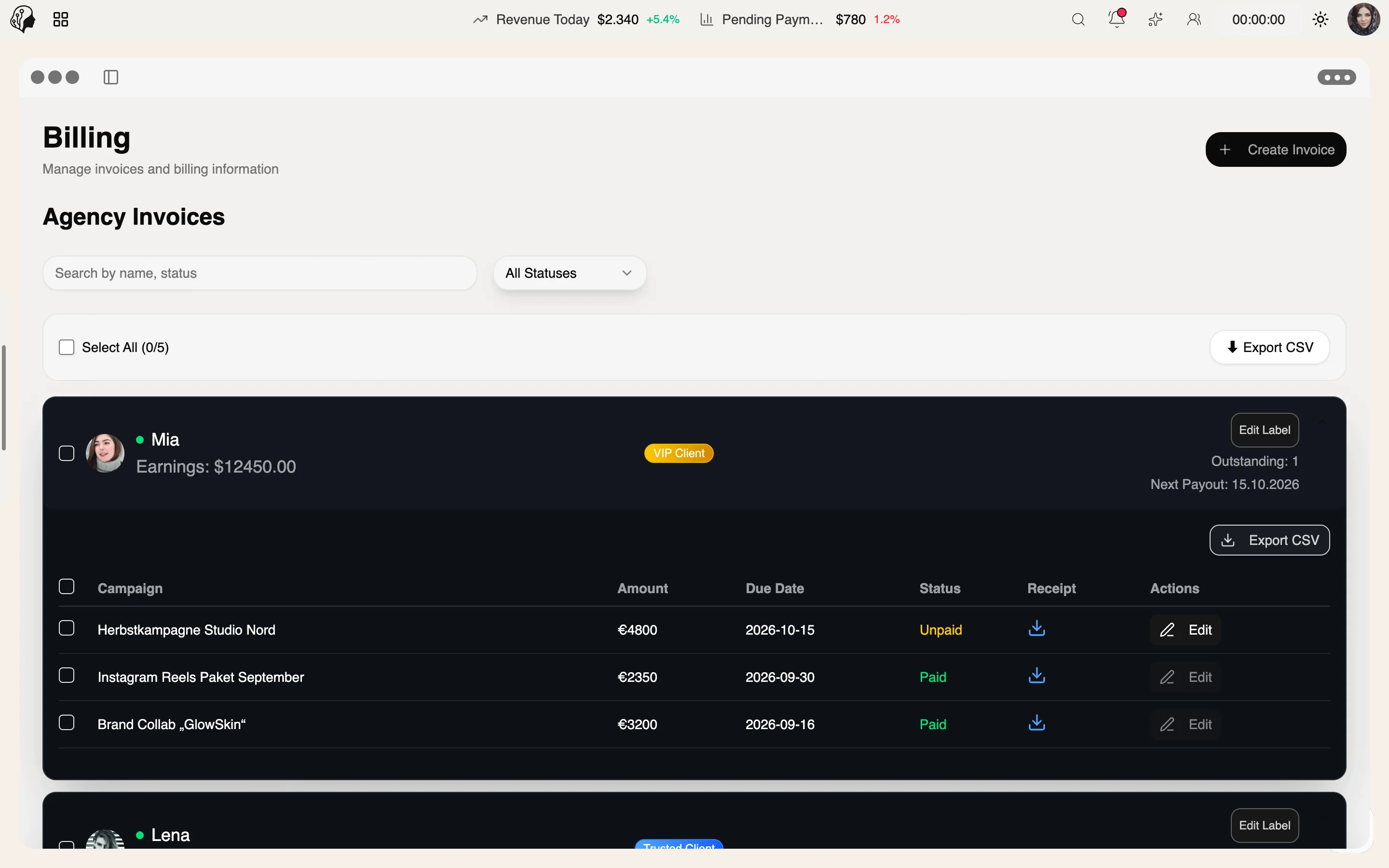
Invoices, payouts and contract renewals – the month-end close without spreadsheets.
- Involved
- Agency · Models
- 01
Invoice
Create client invoices per campaign – with amount, due date and PDF.
Invoices & Payouts → - 02
Review
Paid, open or failed: outstanding amounts in the earnings dashboard.
Invoices & Payouts → - 03
Pay Out
Models see this month's payout, pending amounts and their last payment in the portal.
Invoices & Payouts → - 04
Check Contracts
Expiring contracts appear automatically in the Trouble Center – with reminders.
Trouble Center → - 05
Renew
Send the follow-up contract from a PandaDoc template for signature.
Contracts → - 06
Align
Clear up open questions with the model directly in Messenger.
Messenger →

By Invitation
Experience ModelSuite
A personal tour of the platform – tailored to your agency