Communication
Overview
The team inbox where no request gets lost.
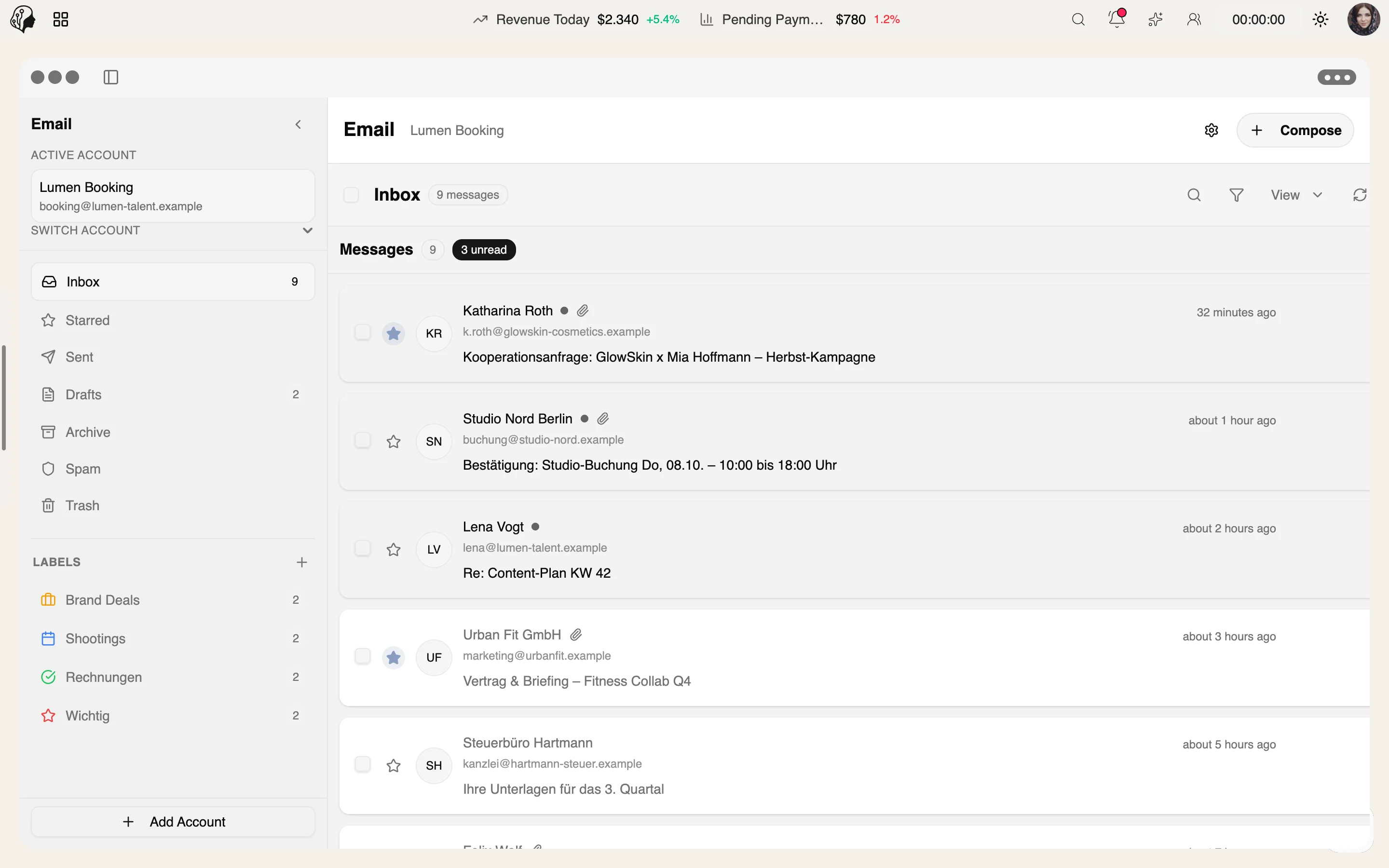
Connect Gmail via OAuth or any other mailbox via IMAP/SMTP. Threads, labels, internal notes and assignment to team members – all alongside your models.
See Email live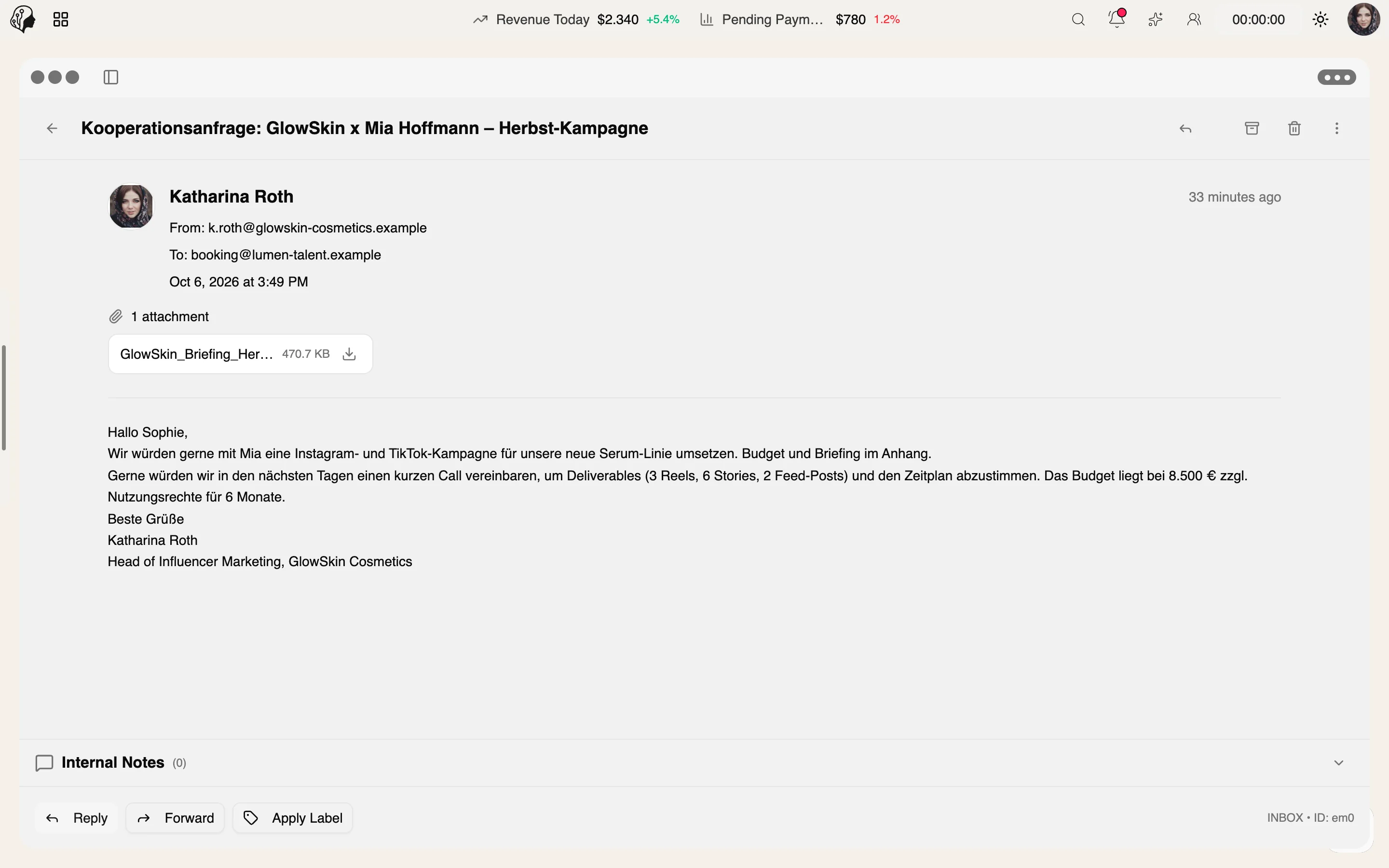
4 features
In detail
What the module does, point by point.
- 01
Multiple Accounts
Gmail in one click, or any provider via IMAP/SMTP.
- 02
Assign & Annotate
Assign emails to colleagues and comment internally.
- 03
Threads & Labels
Conversations, flagging, archiving and search.
- 04
Real-Time Sync
New mail appears instantly – notification included.
Recently added
All news →- New
Email sync for individual mailboxes
Gmail and IMAP accounts now sync selectively, mailbox by mailbox.
One inbox for the whole team
Assign · Annotate · Resolve
Every request has an owner and its context – visible to everyone who works on it.
Studio Nord · New
Request: editorial shoot in March
BookingUnassigned
4 min ago
Agence Maré · Assigned
Re: availability for the campaign
CampaignSophie
Internal noteHold options until Friday, Mila has been told.
21 min ago
Accounting firm · Assigned
May invoice – question
FinanceJonas
Internal noteCredit note created, awaiting approval.
1 hr ago
Lena · Done
New comp card images
ModelSophie
yesterday
Sample data
Connect mailboxes
Gmail · IMAP/SMTP
One click
Gmail
Sign in directly with Google via OAuth – the mailbox is connected right away.
- One click, no server settings
- Several Gmail accounts possible
Any provider
IMAP / SMTP
For every other mailbox: enter server and credentials once, done.
- Own domain, host or company mail
- Send and receive inside ModelSuite
For every account: threads, labels, assignment, internal notes and real-time sync.
How you work with Email
Three steps · no request gets lost
- 01
Connect
Gmail via OAuth in one click – or any other mailbox via IMAP/SMTP.
- 02
Assign
Every request goes to the right person on the team, with internal notes for context.
- 03
Resolve
Reply in threads, organize with labels, flag and archive.
Questions about Email
Which mailboxes can I connect?
Gmail via OAuth in one click, any other provider via IMAP/SMTP. Multiple accounts are supported.
How do I distribute requests across the team?
Assign emails to colleagues and comment internally with notes – no forwarding needed.
Do I see new emails right away?
Yes. New mail appears in real time, notification included.
Who has access?
The agency and its staff – each within the permissions of their role.
More from Communication
By Invitation
Experience ModelSuite
A personal tour of the platform – tailored to your agency