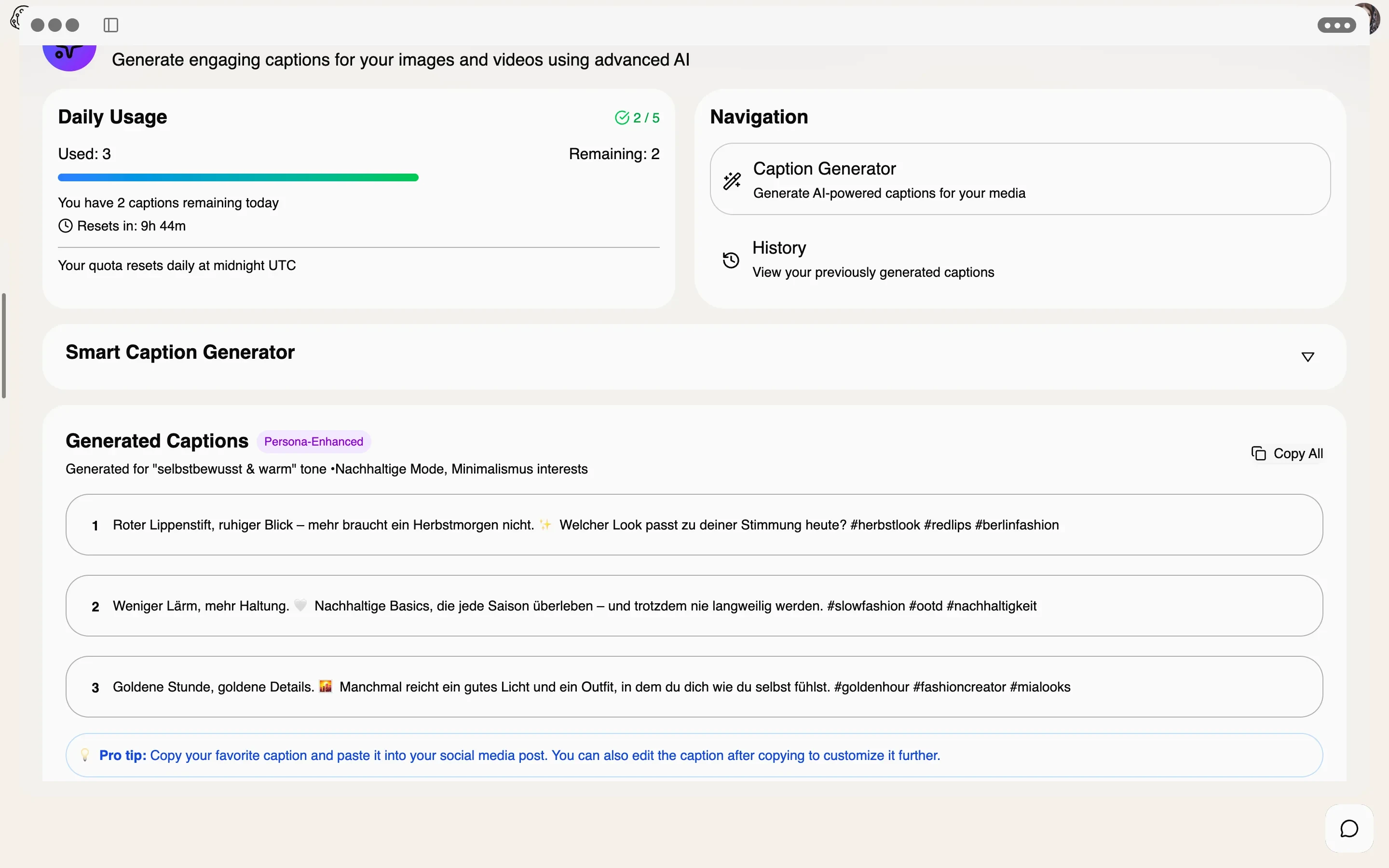
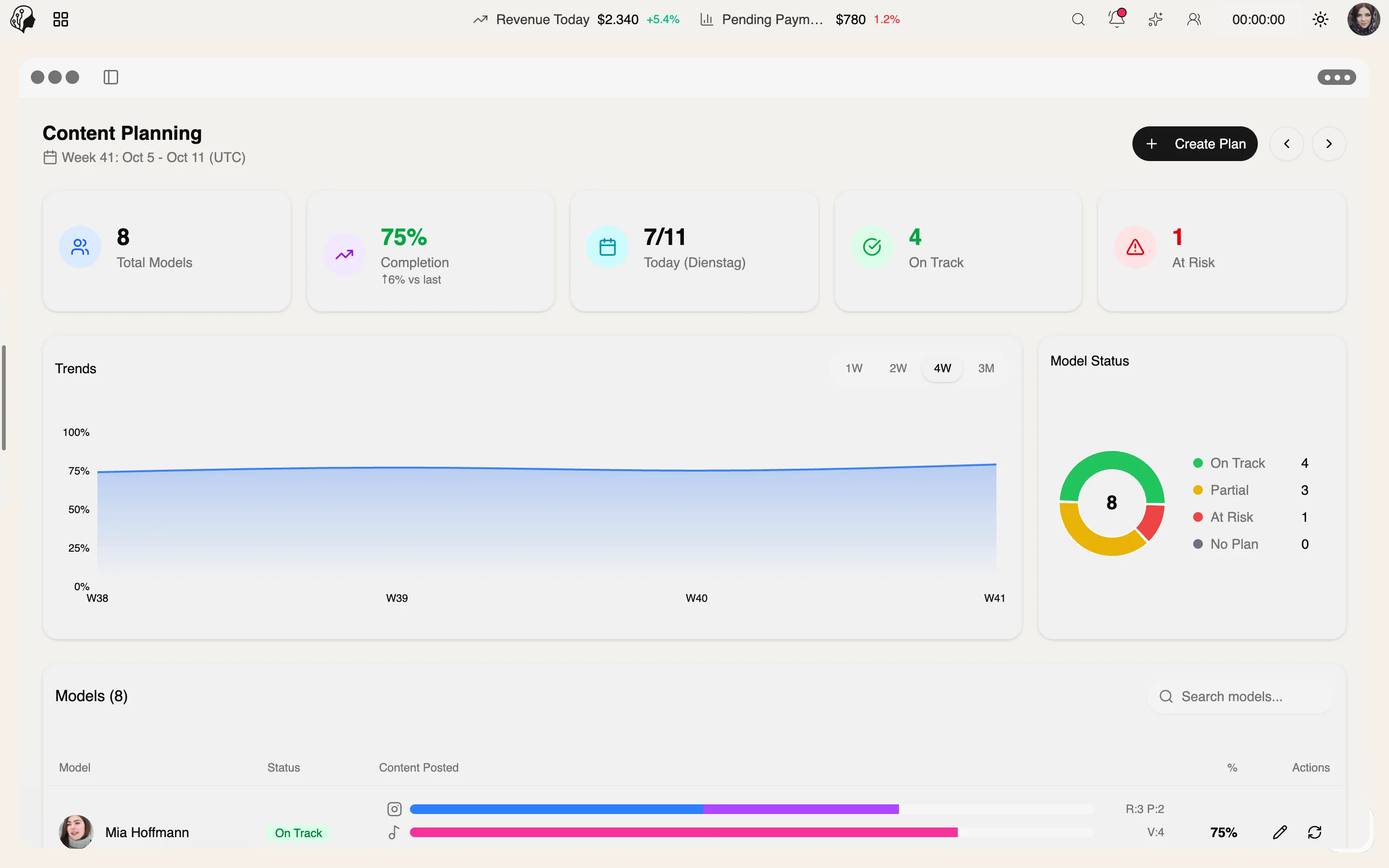
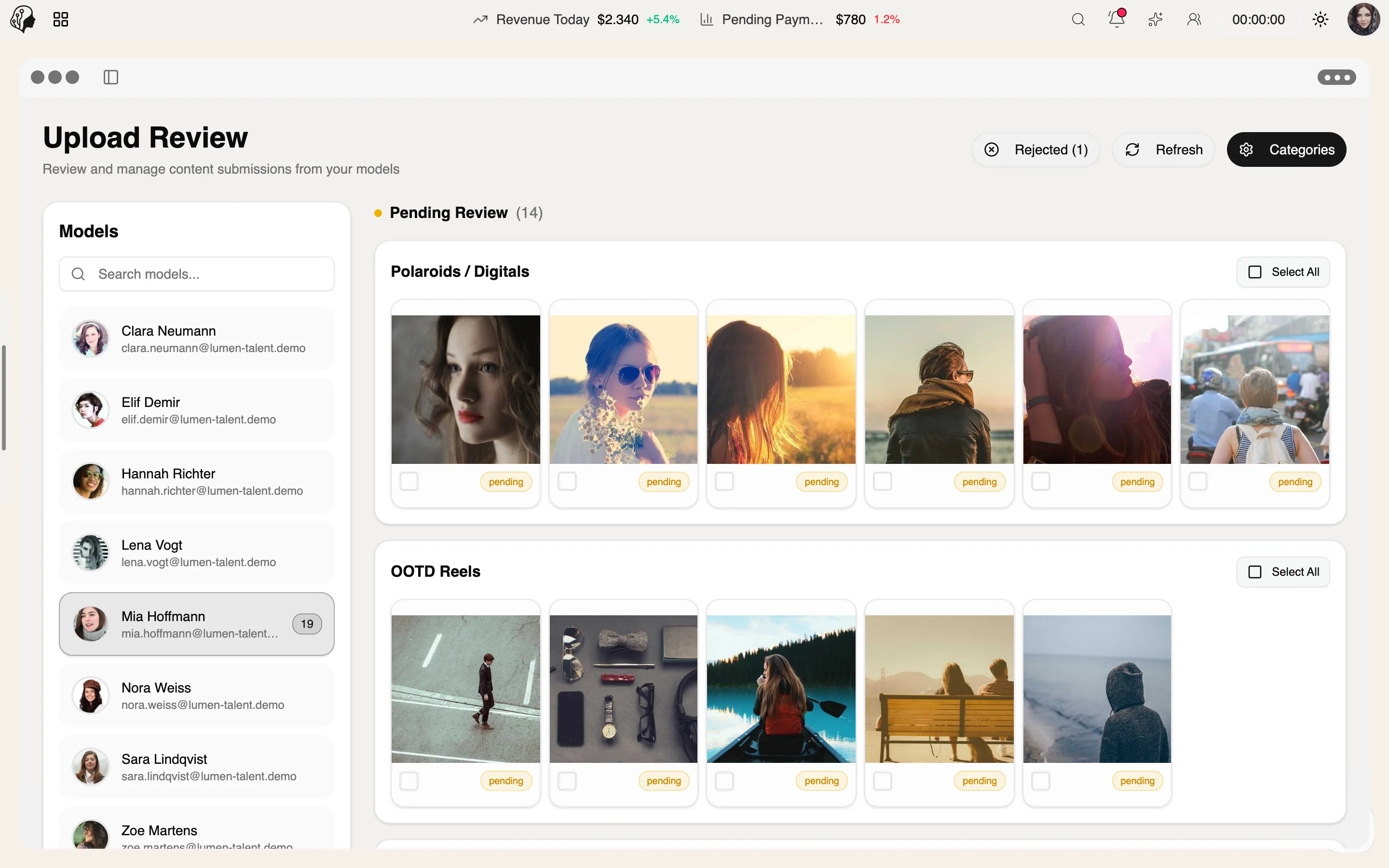
Planning a content week
Step 01 · Research
Search Viral Trends in the model's niche and save the trends that fit.
Step 02 · Plan
Step 03 · Collect
Step 04 · Refine
Step 05 · Write
Step 06 · Check
Lyra AI · Content & AI
Overview
AI-powered trend research per niche from Google, YouTube, TikTok, Reddit, X and the news – with interest over time, regions and related topics. Refreshed every six hours.
See Viral Trends live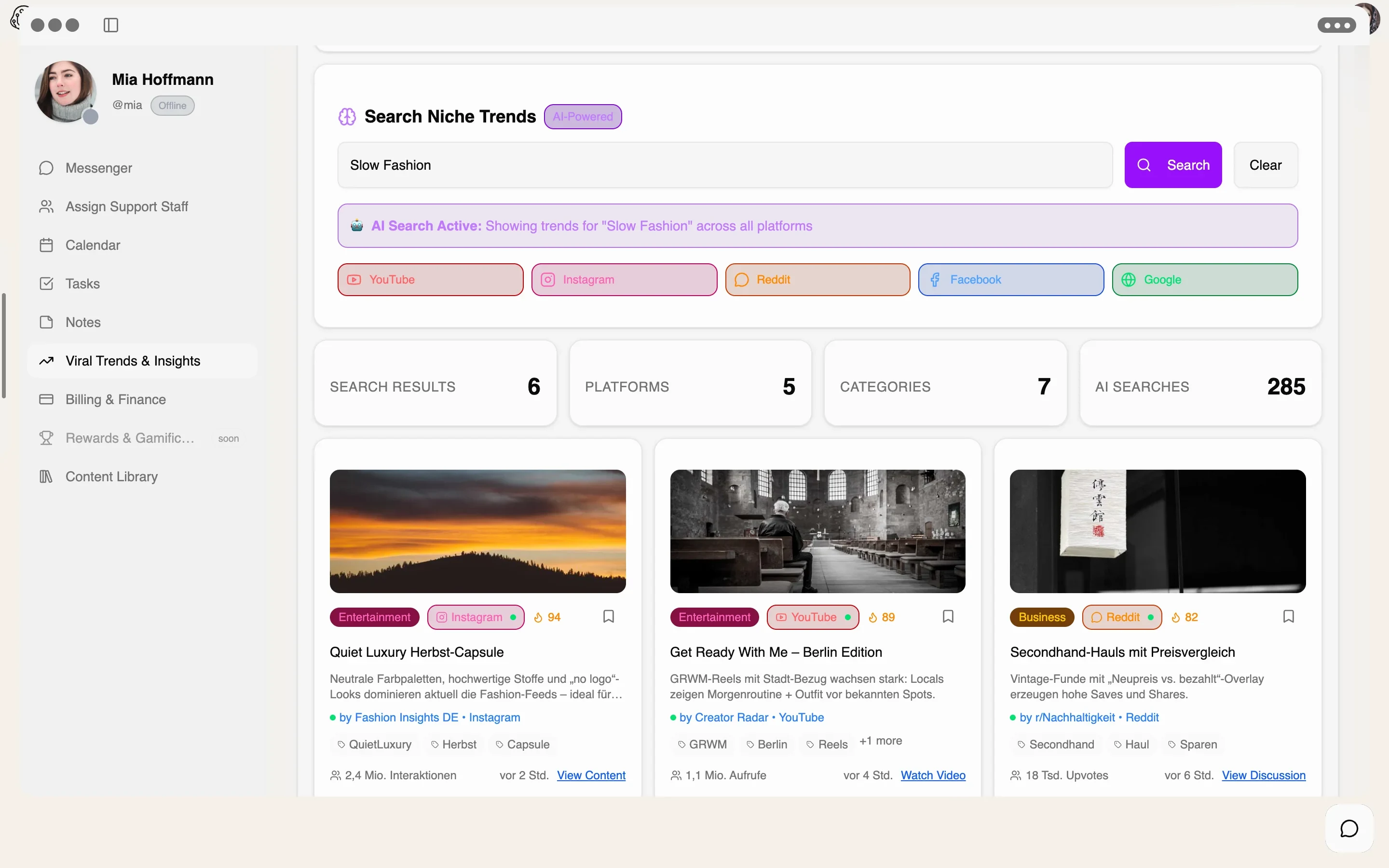
4 features
What the module does, point by point.
AI surfaces relevant trends for every model.
Interest over time and by country.
Dedicated trend dashboards for each platform.
Keep trends and carry them into the content plan.
Google · YouTube · TikTok · Instagram · Reddit · X & News
Enter a niche and you're done: Lyra AI searches every platform at once and brings the results together on one page – refreshed every six hours.
Search interest, growth and related queries.
Videos and Shorts with rising views.
Sounds, formats and hashtags picking up speed.
Reels and looks with above-average engagement.
Community discussions before they go mainstream.
Current topics and headlines around the niche.
Example · three niches
Pick a niche – this is what a trend search in ModelSuite returns.
3 results across all platforms
#quietluxury#capsule
2.4M interactions
#grwm#citystyle
1.1M views
#secondhand#haul
18K upvotes
Sample data for illustration. In ModelSuite, trends come live from the connected sources.
Trend card · Insights
Every result comes with everything you need to decide – no jumping between tabs and tools.
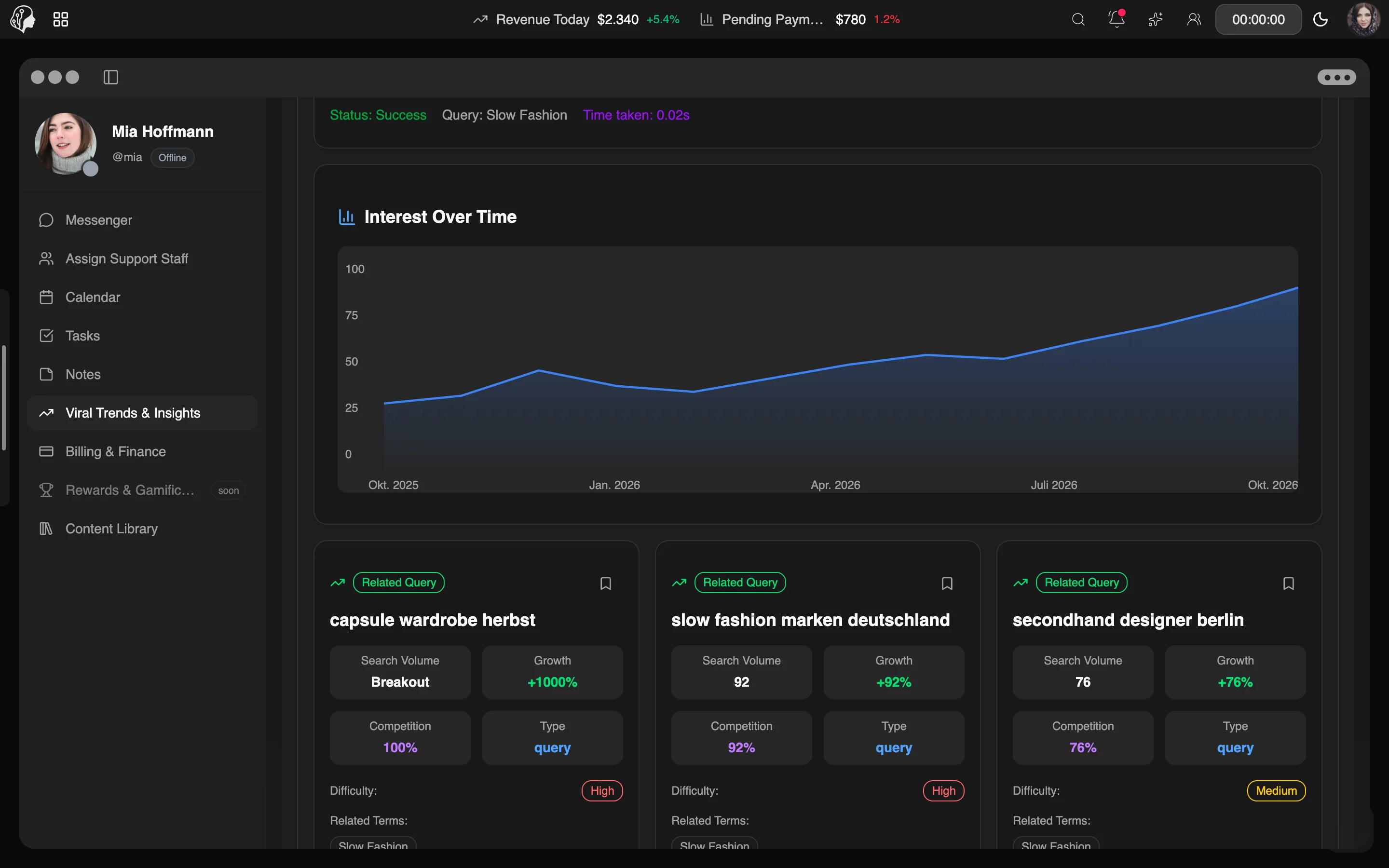
Three steps · right in the model profile
Enter the model's topic, e.g. “slow fashion” – Lyra searches every platform.
Compare score, trajectory and competition and pick the trends that fit.
Save trends and move them into the content plan in one click.
Data is refreshed every six hours. Each trend card also shows how old the underlying post is.
Yes. Enter any topic – from fitness to slow fashion. Lyra AI finds the matching trends and sorts them into categories.
Viral Trends lives right inside the model file, so you research each model within their own niche.
Viral Trends is a tool for the agency. Saved trends land in the content plan, which the model sees too.
Yes. Every AI search is counted transparently – you can see the number in the module at any time.
Part of these workflows
Where the module shows up in everyday work – step by step.
Step 01 · Research
Search Viral Trends in the model's niche and save the trends that fit.
Step 02 · Plan
Step 03 · Collect
Step 04 · Refine
Step 05 · Write
Step 06 · Check
By Invitation
A personal tour of the platform – tailored to your agency