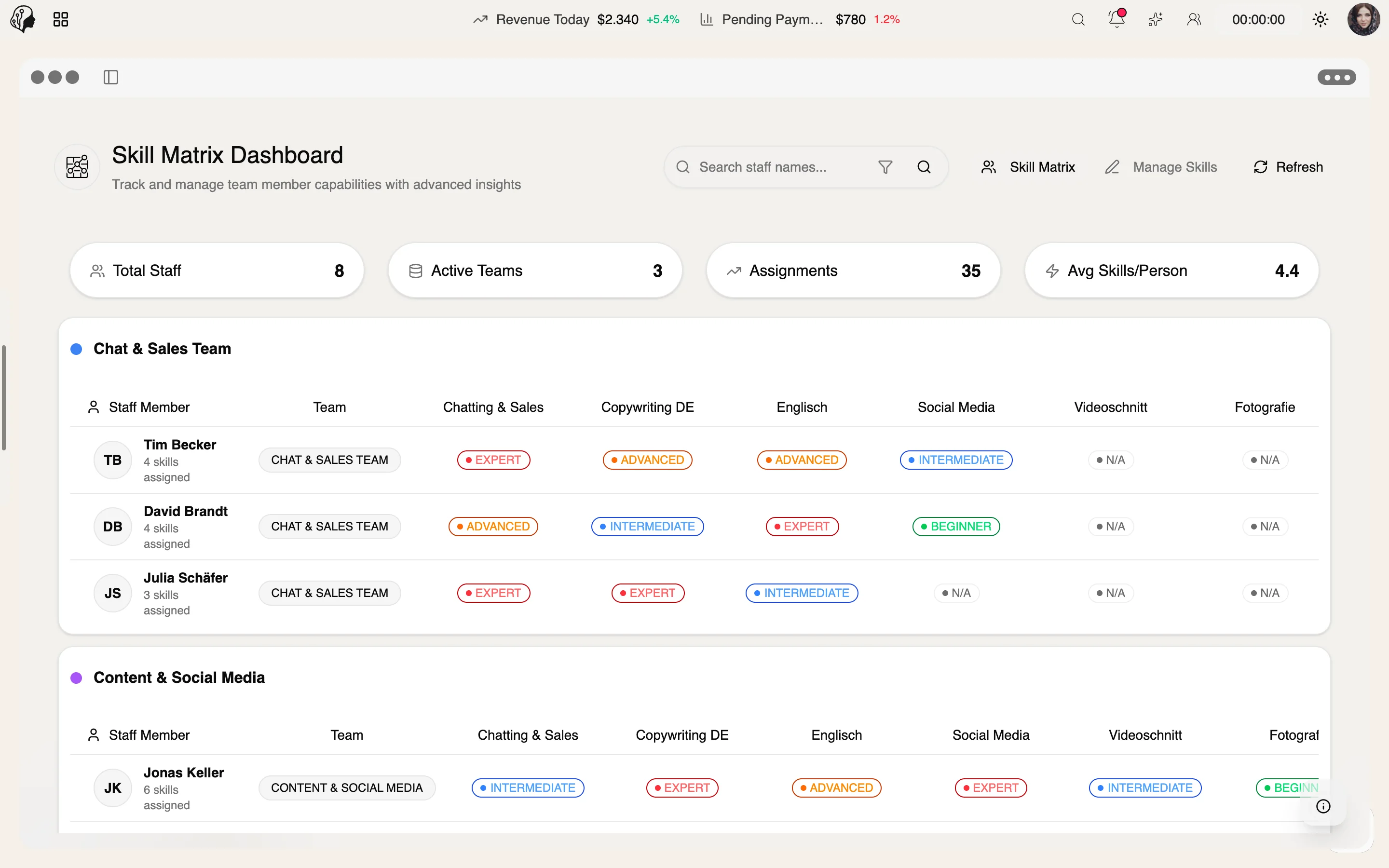
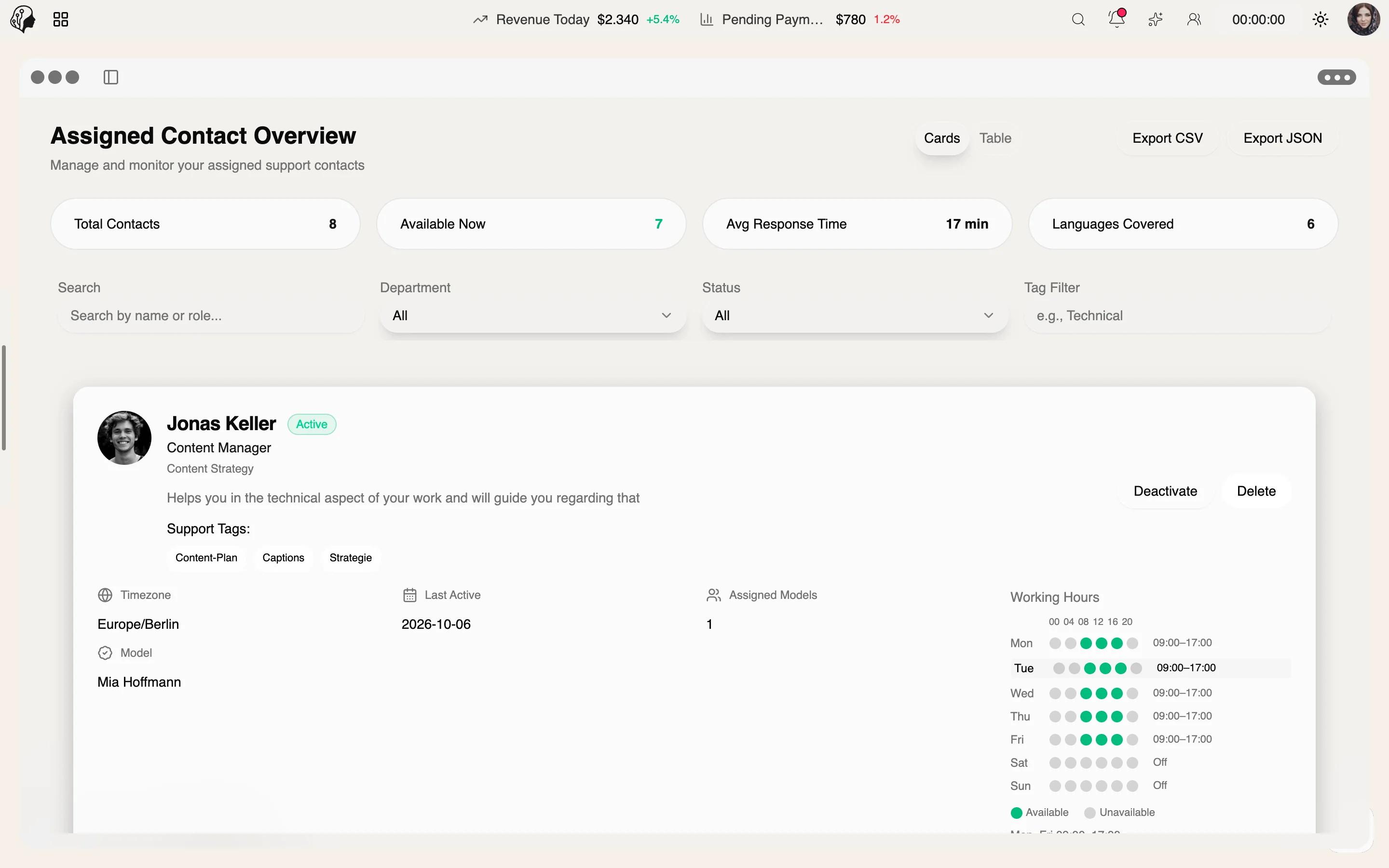
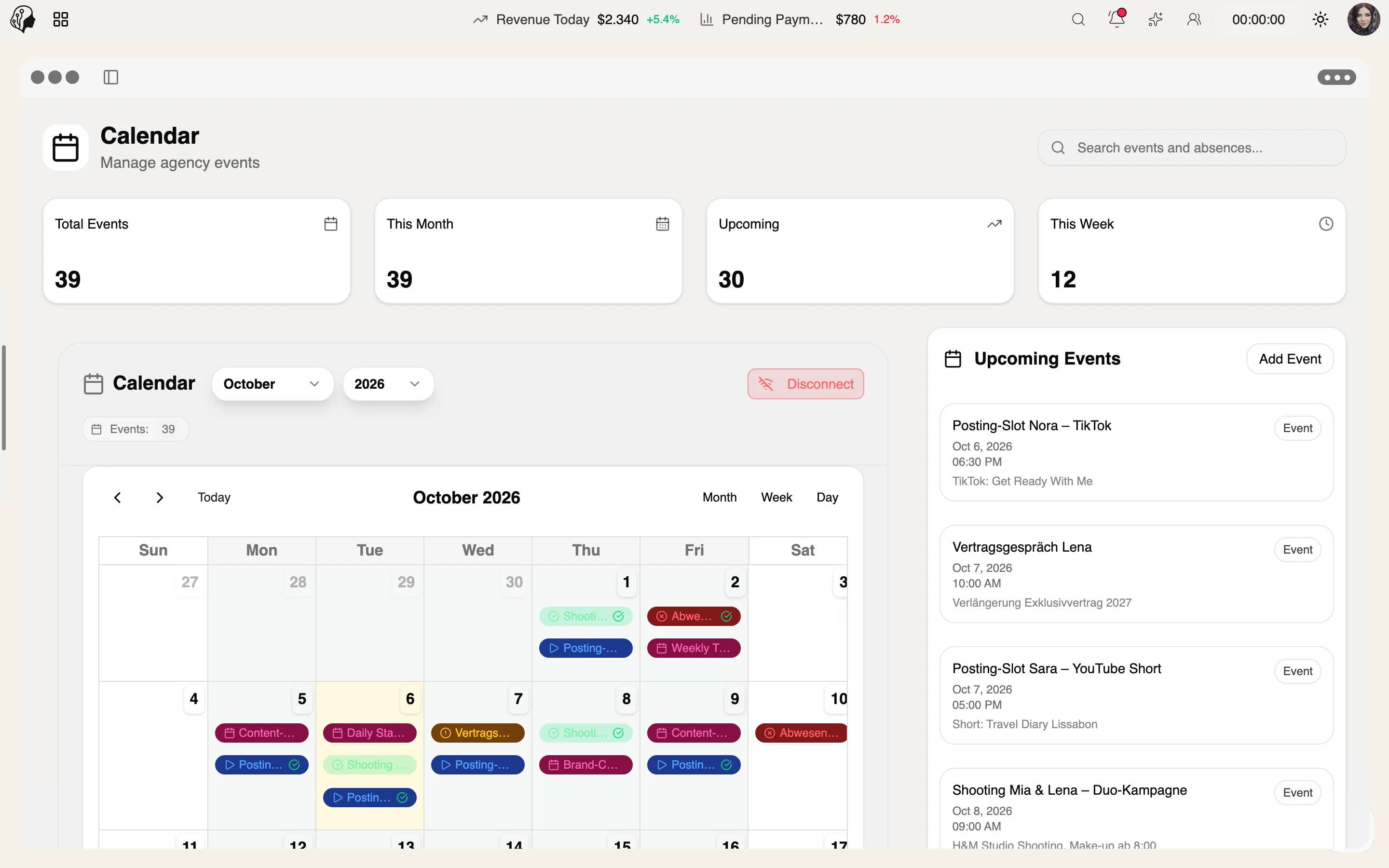
A day with the team
Step 01 · Clock In
Step 02 · Catch Up
Step 03 · Align
Step 04 · Work
Step 05 · Review
Step 06 · Report
End the shift, complete the report, earn XP.
Team & Operations
Overview
Every shift ends with a report. The live board shows who is working right now; leaderboards, streaks and XP levels make good work visible.
See Shift Reports & XP live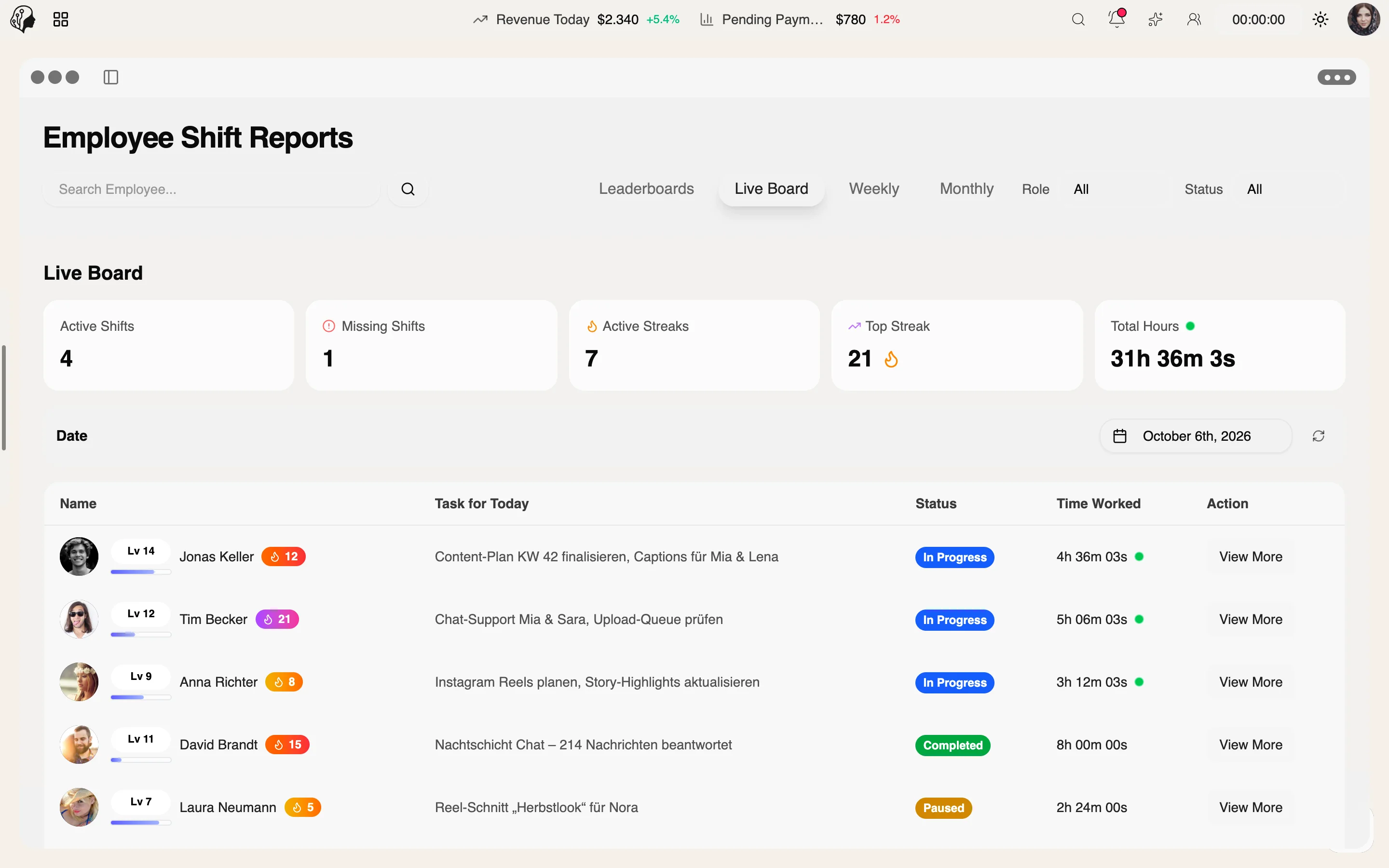
4 features
What the module does, point by point.
Active shifts in real time.
Required end-of-shift questions per role.
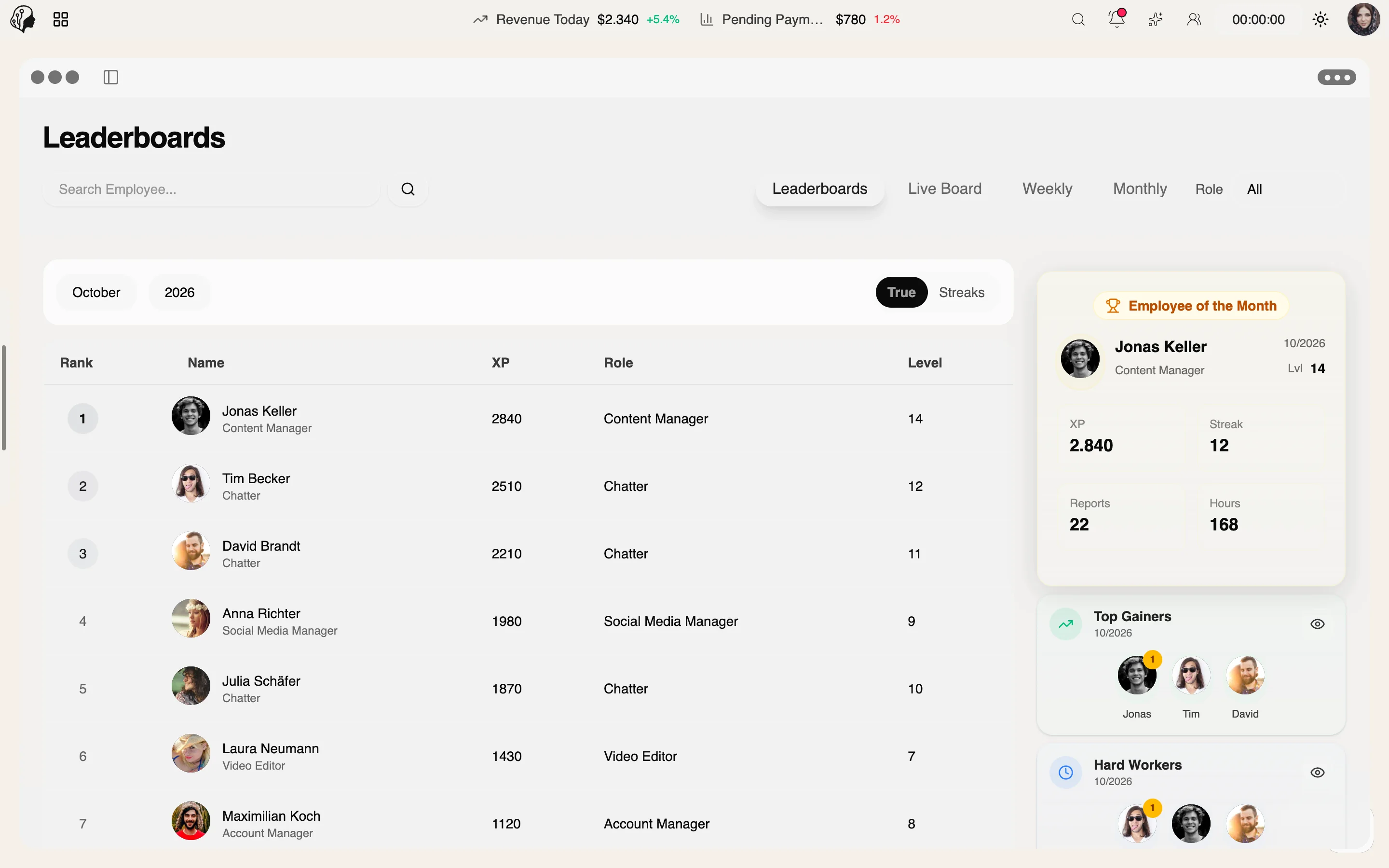
XP, levels, streaks, employee of the month.
Monthly exports as CSV or PDF.
Three steps · from shift start to review
The live board shows in real time who is on shift.
Every shift ends with a report – with required questions set per role.
XP, levels, streaks and leaderboards make good work visible.
Yes. Report templates let you set required end-of-shift questions for each role.
Yes. The live board shows all active shifts in real time.
Staff earn XP, level up and build streaks. Leaderboards and an employee of the month make performance visible.
Yes. Time tracking provides monthly exports as CSV or PDF.
Part of these workflows
Where the module shows up in everyday work – step by step.
Step 01 · Clock In
Step 02 · Catch Up
Step 03 · Align
Step 04 · Work
Step 05 · Review
Step 06 · Report
End the shift, complete the report, earn XP.
By Invitation
A personal tour of the platform – tailored to your agency