Security & Workspace
Dashboard & Widgets
Overview
A desktop for your agency.
More than 20 widgets – clock, weather, time zones, notes, focus sounds, public holidays, finances, Google Drive, Gmail, calendar – freely arranged across multiple pages.
See Dashboard & Widgets live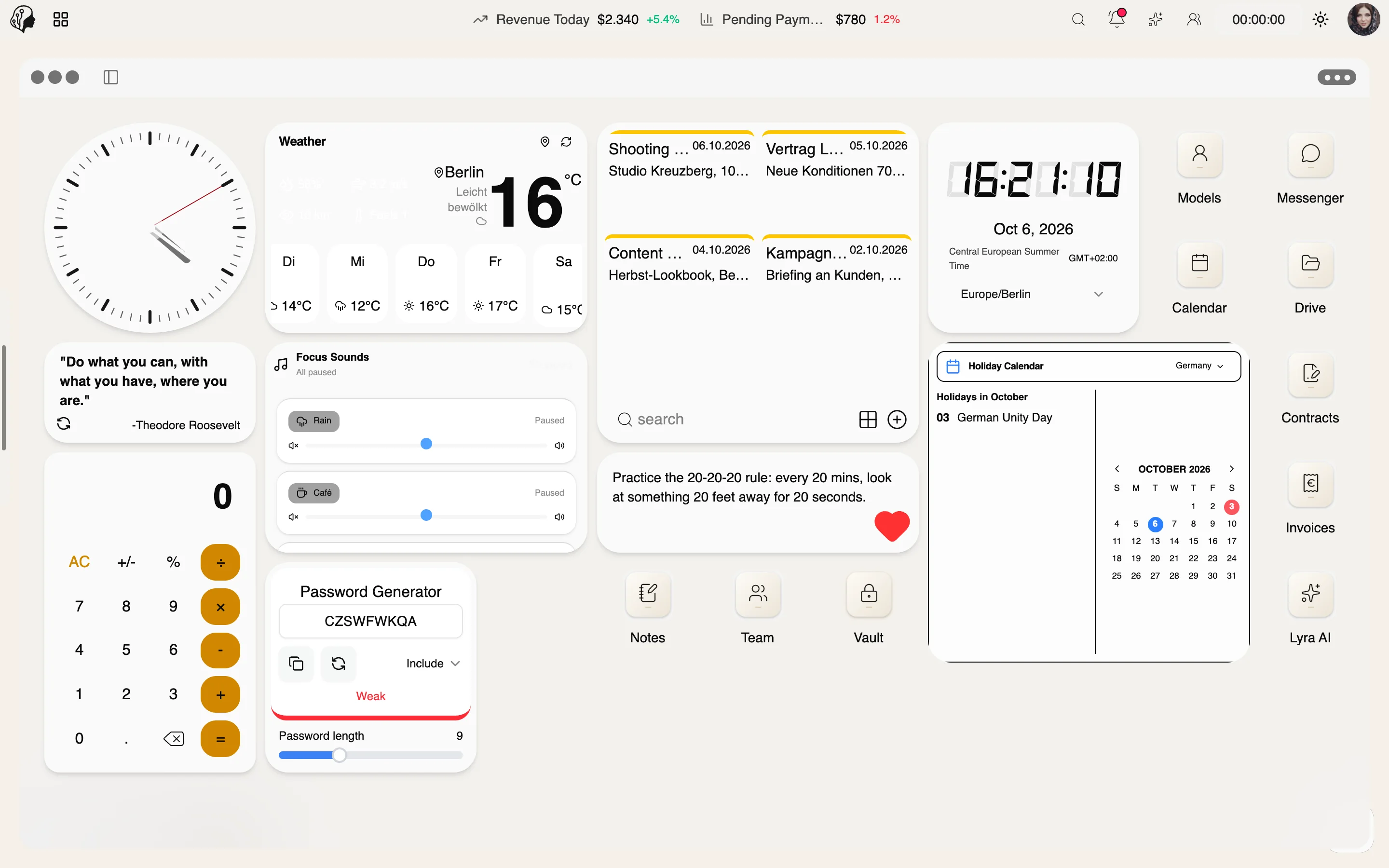
4 features
In detail
What the module does, point by point.
- 01
Drag & Drop Widgets
Multiple pages, folders, your own arrangement.
- 02
Launchpad & Dock
Every app one click away – customizable.
- 03
Spotlight Search
Find features, models and history in an instant.
- 04
Integrations
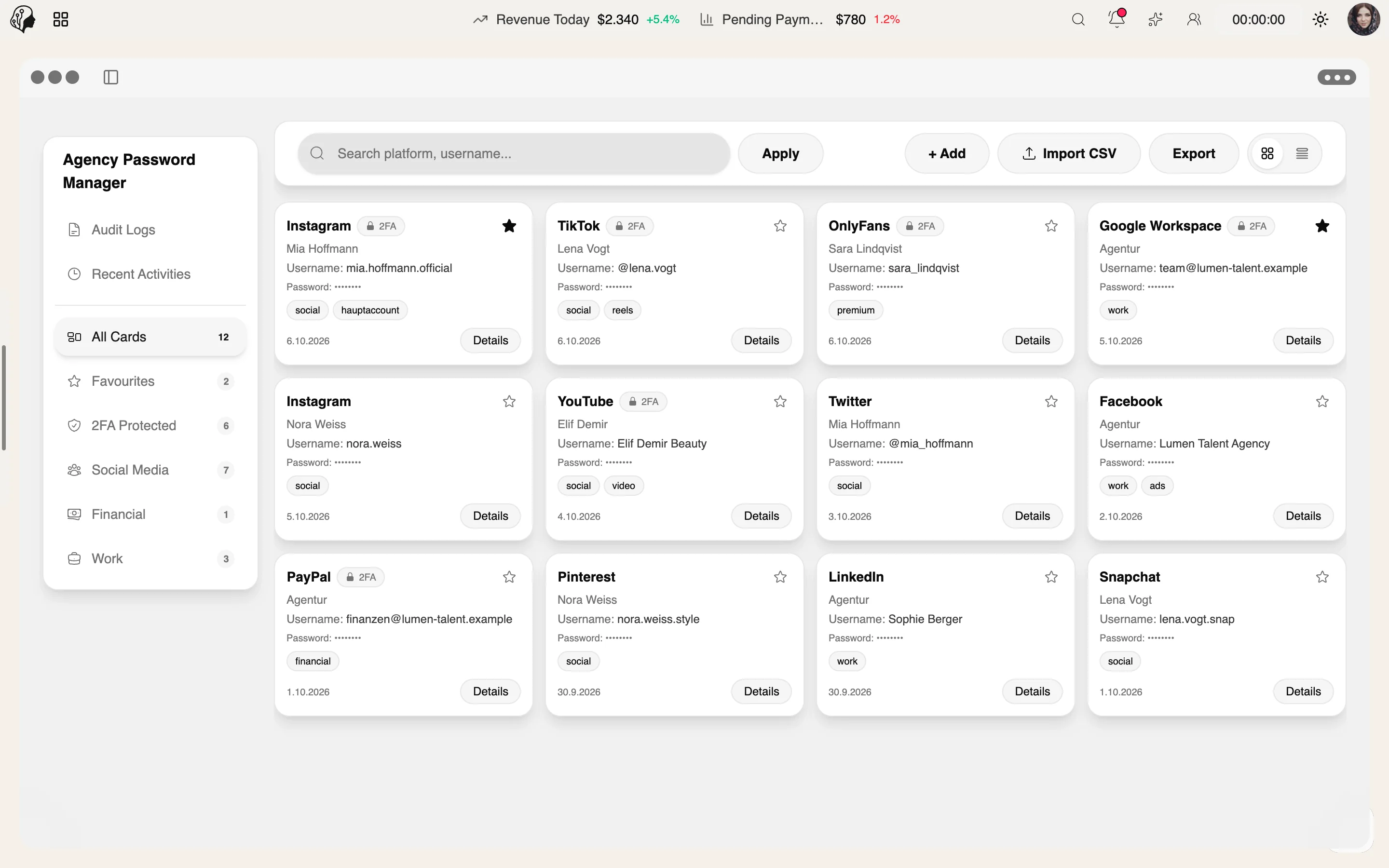
Google Workspace, Dropbox and Trello as widgets.
Recently added
All news →- New
SaaS dashboard
An alternative, classic dashboard view – switchable.
- New
Spotlight search
Find features, models and history with a single keyboard shortcut.
- New
Widget themes
Glass, Carbon and Soft White for every dashboard widget.
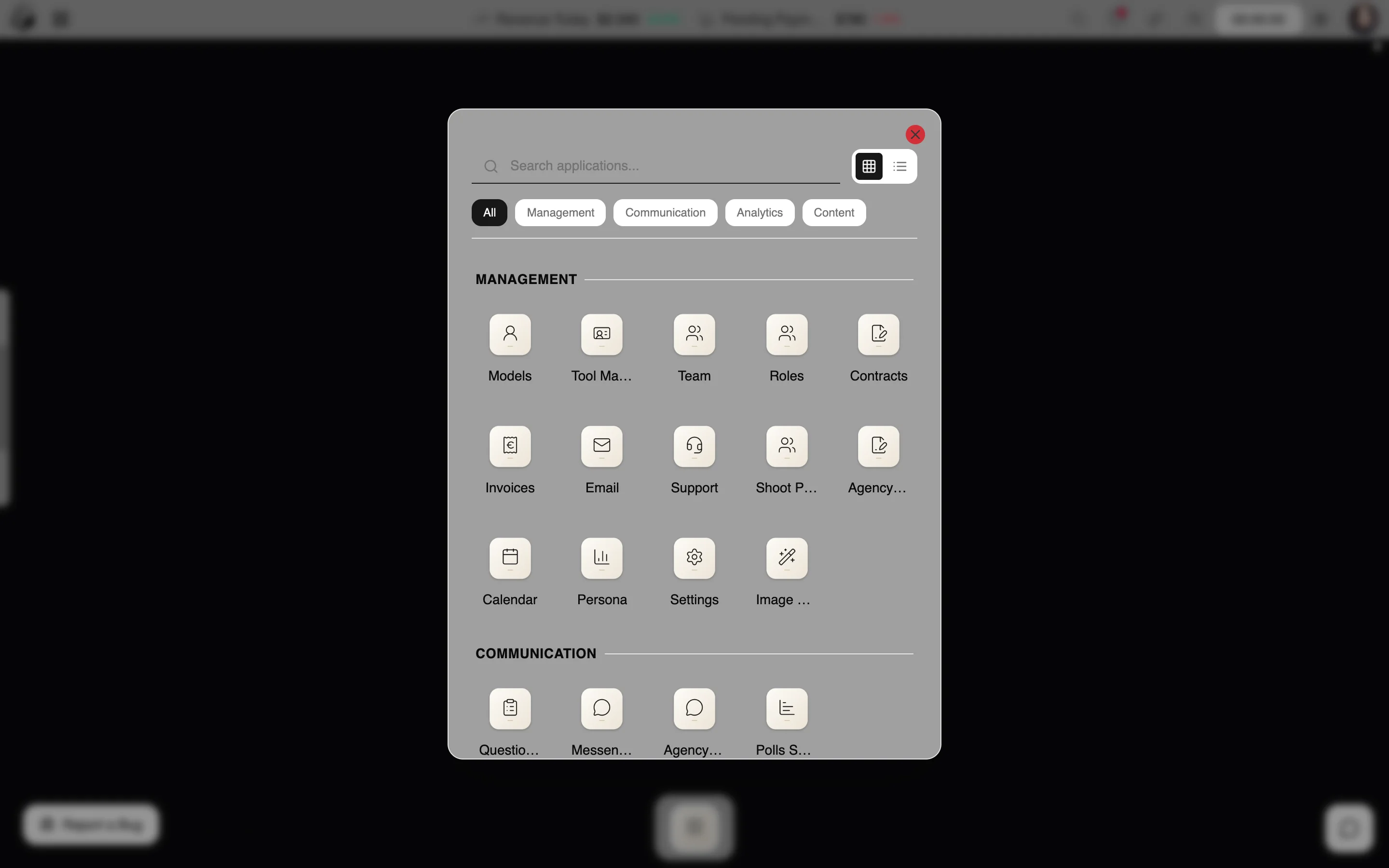
How to set up your desktop
Three steps · shaped around your day
- 01
Pick widgets
Choose from 20+ widgets – clock, weather, time zones, notes, focus sounds, finance, calendar and more.
- 02
Arrange
Drag and drop them across several pages and into folders.
- 03
Get going
Reach every feature, every model and your history in an instant via Launchpad, Dock and Spotlight search.
Questions about Dashboard & Widgets
Which integrations are available as widgets?
Google Workspace – such as Drive, Gmail and Calendar – plus Dropbox and Trello.
Can I customise the Dock?
Yes. Launchpad and Dock are customisable, with every app one click away.
How do I find things fast?
With Spotlight search: features, models and history in seconds.
By Invitation
Experience ModelSuite
A personal tour of the platform – tailored to your agency