Team & Operations
Team & Roles
Overview
Everyone sees exactly what they need.
Invite staff, create roles such as Chatter, Content Manager or Accounting and grant fine-grained permissions – from Drive uploads to vault exports.
See Team & Roles live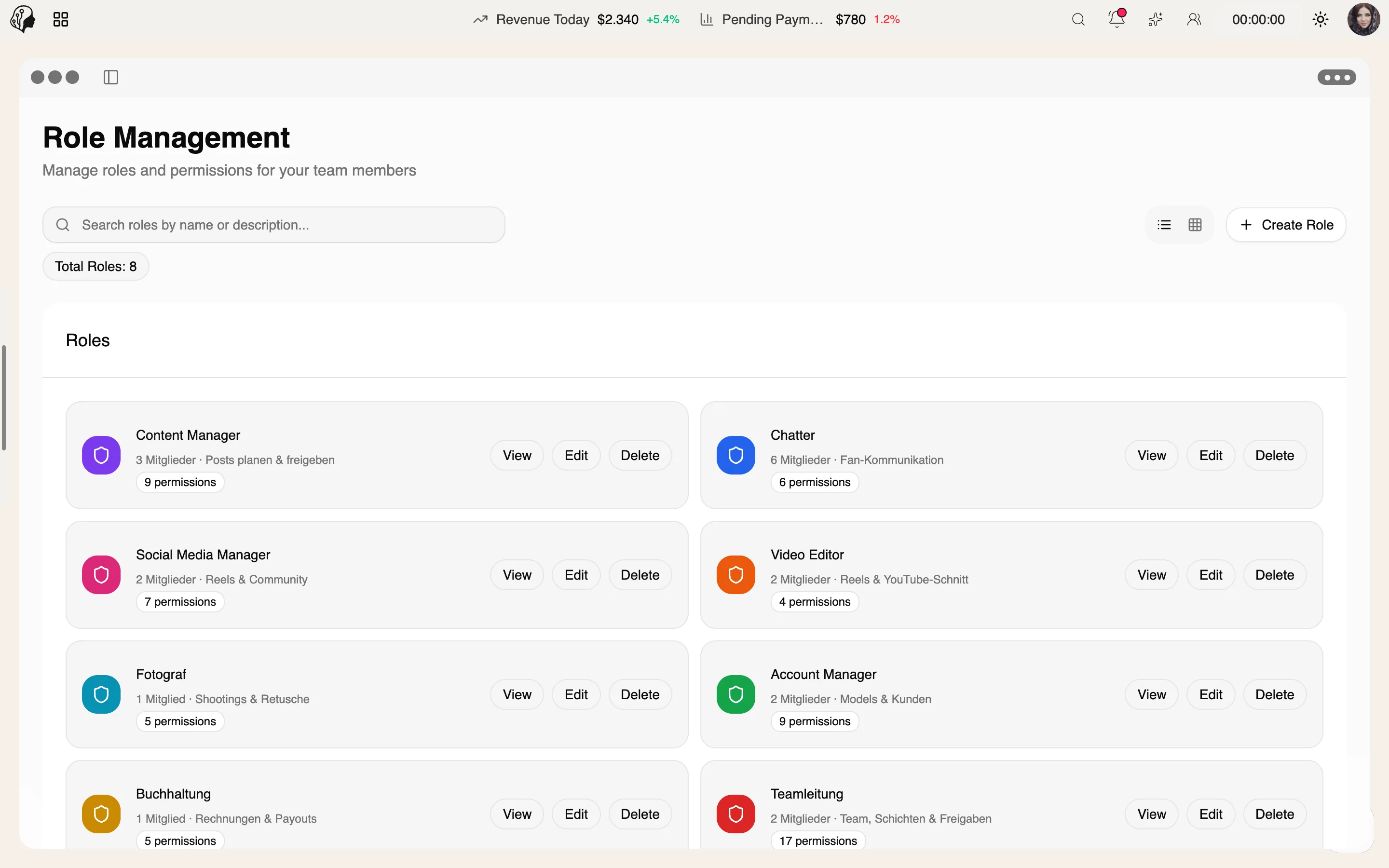
4 features
In detail
What the module does, point by point.
- 01
Custom Roles
As many positions as you need, each with its own permission set.
- 02
Granular Permissions
Per module and action: view, create, share, delete.
- 03
XP Multipliers
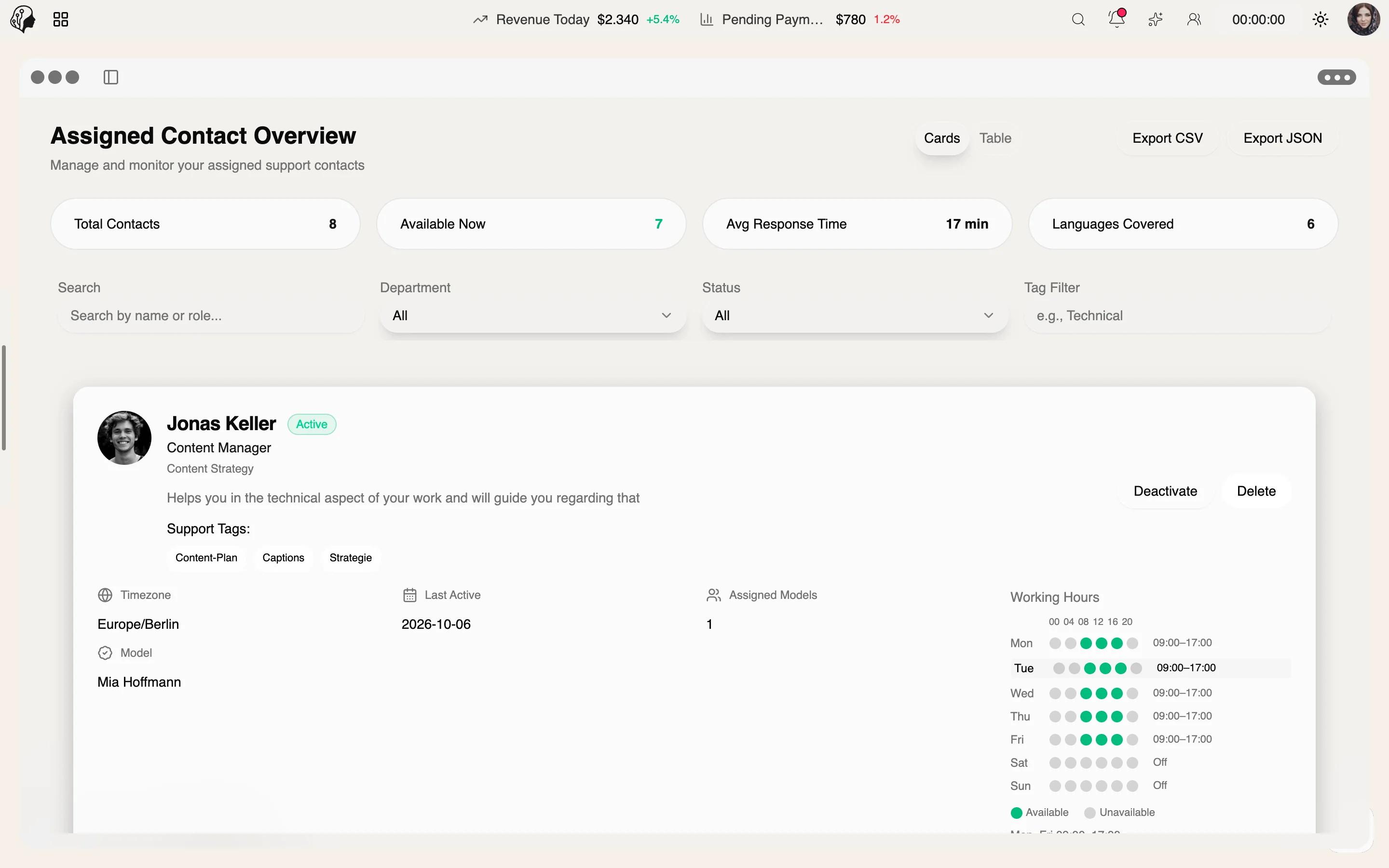
Weight gamification per role.
- 04
Sessions in View
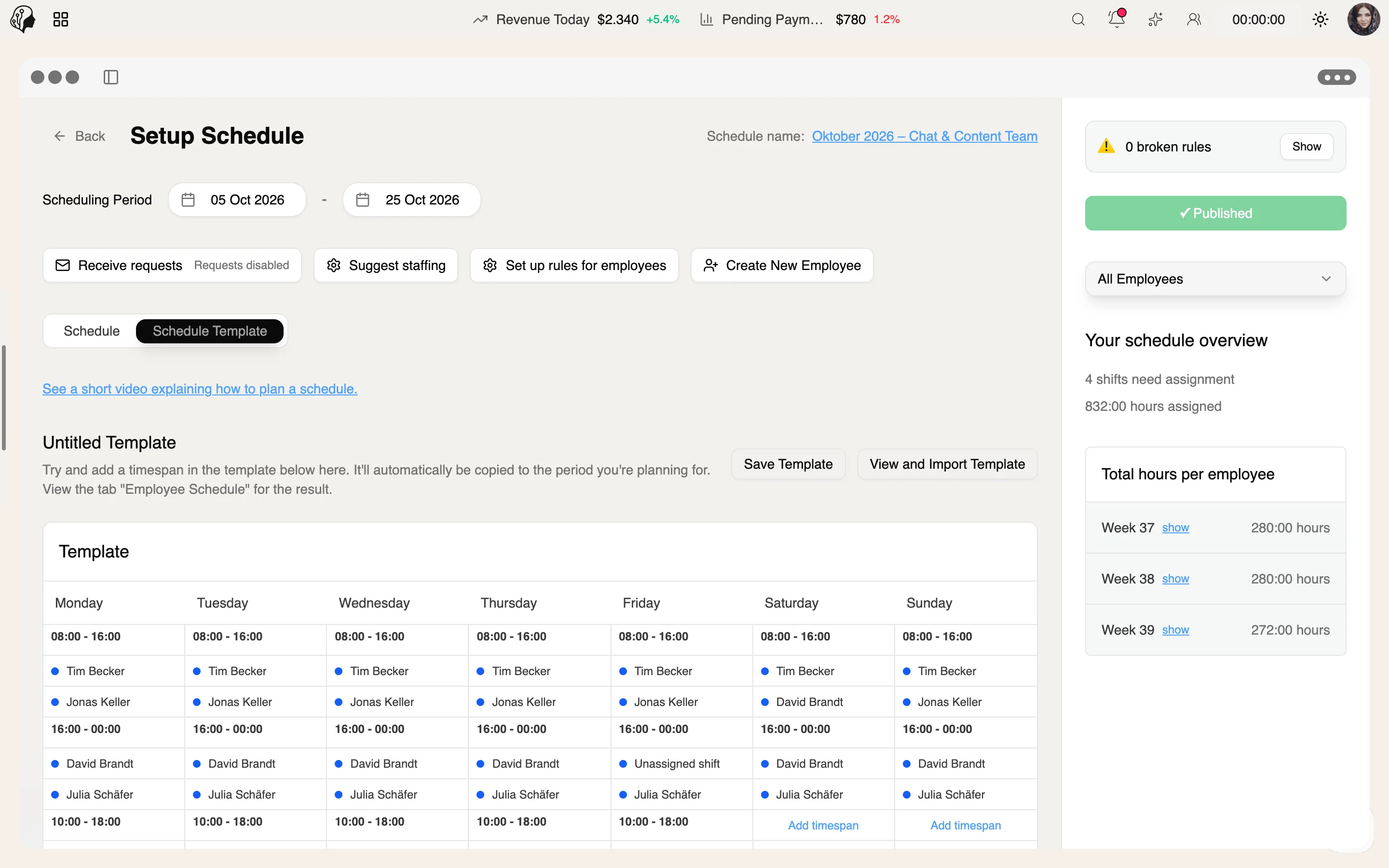
Activity and devices of your team members.
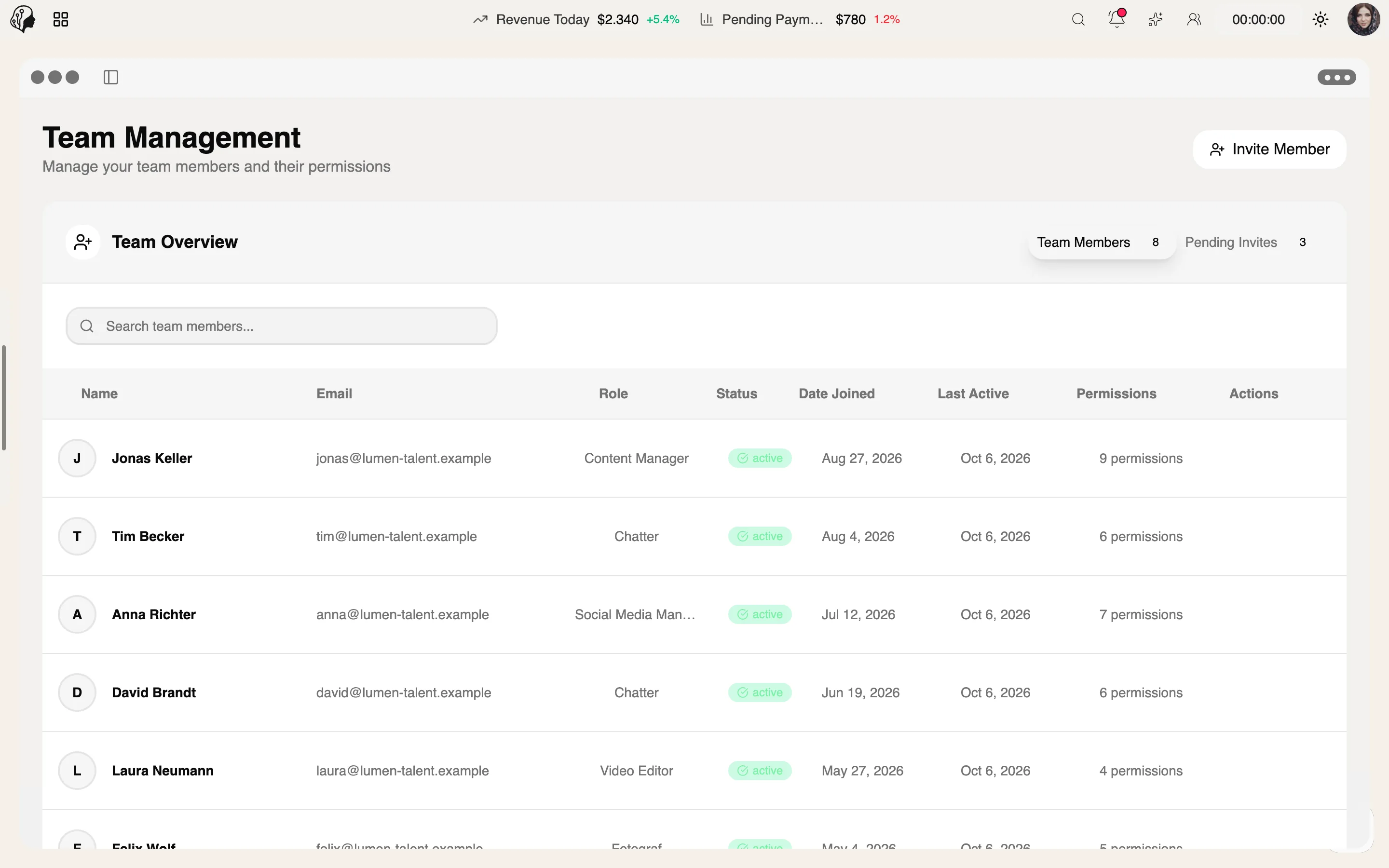
How Team & Roles works
Three steps · clear responsibilities
- 01
Invite
Bring your staff into ModelSuite with an invitation.
- 02
Create roles
Set up positions such as Chatter, Content Manager or Accounting – each with its own permission set.
- 03
Grant permissions
Define access per module and action: view, create, share, delete – from Drive uploads to vault exports.
Questions about Team & Roles
How many roles can I create?
As many as you need. Each position gets its own permission set.
How granular are permissions?
Per module and action: view, create, share, delete. Everyone sees exactly what they need.
What do XP multipliers do?
They weight gamification per role.
Can I see how my team works?
Yes. You keep the activity and devices of your team members in view.
More from Team & Operations
By Invitation
Experience ModelSuite
A personal tour of the platform – tailored to your agency