A day with the team
Step 01 · Clock In
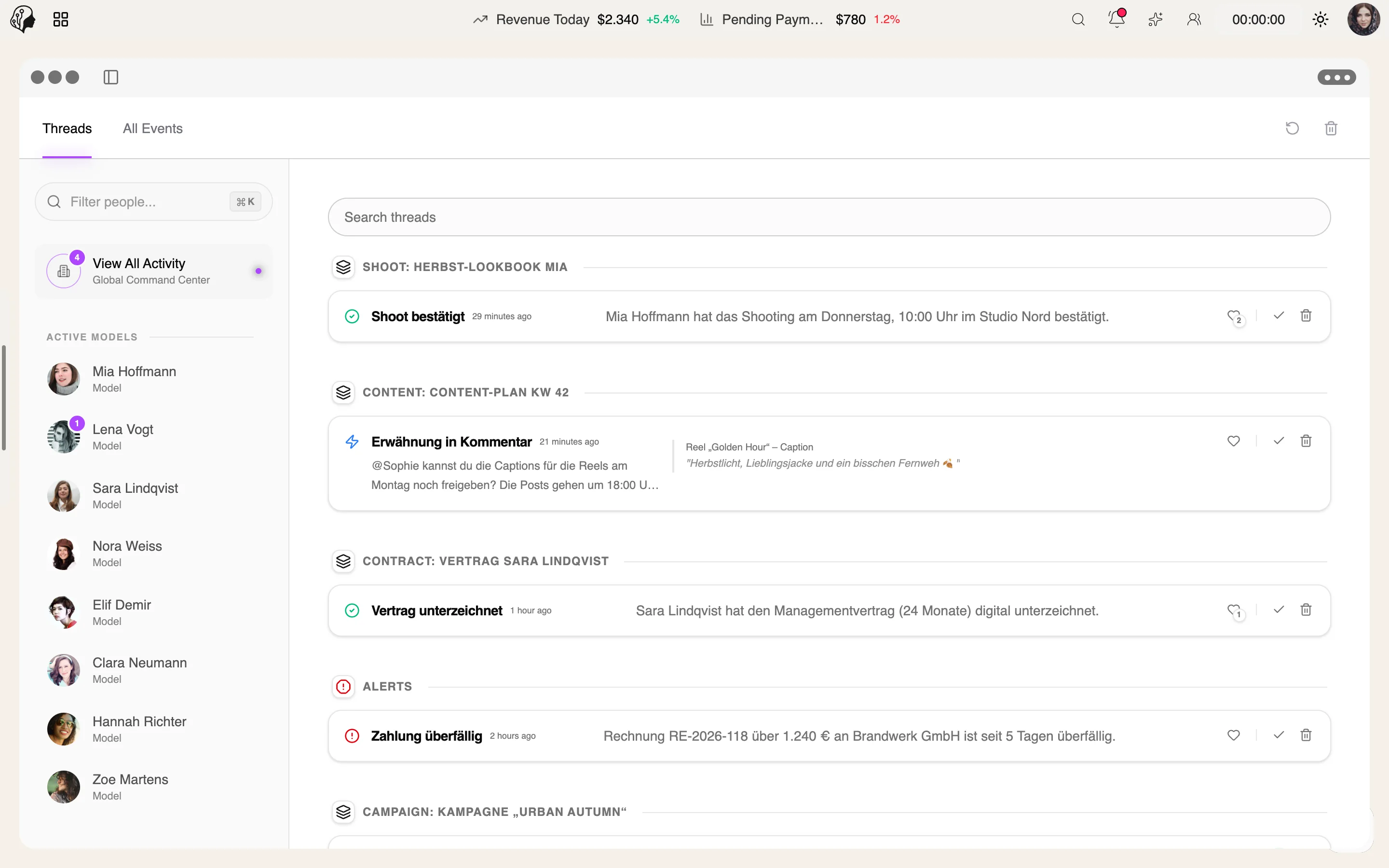
Step 02 · Catch Up
Step 03 · Align
The daily stand-up in an Agency Chat voice channel.
Step 04 · Work
Step 05 · Review
Step 06 · Report
Communication
Overview
Internal team chat in the spirit of Slack and Discord: categories, text channels and voice channels with camera and screen sharing – with permissions per channel.
See Agency Chat live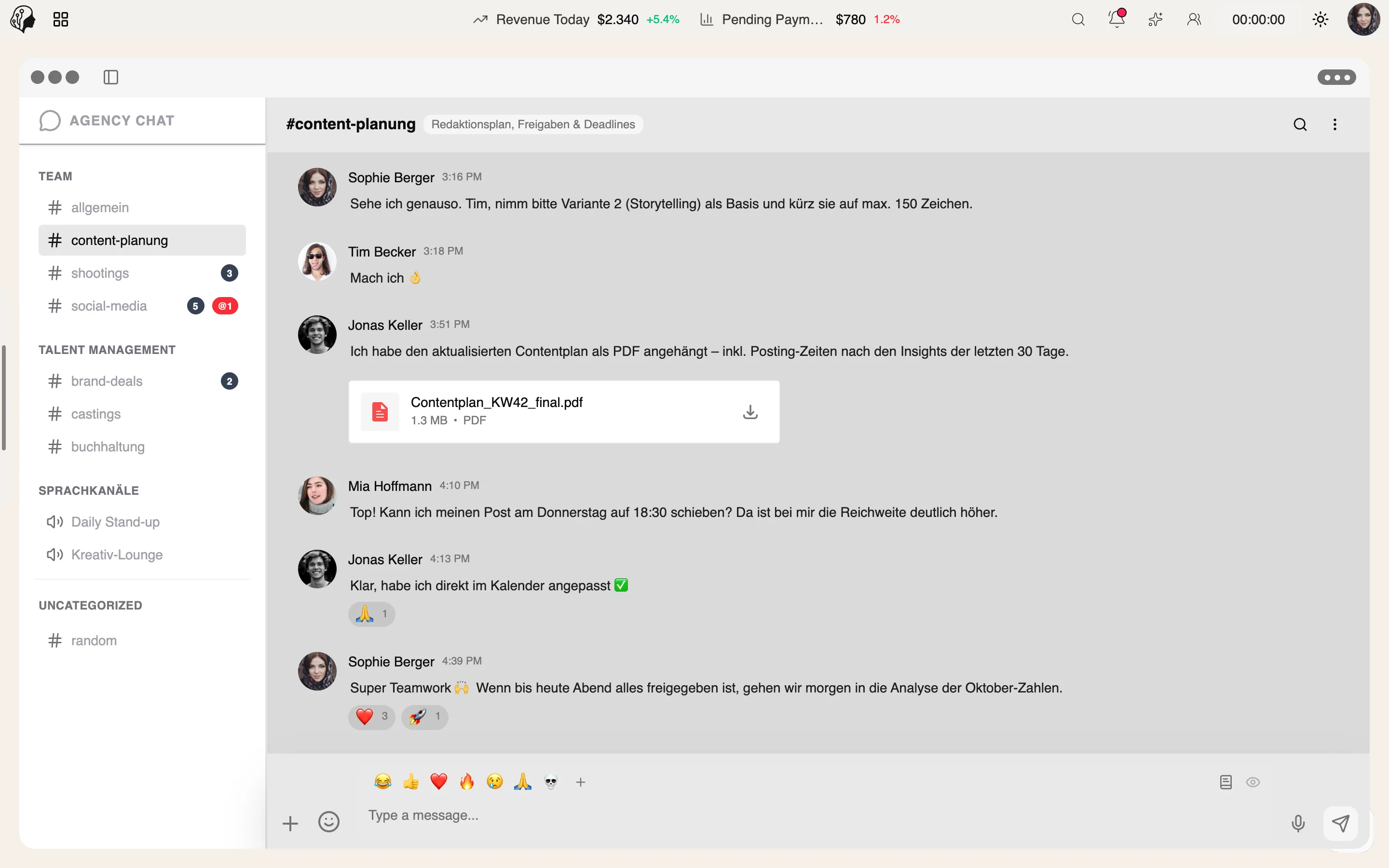
4 features
What the module does, point by point.
Arranged by drag and drop, public or restricted.
Voice channels with camera, mute and screen sharing, right in the browser.
@-mentions, emoji reactions, link previews and file attachments.
Read, write, delete, join voice – controlled per role.
Mentions in Agency Chat
@-mentions with notifications across all channels.
Screen sharing
Share your screen in Agency Chat voice channels.
Categories & channels in Agency Chat
Give team communication a clean structure.
Categories · Text · Voice · Permissions
Organize conversations by topic, talk in voice channels and decide per channel who may do what.
Sample data
General
Content
Management
| Permissions for #approvals | Read | Write | Delete | Join voice |
|---|---|---|---|---|
| Management | Allowed | Allowed | Allowed | Allowed |
| Content team | Allowed | Allowed | Not allowed | Allowed |
| New staff | Allowed | Not allowed | Not allowed | Not allowed |
Permissions apply per channel and role – public channels are visible to the whole team.
Three steps · one place for your team
Create categories and channels, sort them by drag and drop, public or restricted.
In text channels with @-mentions, emoji reactions, link previews and file attachments.
In voice channels with camera and screen sharing – right in the browser.
No. Voice channels with camera, mute and screen sharing run right in the browser.
Yes. Every channel is public or restricted, and permissions apply per channel.
Read, write, delete and join voice – each set per role.
For the agency and its staff – an internal team chat in the spirit of Slack and Discord.
Part of these workflows
Where the module shows up in everyday work – step by step.
Step 01 · Clock In
Step 02 · Catch Up
Step 03 · Align
The daily stand-up in an Agency Chat voice channel.
Step 04 · Work
Step 05 · Review
Step 06 · Report
By Invitation
A personal tour of the platform – tailored to your agency