Agency OS
More than software
An operating system for your agency – in the browser
The art of order
Desktop · Windows · Widgets · Spotlight
ModelSuite brings the feel of a desktop to the browser – for agency, models and team. Familiar, fast and strikingly clear.
01 / 03
Workspace
A desktop that adapts to your agency – widgets, views and your own look.
01.1 — Your personal desktop
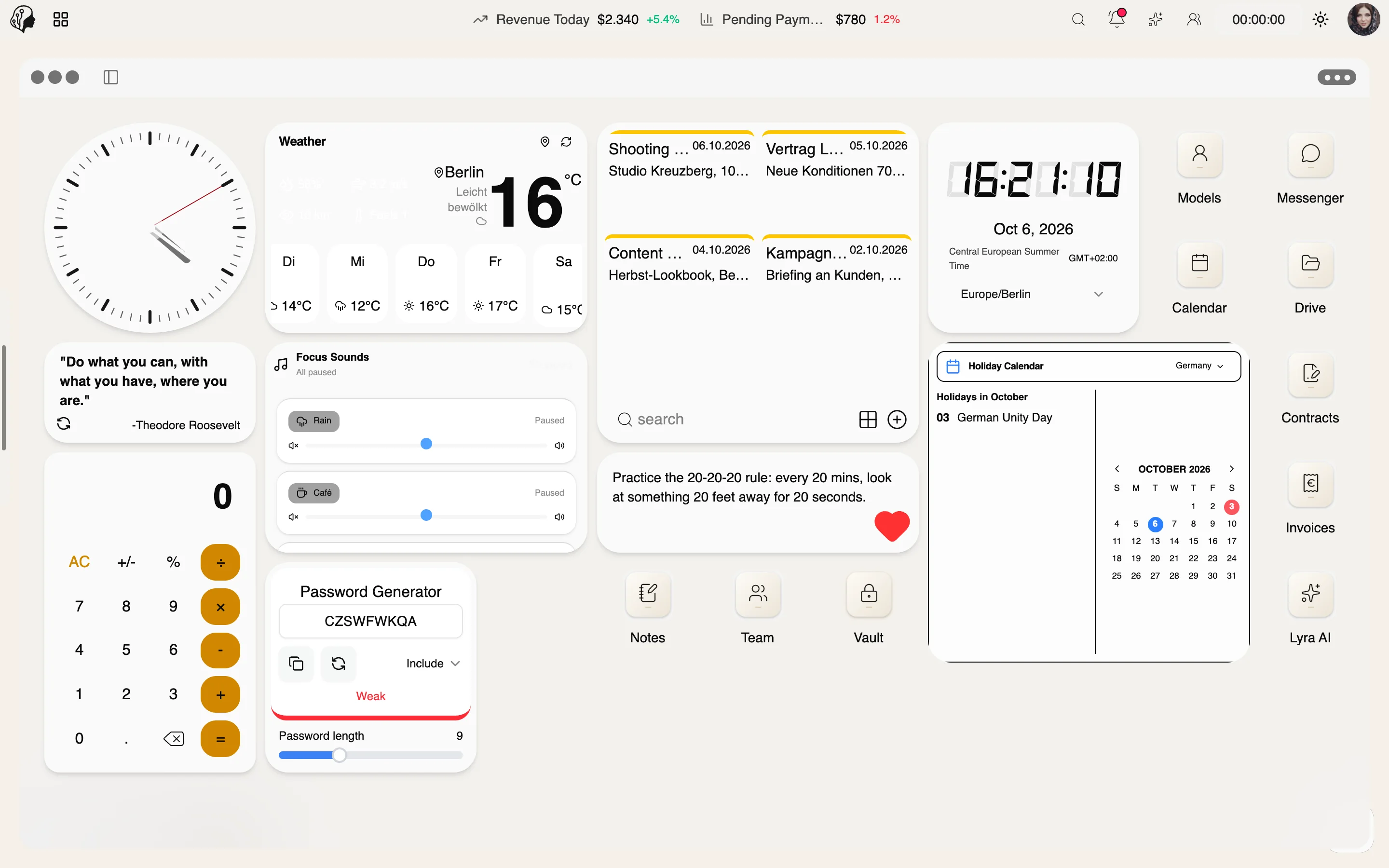
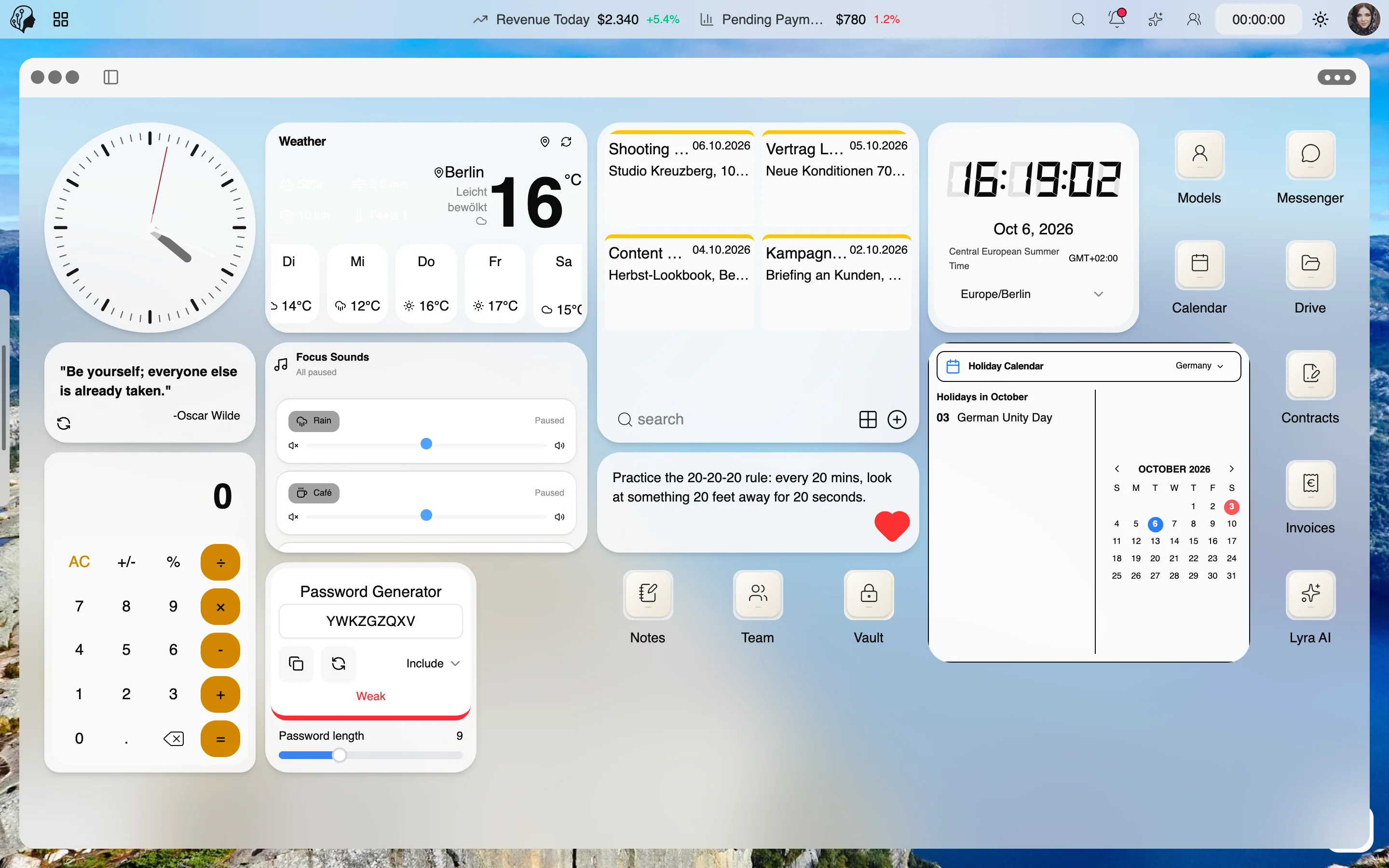
Widgets & Dashboard
More than 20 widgets – clock, weather, time zones, notes, focus sounds, holidays, finance, Google Drive, Gmail and calendar. Freely arranged across several pages, with folders and widget themes.
01.2 — Entirely to your taste
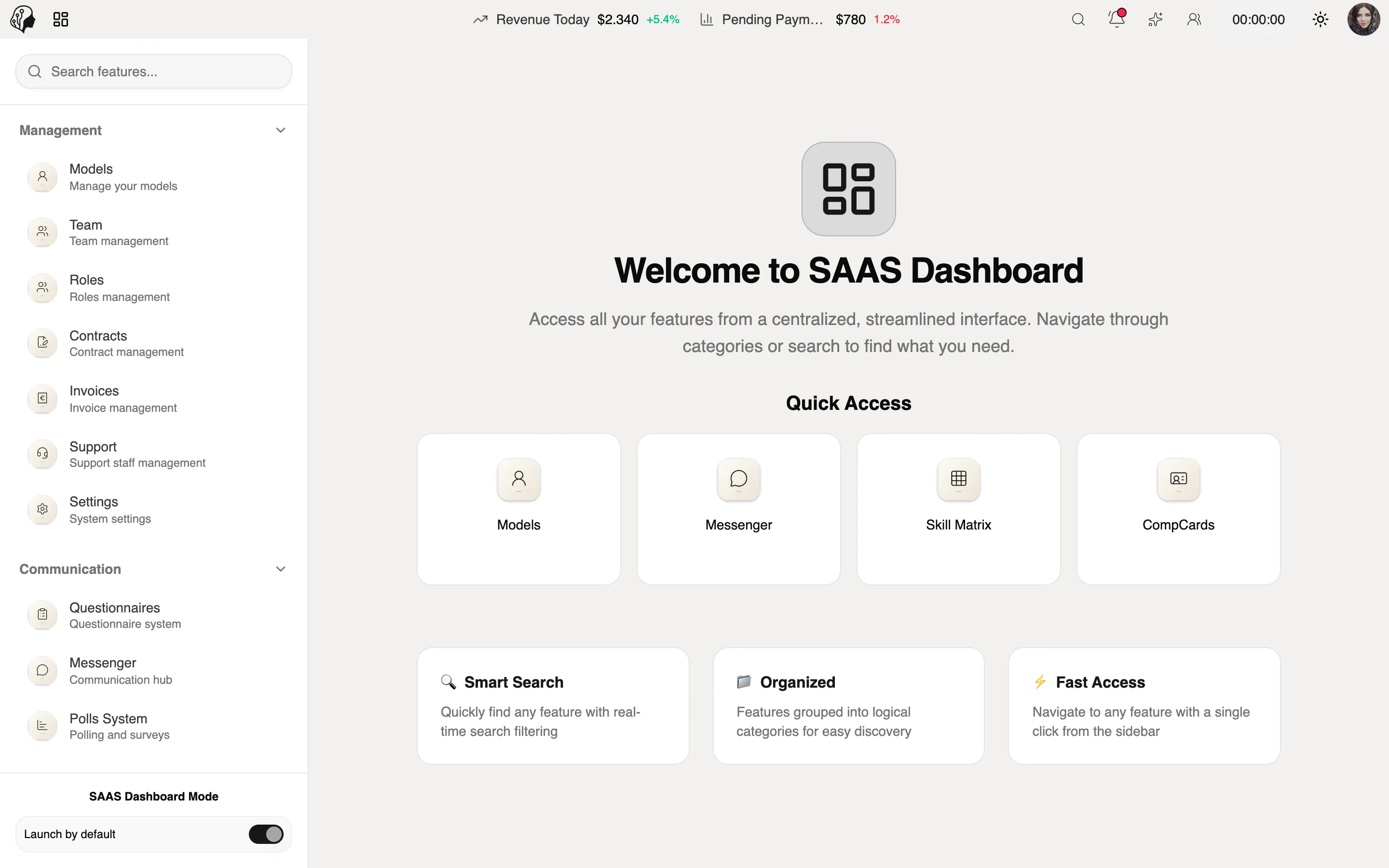
Classic View
Prefer a classic dashboard with a sidebar? One switch is all it takes – optionally as the default at startup.
01.3 — Your brand, everywhere
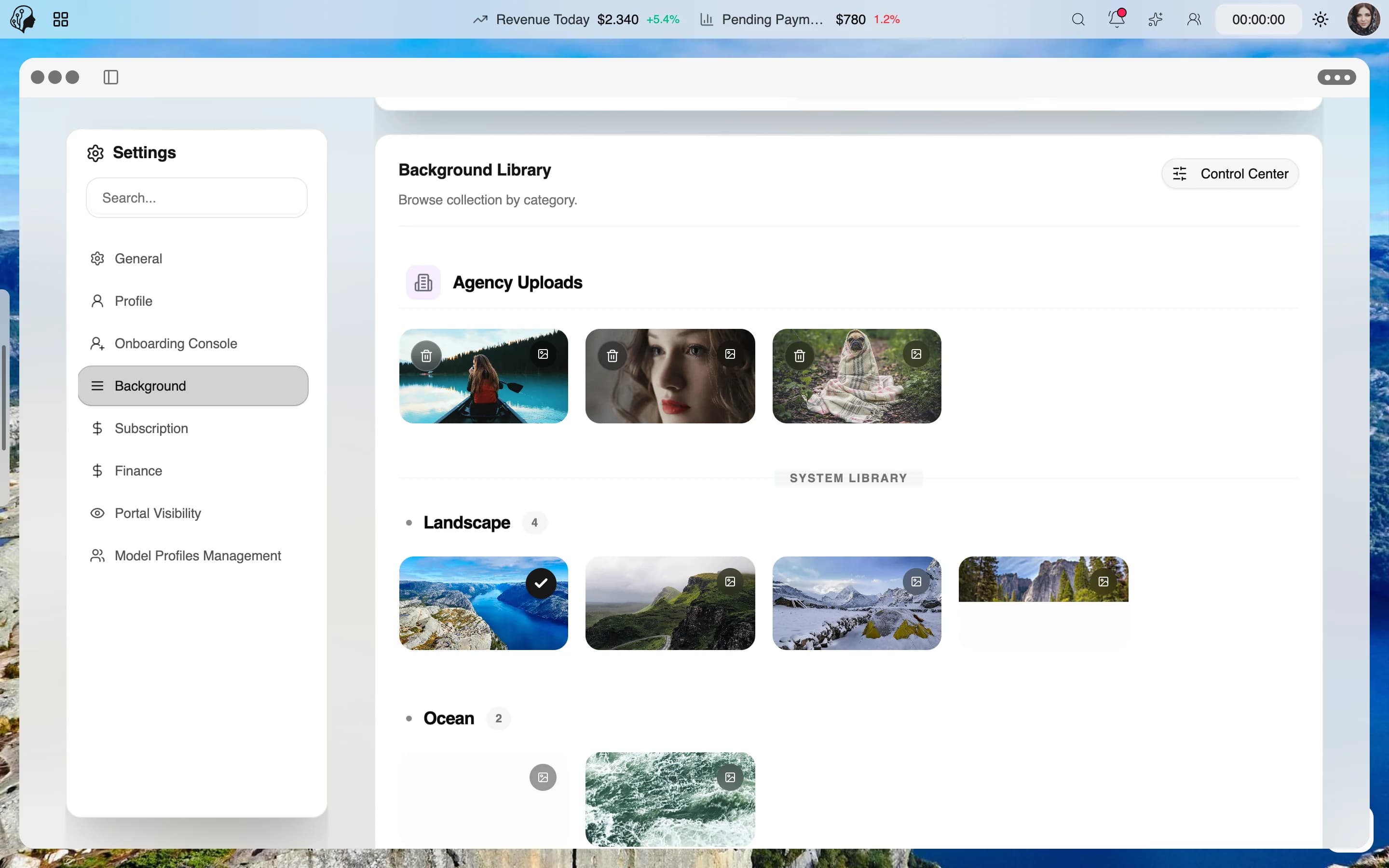
Backgrounds & Themes
Images, videos or colors as backgrounds, light and dark mode, six icon and three widget themes – optionally mandatory for roles.
02 / 03
Navigation
Every module, every model, every feature – reached in seconds.
02.1 — Everything one click away
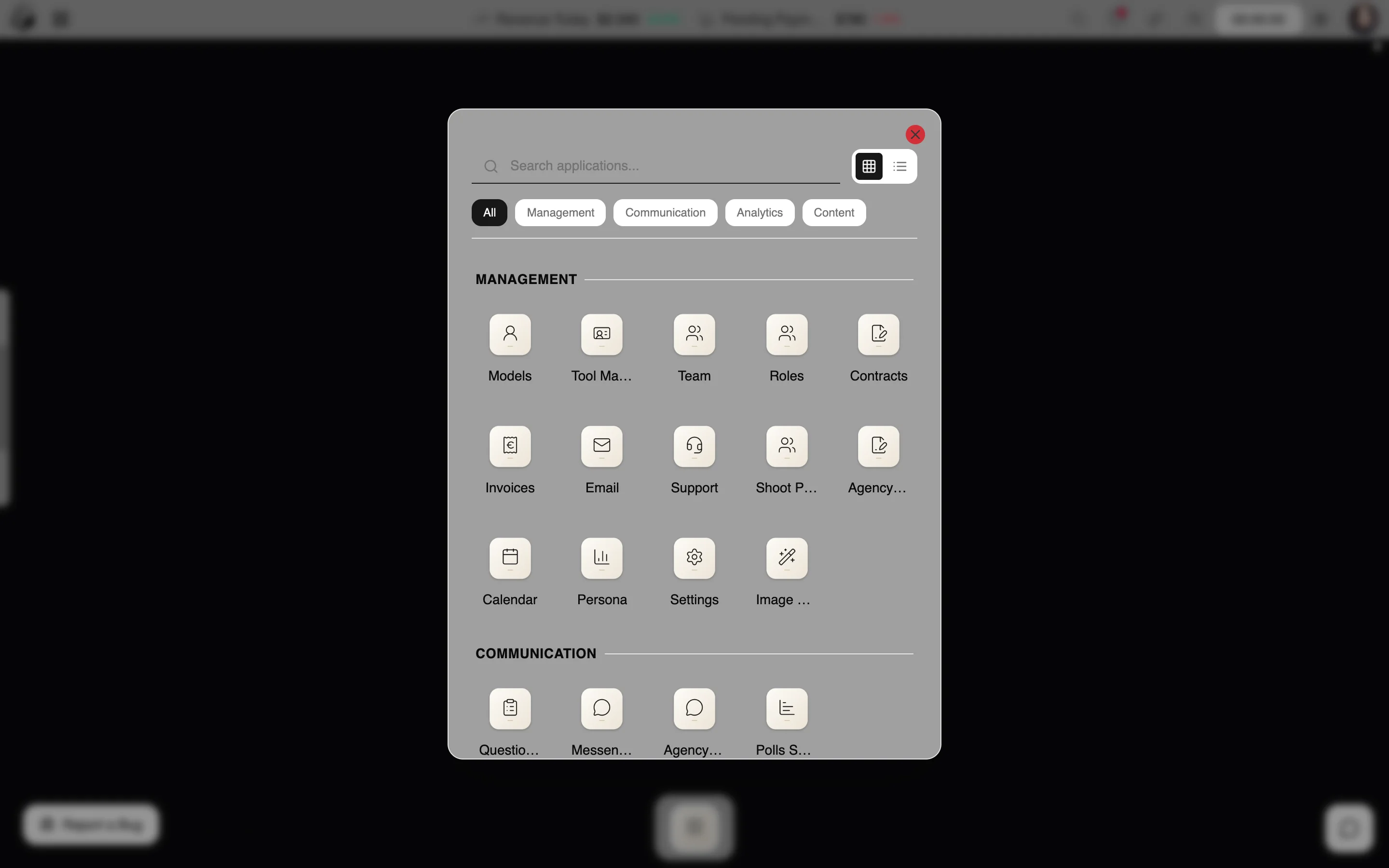
Launchpad & Dock
All modules elegantly organized by category, the most important ones in the dock. Apps open as windows – minimize, maximize, close.
02.2 — Find instead of search
Spotlight
One keyboard shortcut is all it takes to find any feature, any model and your history.
03 / 03
Overview & privacy
Everything that matters, live – and locked whenever you want.
03.1 — Everything in view, in real time
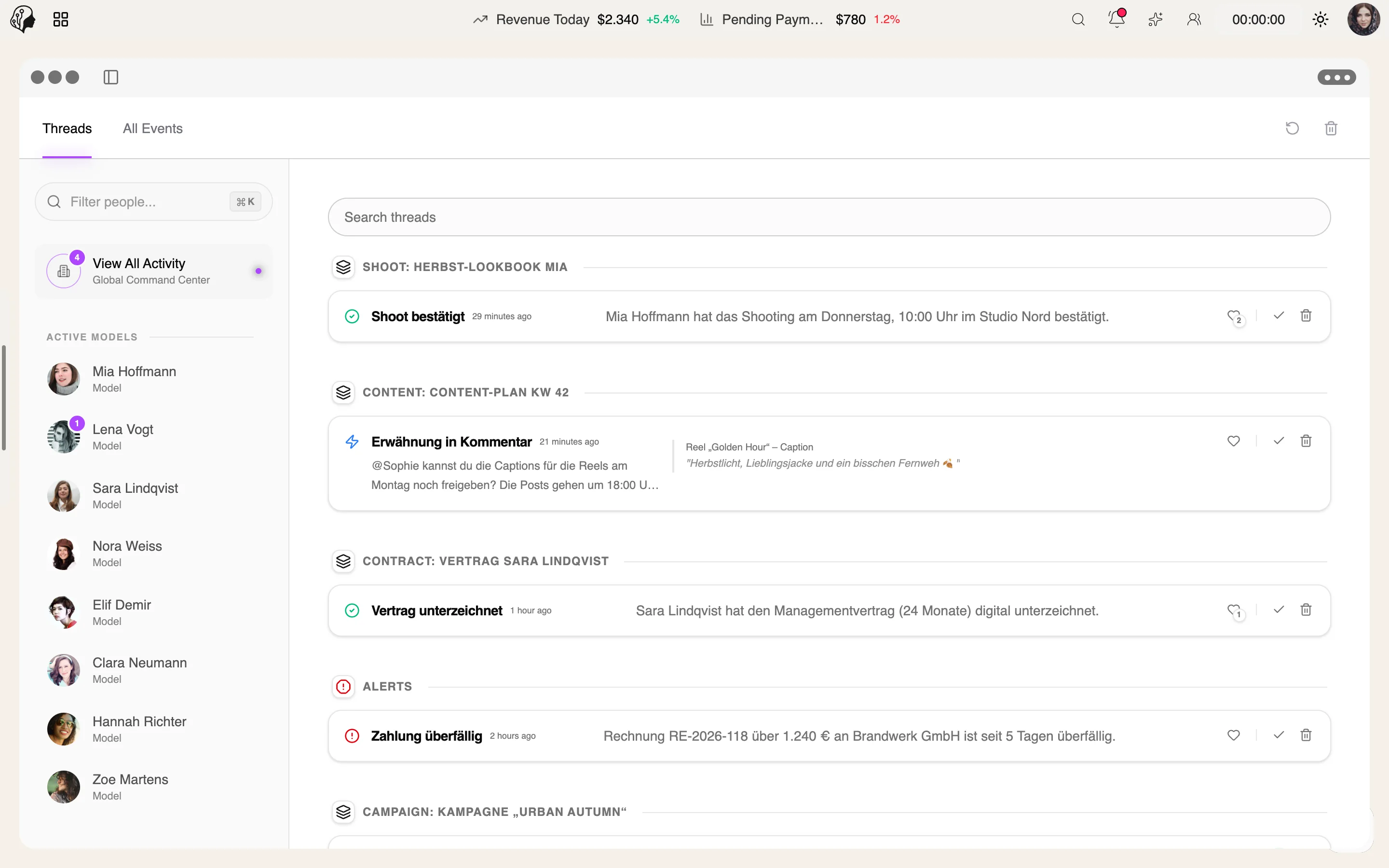
Command Center
A live feed from every module with threads, comments and mentions.
03.2 — Privacy from the first second
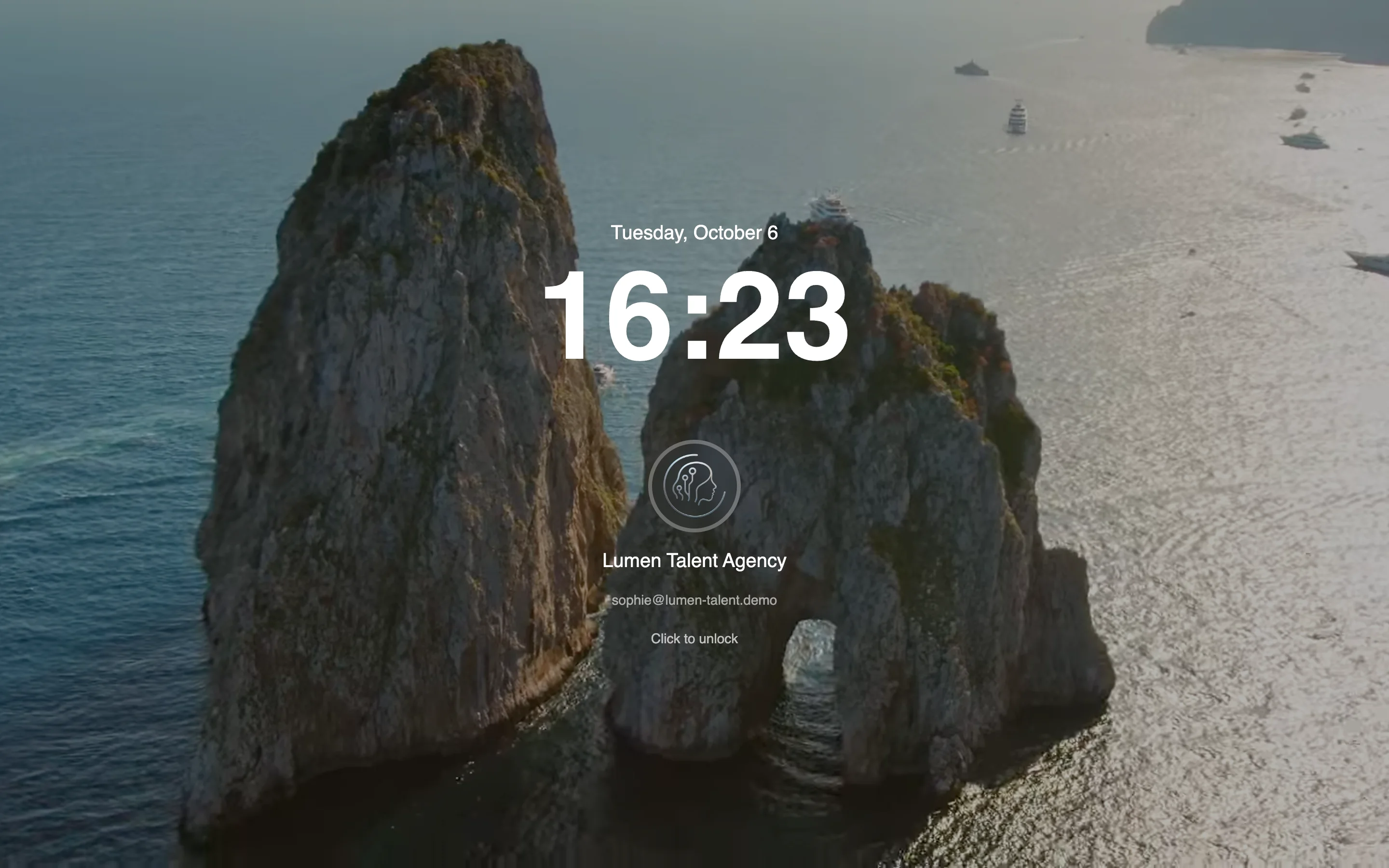
Lock Screen
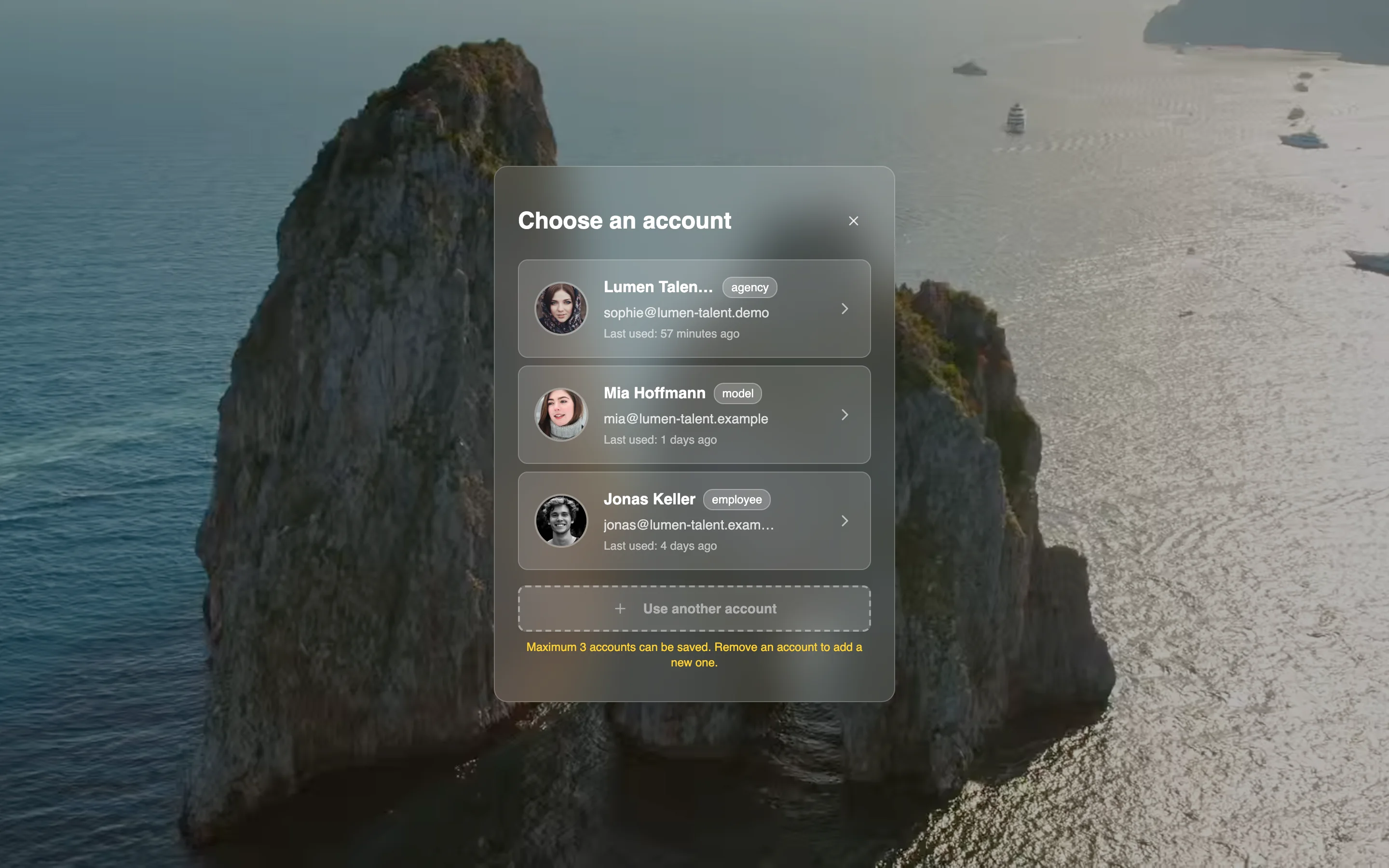
After every reload the workspace is locked. Unlock with a click or switch elegantly between up to three saved accounts.
Questions about the platform
Do I need to install anything?
No. ModelSuite runs in the browser – on desktop, tablet and smartphone, including voice recordings and video rooms.
Is the desktop interface mandatory?
No. If you prefer a classic dashboard with a sidebar, one switch is all it takes – optionally as the default at startup.
Can we set our own look?
Yes. Backgrounds from images, videos or colors, light and dark mode, six icon and three widget themes – optionally mandatory for specific roles.
What happens after a reload?
The workspace is locked. Unlock it with a click, and switch between up to three saved accounts right on the lock screen.
How do I find a feature quickly?
With Spotlight: one keyboard shortcut is all it takes to search every feature, every model and your history.
By Invitation
Experience ModelSuite
A personal tour of the platform – tailored to your agency