Onboarding new talent
Step 01 · Invite
Step 02 · Contract
Step 03 · Capture Details
Step 04 · Persona
Step 05 · Set Up the Portal
Define visible modules and background.
Step 06 · Ready
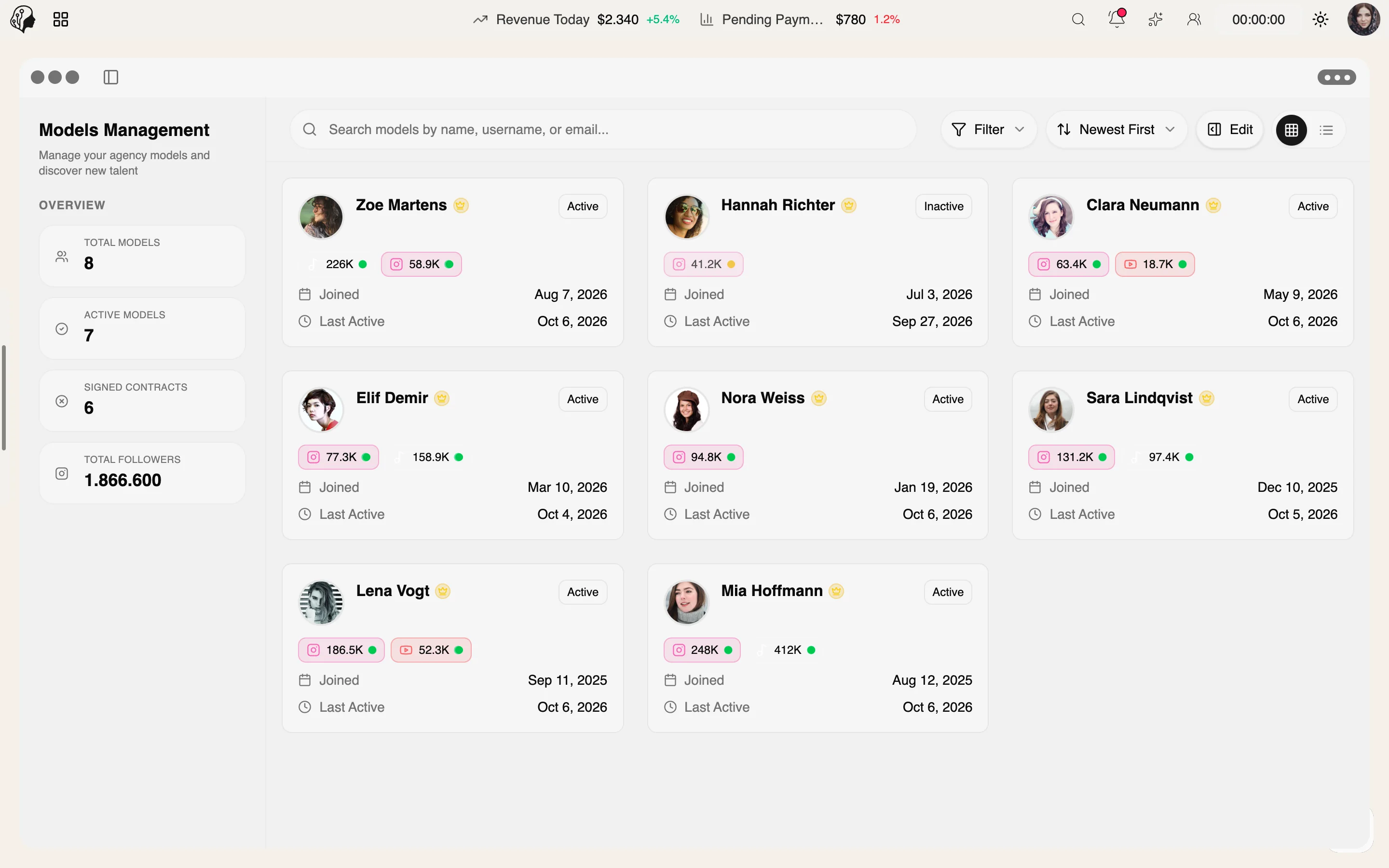
Talent Management
Overview
Define globally which modules are visible in the model portal – and override that for individual models. So every talent gets exactly the workspace they need.
See Portal Control live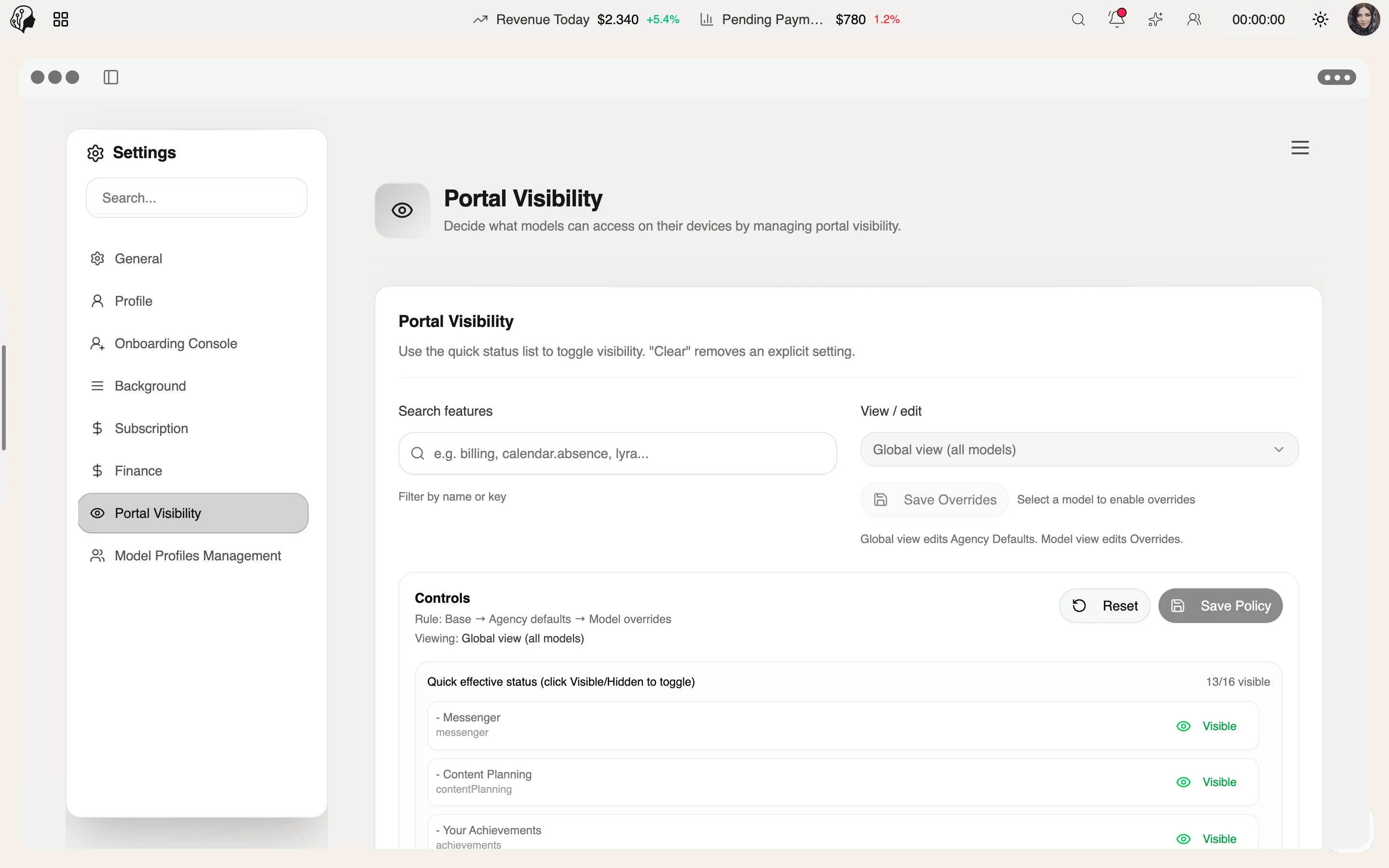
4 features
What the module does, point by point.
One standard for all models.
Show or hide per model – or inherit.
Changes appear without signing in again.
Fewer distractions, fewer questions.
Three steps · no signing in again
Set globally which modules are visible in the model portal – one standard for all models.
Show or hide modules per model – or let them inherit the global policy.
Changes appear in the portal instantly, without signing in again.
No. One global policy applies to all models; you set exceptions only where you need them.
The model follows the global setting. To deviate, show or hide specific modules for that model.
Instantly. New settings appear without signing in again.
For a clear interface: fewer distractions, fewer questions – and exactly the workspace each talent needs.
Part of these workflows
Where the module shows up in everyday work – step by step.
Step 01 · Invite
Step 02 · Contract
Step 03 · Capture Details
Step 04 · Persona
Step 05 · Set Up the Portal
Define visible modules and background.
Step 06 · Ready
By Invitation
A personal tour of the platform – tailored to your agency