Security & Workspace
Backgrounds & Branding
Overview
Your workspace. Your brand. Your atmosphere.
The Background Control Center shapes the working environment for agency, models and team: images, videos or colors – assigned to people, groups or roles, and mandatory if you wish.
See Backgrounds & Branding live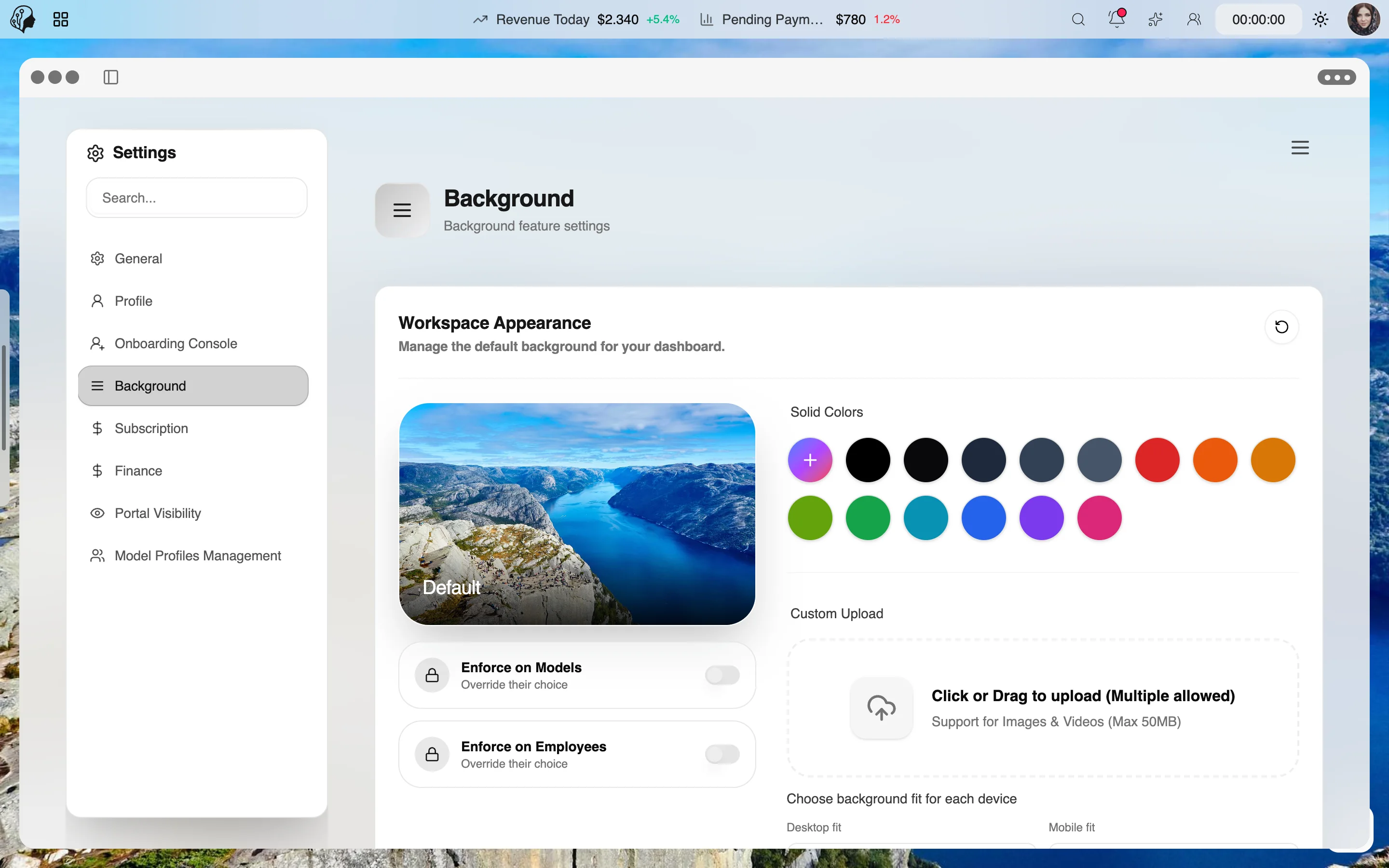
4 features
In detail
What the module does, point by point.
- 01
Images, Videos, Colors
Your own uploads or a curated library.
- 02
Enforce per Role
Agency branding, mandatory for models and team.
- 03
Desktop & Mobile
Separate display modes: fill, stretch, tile, center.
- 04
Themes
Light, dark, six icon themes, three widget themes.
Recently added
All news →- Improved
Shuffle backgrounds
Random backgrounds from the library in one click.
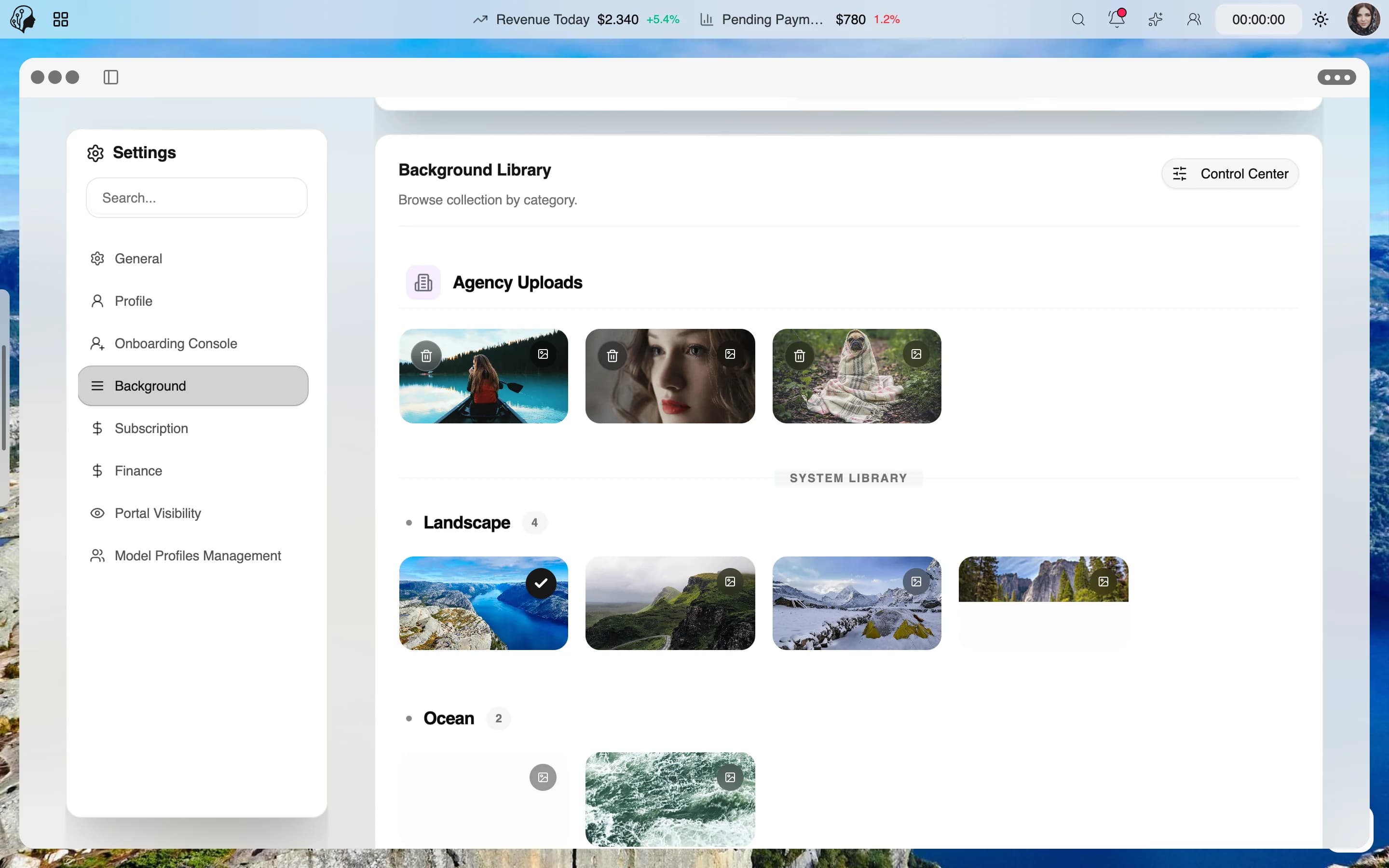
How your workspace gets your signature
Three steps · for agency, models and team
- 01
Choose
Upload your own images, videos or colours – or pick from the curated library.
- 02
Assign
Give them to people, groups or roles and enforce them if you like.
- 03
Fine-tune
Set the look for desktop and mobile, plus light/dark mode and icon and widget themes.
Questions about Backgrounds & Branding
Can models change their own background?
Your call: agency branding can be enforced per role.
Which formats are supported?
Images, videos and colours – your own uploads or from the curated library.
Does it look the same on mobile?
Desktop and mobile have their own settings: fill, stretch, tile or centre.
By Invitation
Experience ModelSuite
A personal tour of the platform – tailored to your agency