A day with the team
Step 01 · Clock In
Start the shift with the shift timer, choose the day's tasks.
Step 02 · Catch Up
Step 03 · Align
Step 04 · Work
Step 05 · Review
Step 06 · Report
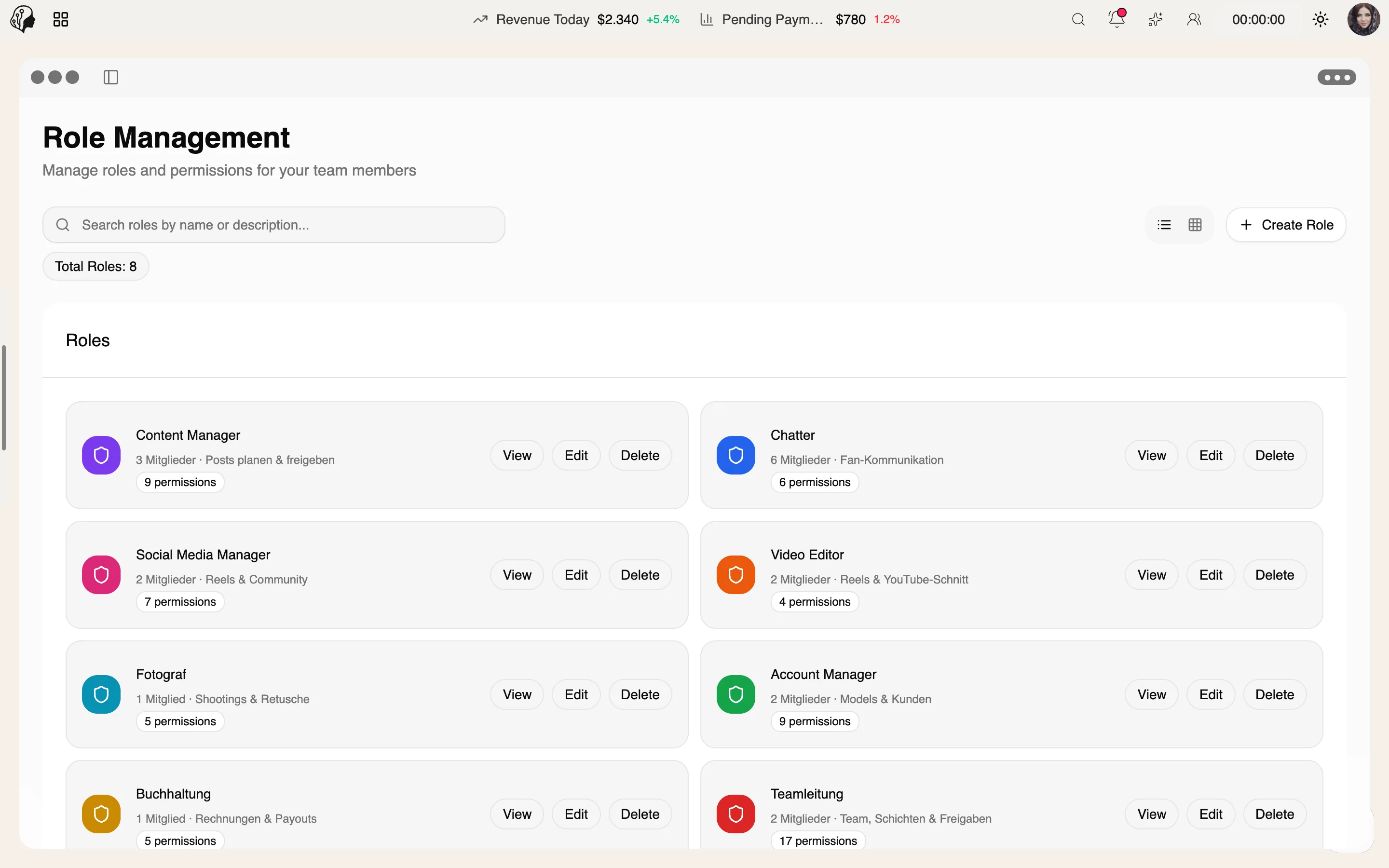
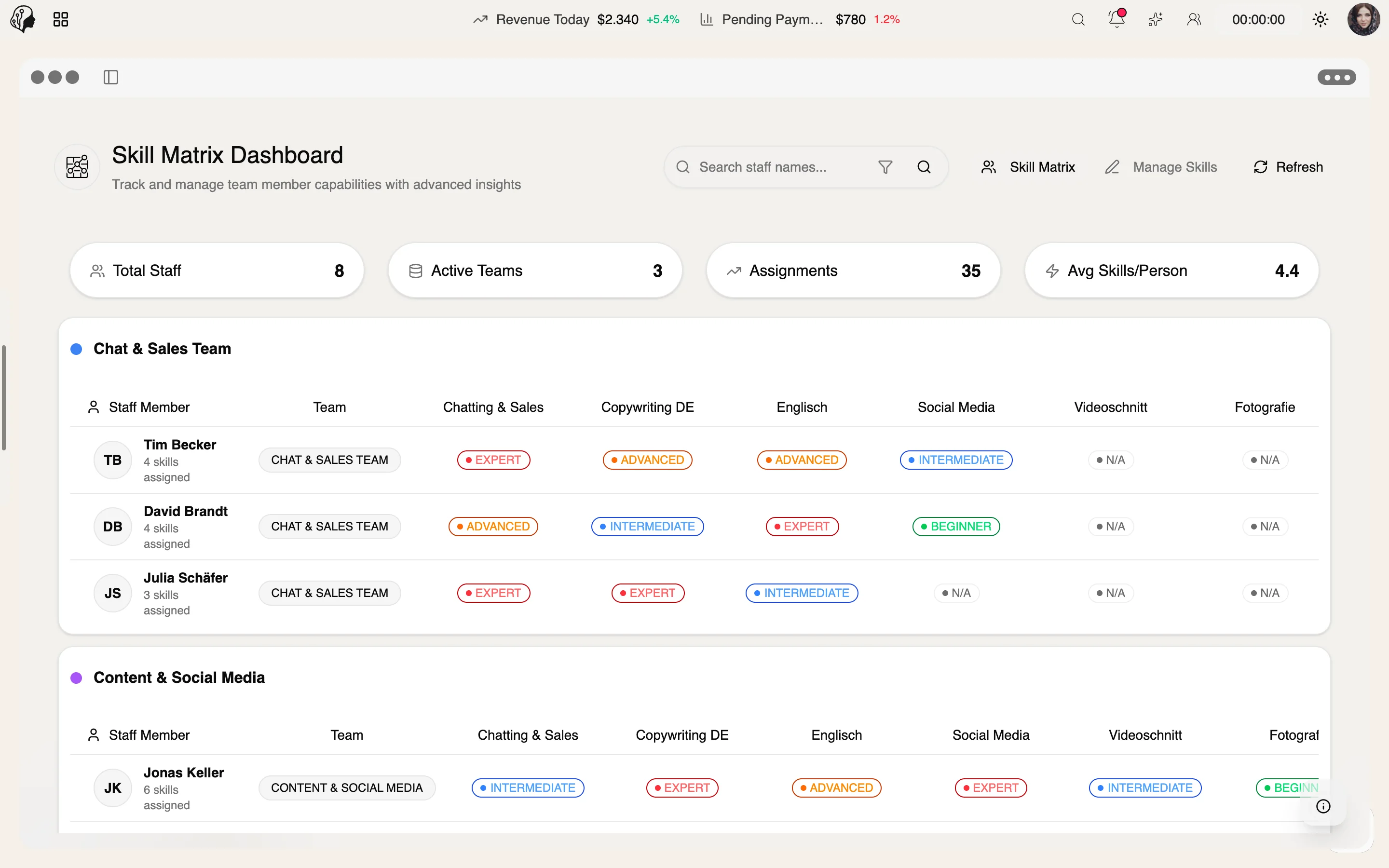
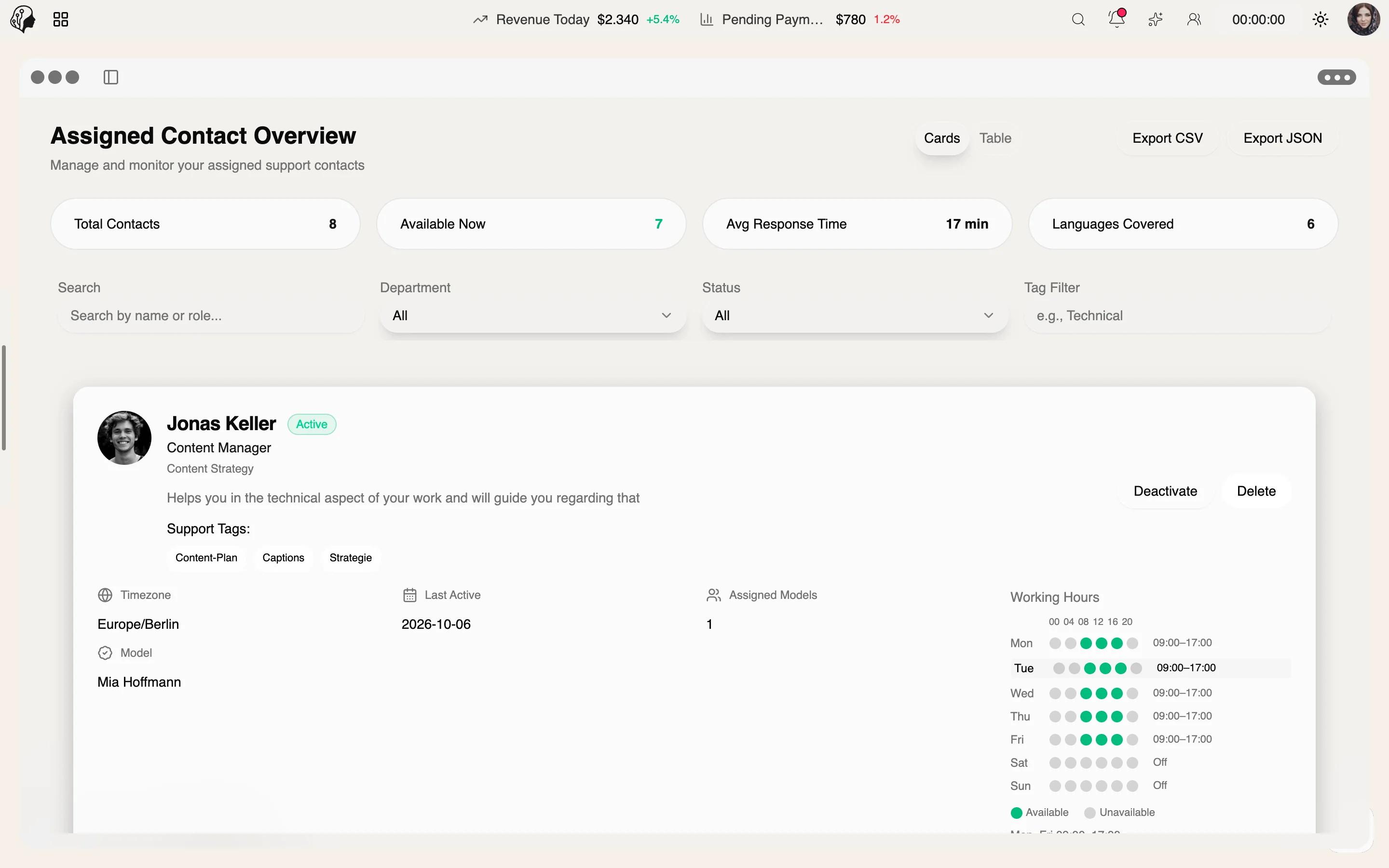
Team & Operations
Overview
Weekly schedules by position, templates and conflict checks. Staff swap, hand over or pick up open shifts themselves – and clock in with the shift timer.
See Shift Planning live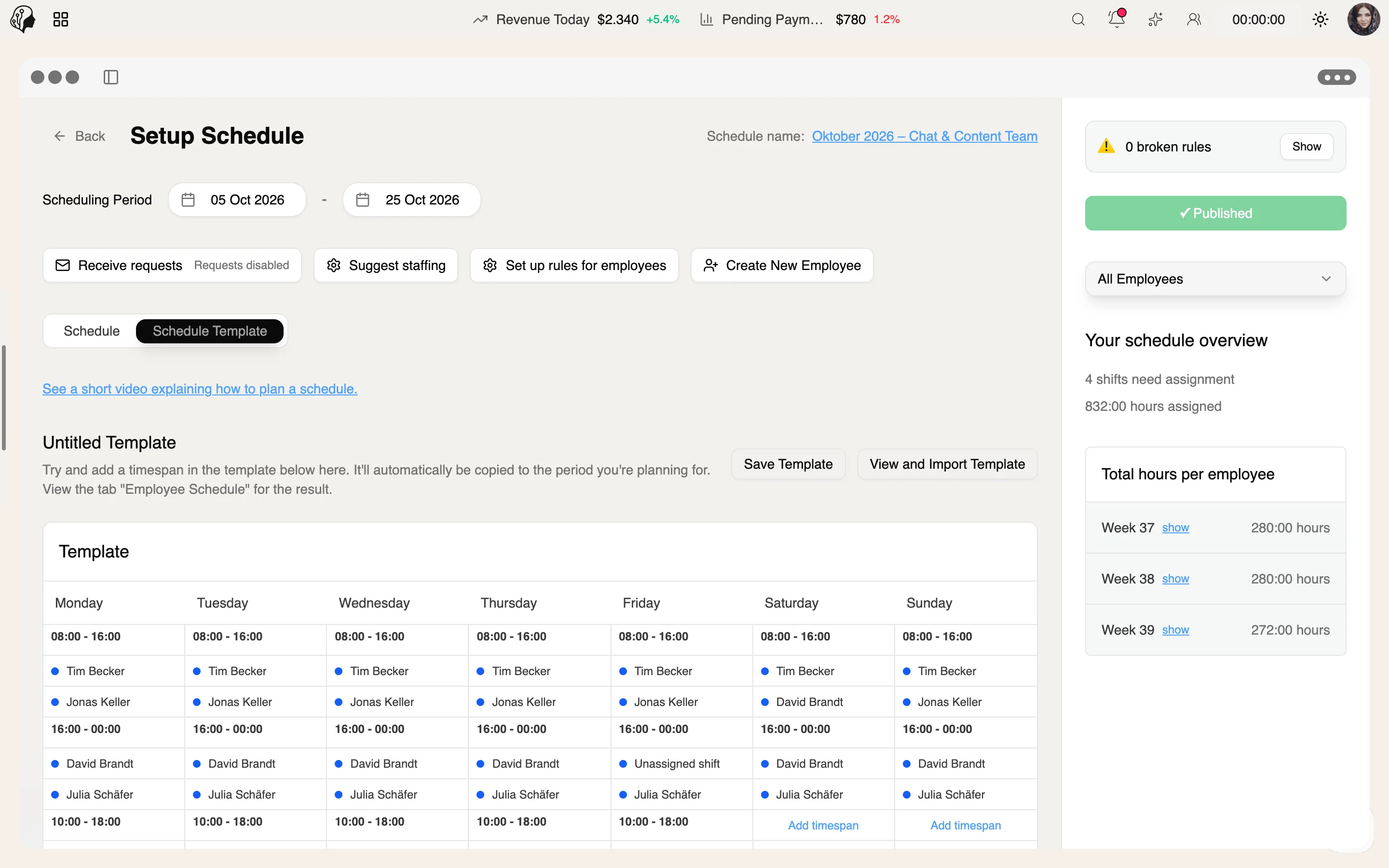
4 features
What the module does, point by point.
Draft, publish, templates and batch assignment.
Offer, claim and hand over open shifts.
Start, pause, end – right in the top bar.
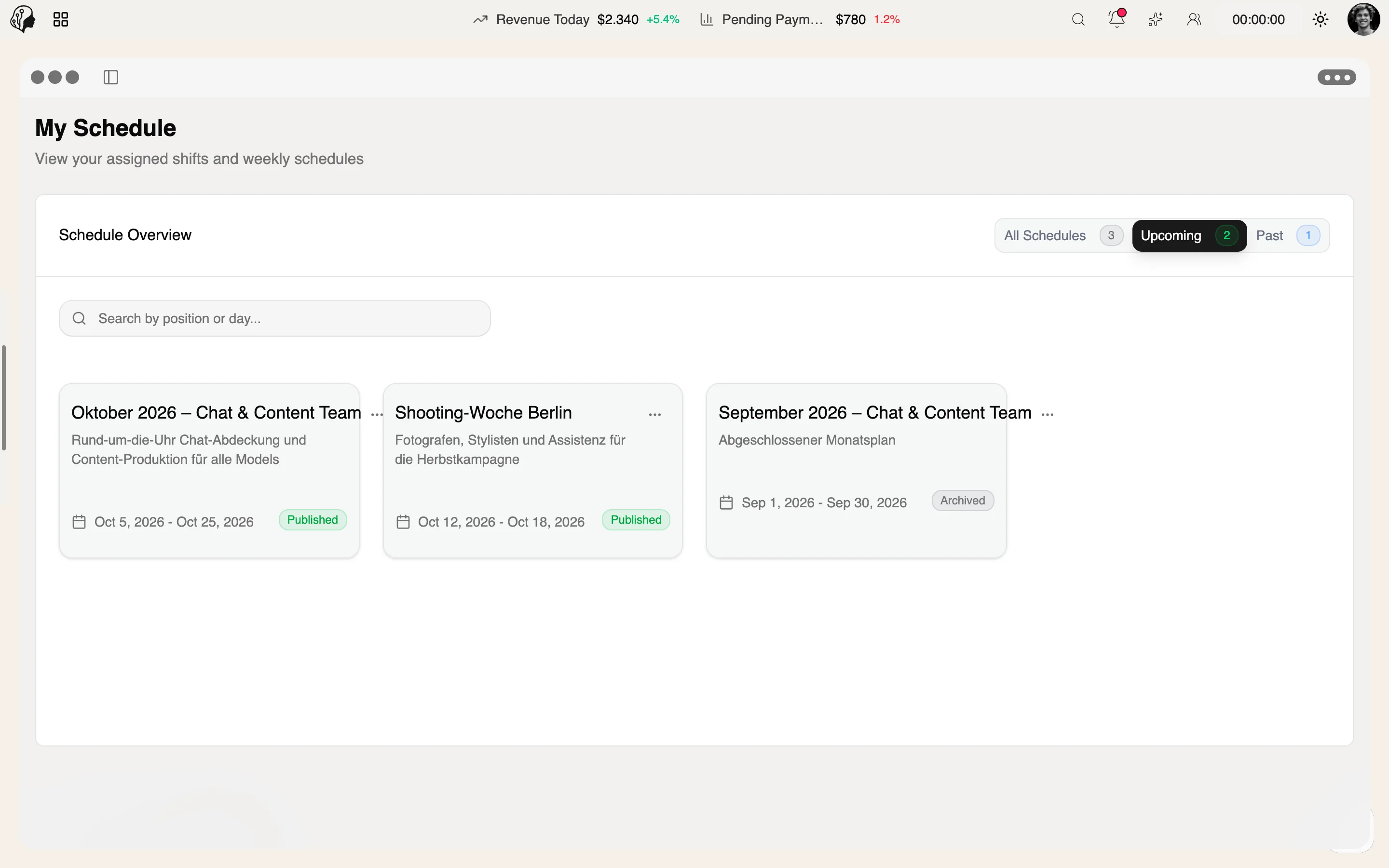
A personal weekly view for every staff member.
Shift planning for staff
Weekly schedules, swaps, handovers and the shift timer.
Three steps · from draft to clock-in
Draft the week by position – with templates, batch assignment and conflict checks.
One click, and every staff member sees their own week in My Schedule.
Open shifts are swapped, handed over or picked up – and the shift timer clocks the hours.
You plan by position, use templates and assign shifts in batches. Conflict checks flag overlaps before you publish.
Yes. Open shifts can be offered, claimed and handed over – no need to arrange every swap by hand.
Start, pause and end sit right in the top bar. The shift is tracked where the work already happens.
Everyone gets My Schedule – a personal weekly view of their own shifts.
Part of these workflows
Where the module shows up in everyday work – step by step.
Step 01 · Clock In
Start the shift with the shift timer, choose the day's tasks.
Step 02 · Catch Up
Step 03 · Align
Step 04 · Work
Step 05 · Review
Step 06 · Report
By Invitation
A personal tour of the platform – tailored to your agency