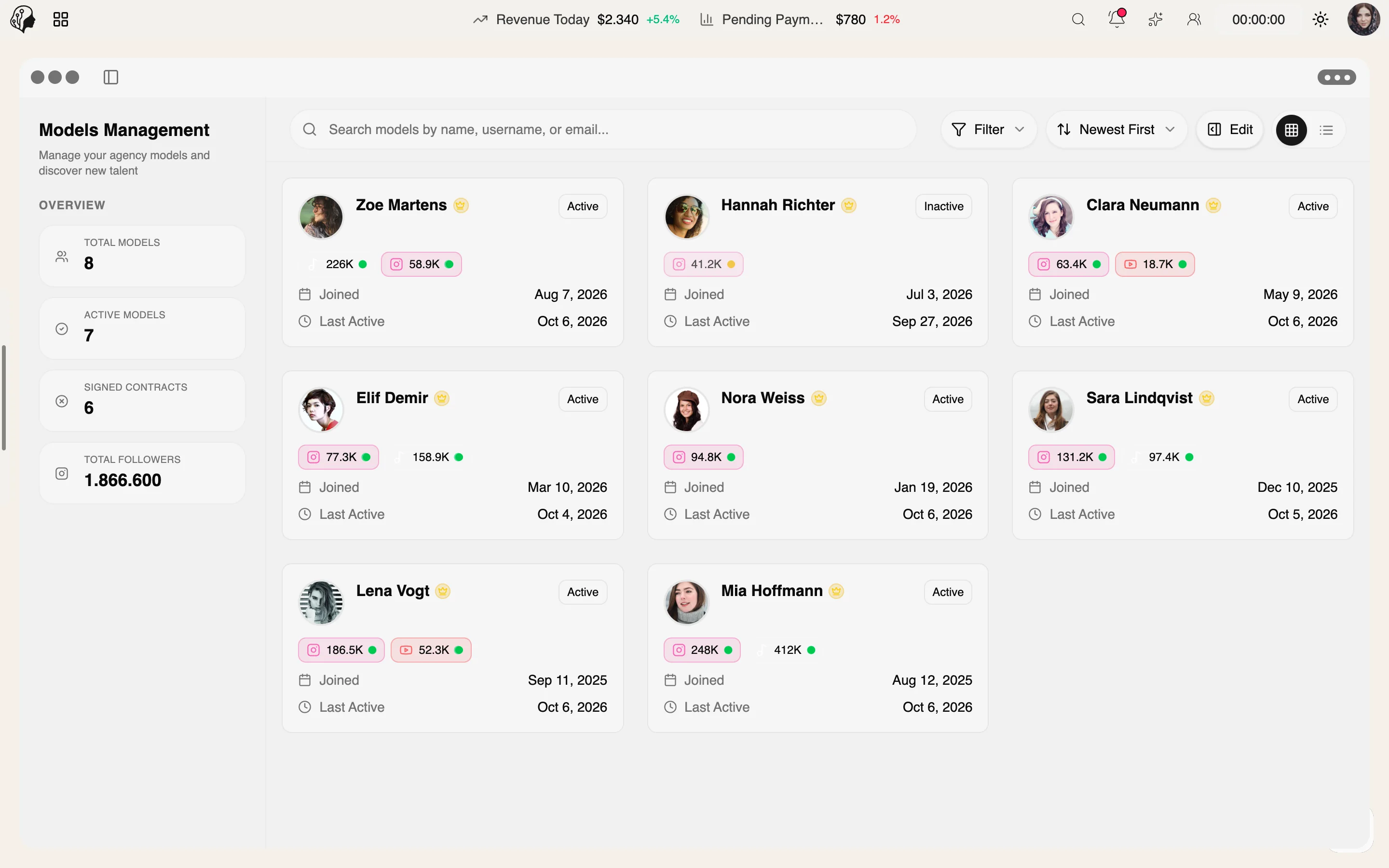
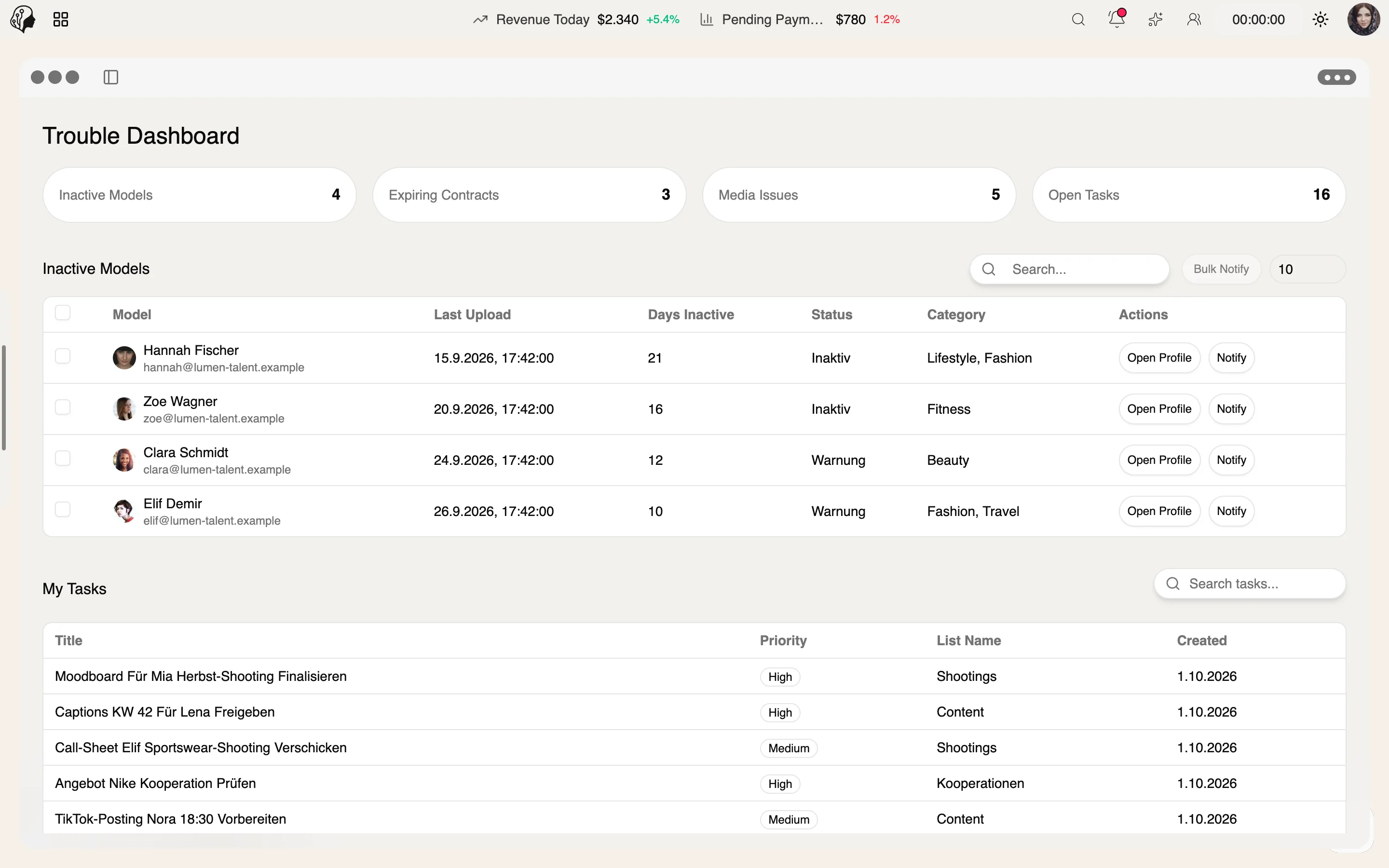
Onboarding new talent
Step 01 · Invite
The model registers via an invitation link.
Step 02 · Contract
Step 03 · Capture Details
Step 04 · Persona
Step 05 · Set Up the Portal
Step 06 · Ready
Onboarding checklist complete – the agency is notified.
Talent Management
Overview
Build onboarding steps with instructions, video and PDF. Models and staff work through the checklist – and you are notified automatically once everything is complete.
See Onboarding Console live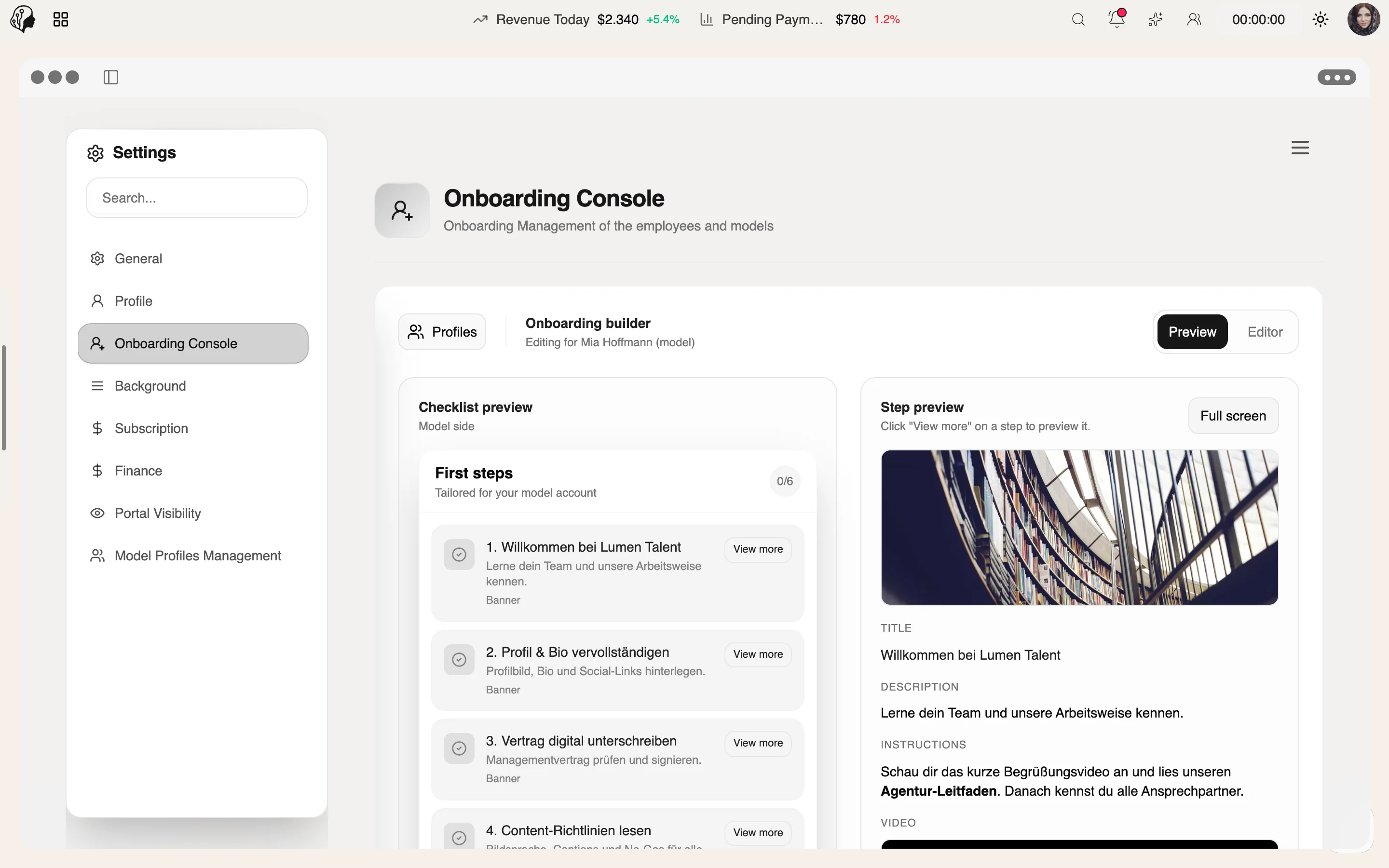
4 features
What the module does, point by point.
Rich text, YouTube video, images and PDF attachments.
Enabled per model or staff member.
A checklist in the top bar, status for the agency.
Invite and activate models and team via link.
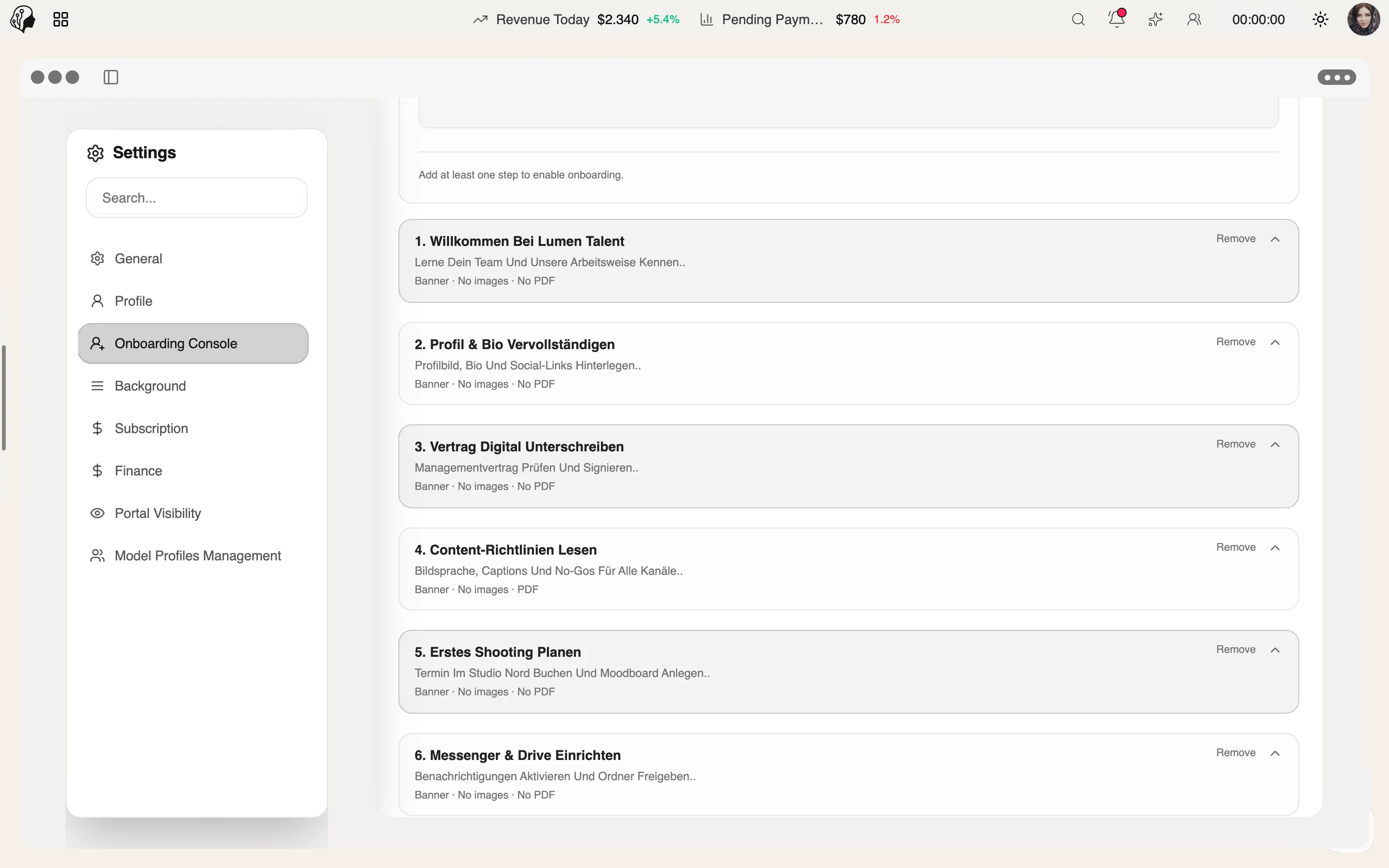
Three steps · from invite link to finished checklist
Create onboarding steps with rich text, YouTube video, images and PDF attachments.
Invite models and team via link and enable the steps per person.
The checklist sits in the top bar; you see the status and are notified automatically once everything is complete.
Rich text, YouTube videos, images and PDF attachments, so every talent gets instructions and documents in one place.
No. You enable it individually per model or staff member.
The checklist appears in the top bar and shows which steps are still open.
The status is visible to the agency at all times. Once the checklist is complete, you are notified automatically.
Part of these workflows
Where the module shows up in everyday work – step by step.
Step 01 · Invite
The model registers via an invitation link.
Step 02 · Contract
Step 03 · Capture Details
Step 04 · Persona
Step 05 · Set Up the Portal
Step 06 · Ready
Onboarding checklist complete – the agency is notified.
By Invitation
A personal tour of the platform – tailored to your agency