Content & AI
Voice Studio
Overview
Plan, record and approve voice recordings.
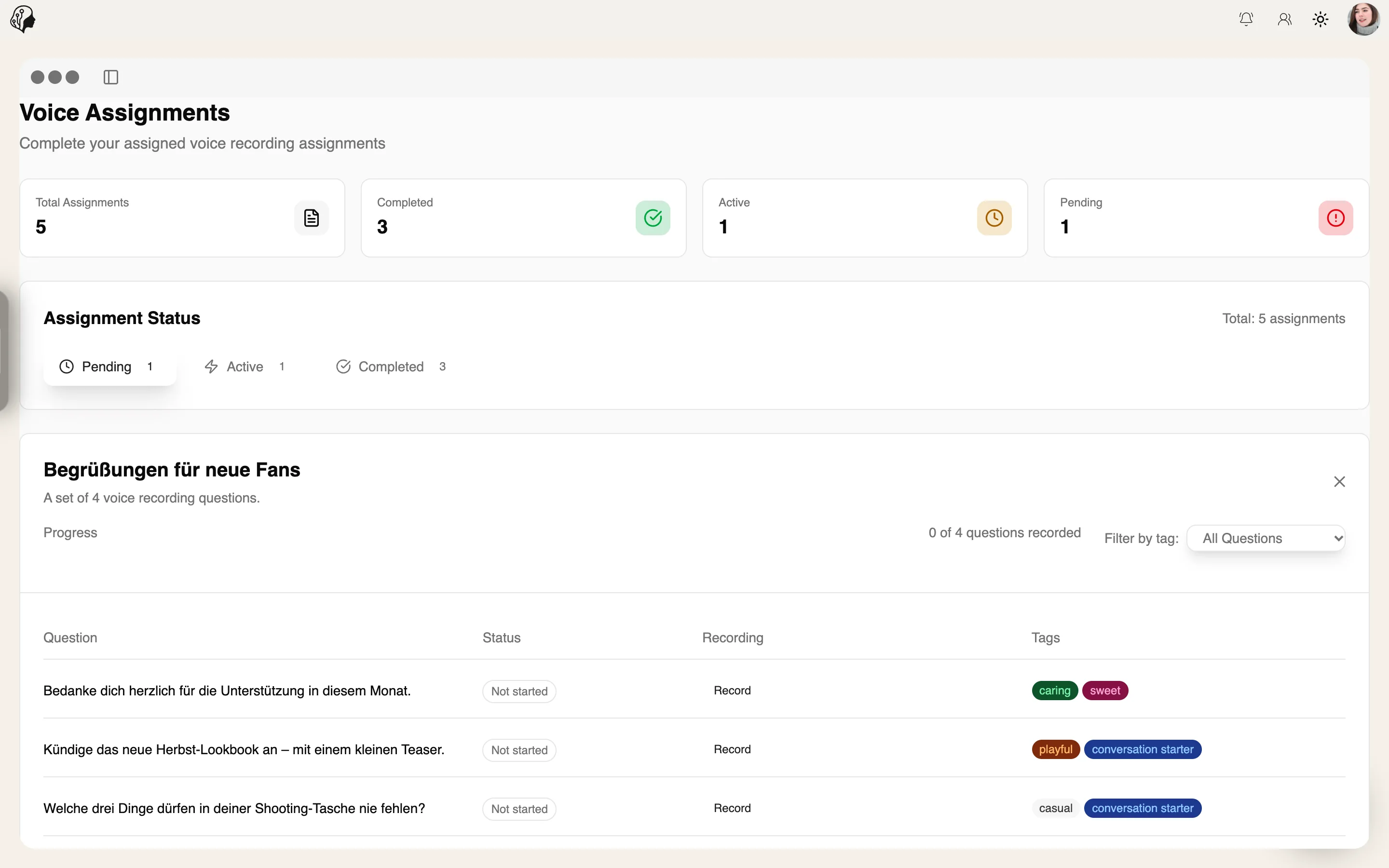
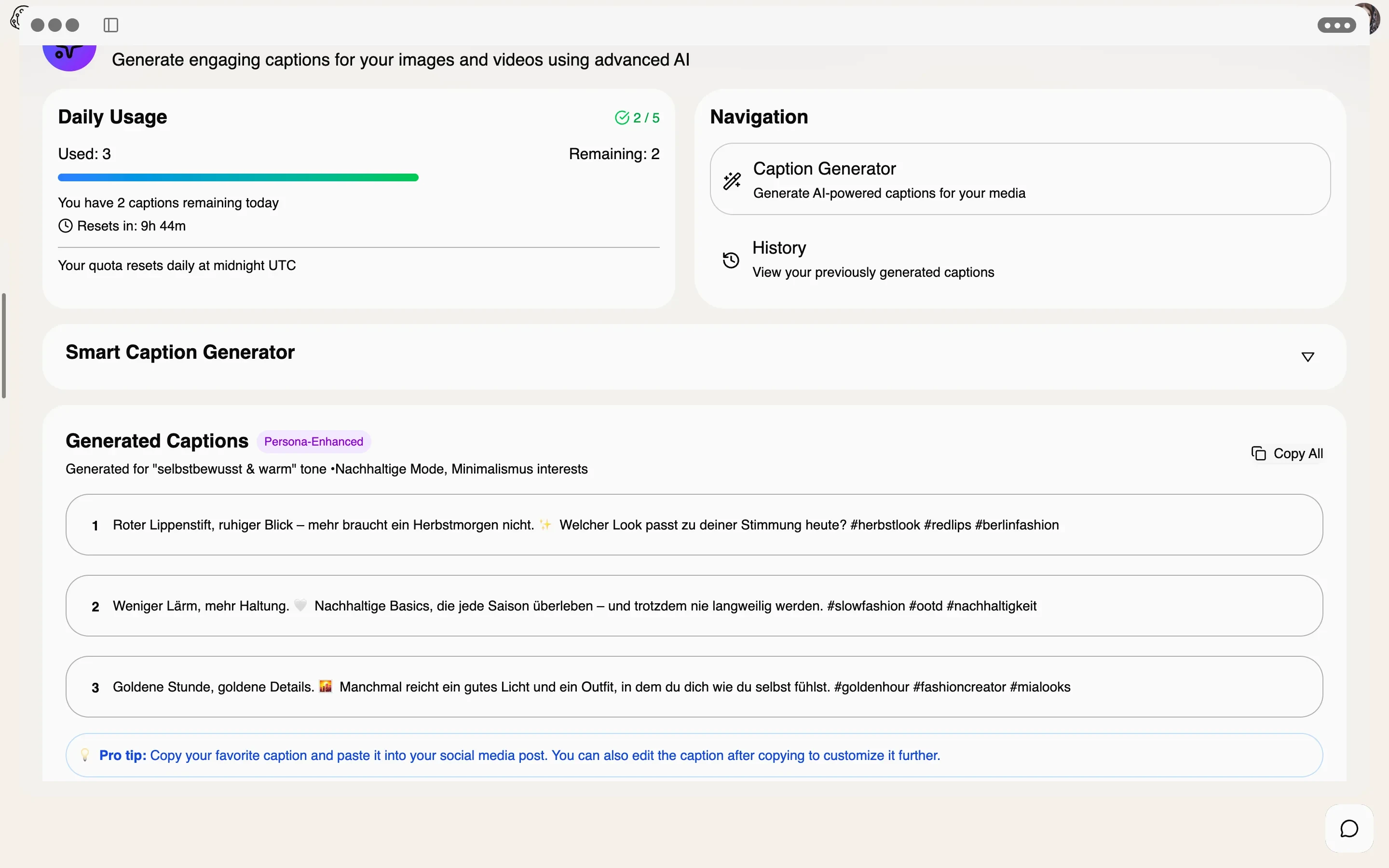
Create scripts with questions and sections, assign them to models and let them record right in the browser. In the Review Center, you listen, approve or request a new take.
See Voice Studio live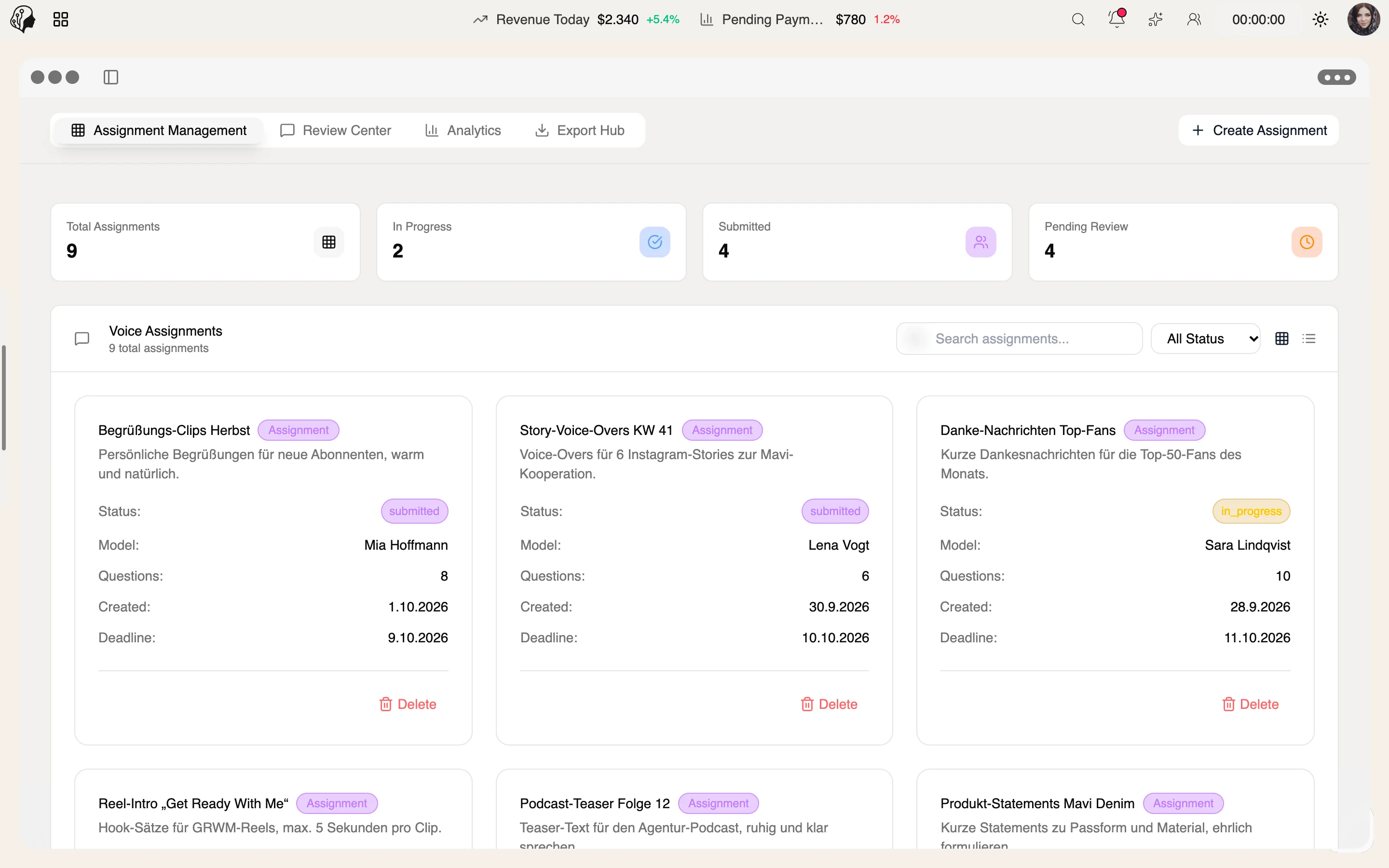
4 features
In detail
What the module does, point by point.
- 01
Scripts & Templates
Questions, sections and sentence-by-sentence breakdown.
- 02
Recording in the Browser
Models record question by question – no app required.
- 03
Review Center
Listen, approve, decline or request a revision.
- 04
Export Hub
Download recordings together, securely.
How a voice recording comes together
Three steps · no studio needed
- 01
Write a script
Set questions and sections, split sentence by sentence if you like – or start from a template.
- 02
Record
The model records question by question, right in the browser – no app.
- 03
Sign off
Listen in the review center, approve, reject or request a revision.
Questions about Voice Studio
Does the model need an app?
No. Recording happens right in the browser, one question at a time.
Can I request individual takes again?
Yes. In the review center you approve, reject or request a specific revision.
How do I get the finished files?
Through the export hub – all recordings collected and securely downloadable.
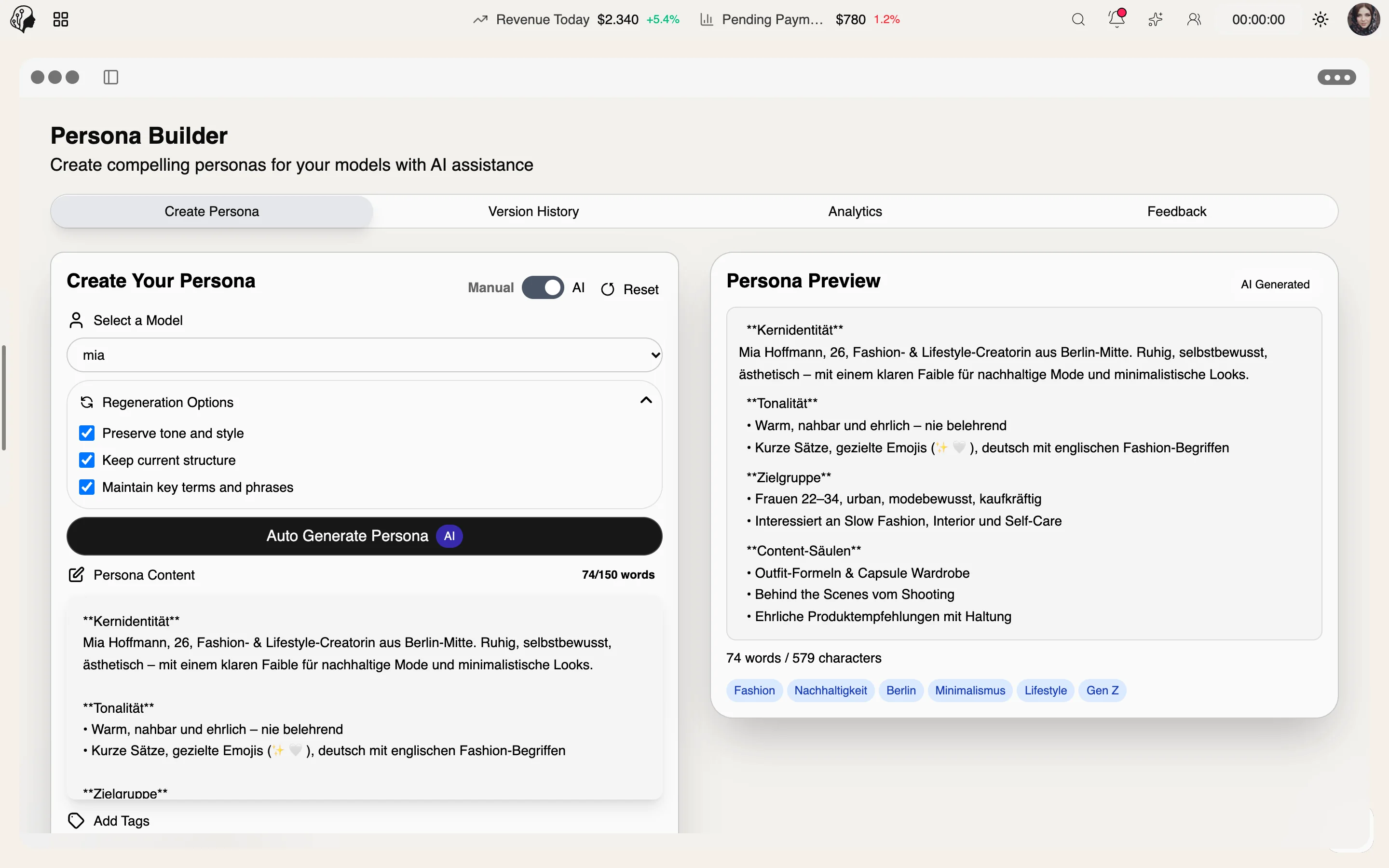
More from Content & AI
By Invitation
Experience ModelSuite
A personal tour of the platform – tailored to your agency