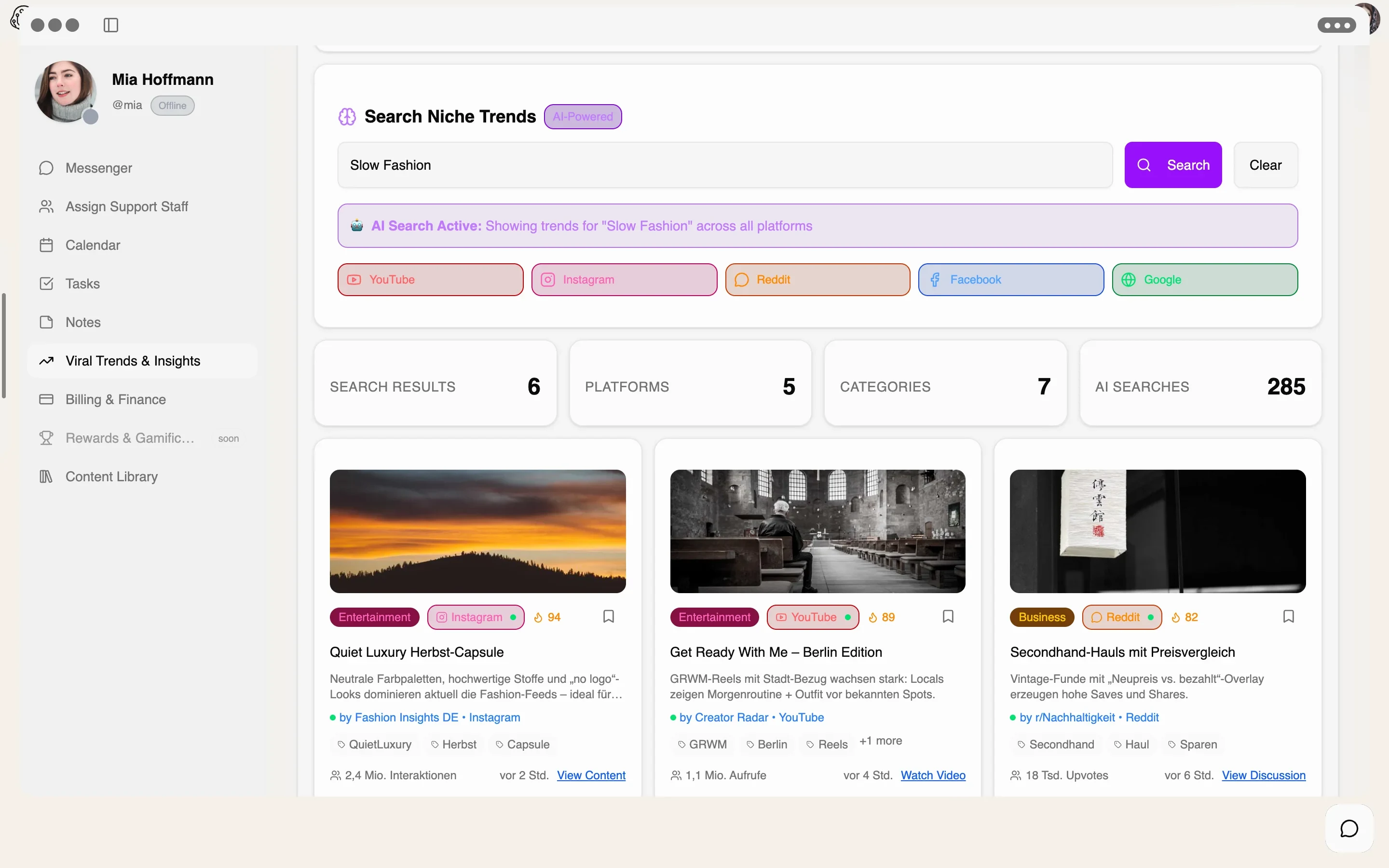
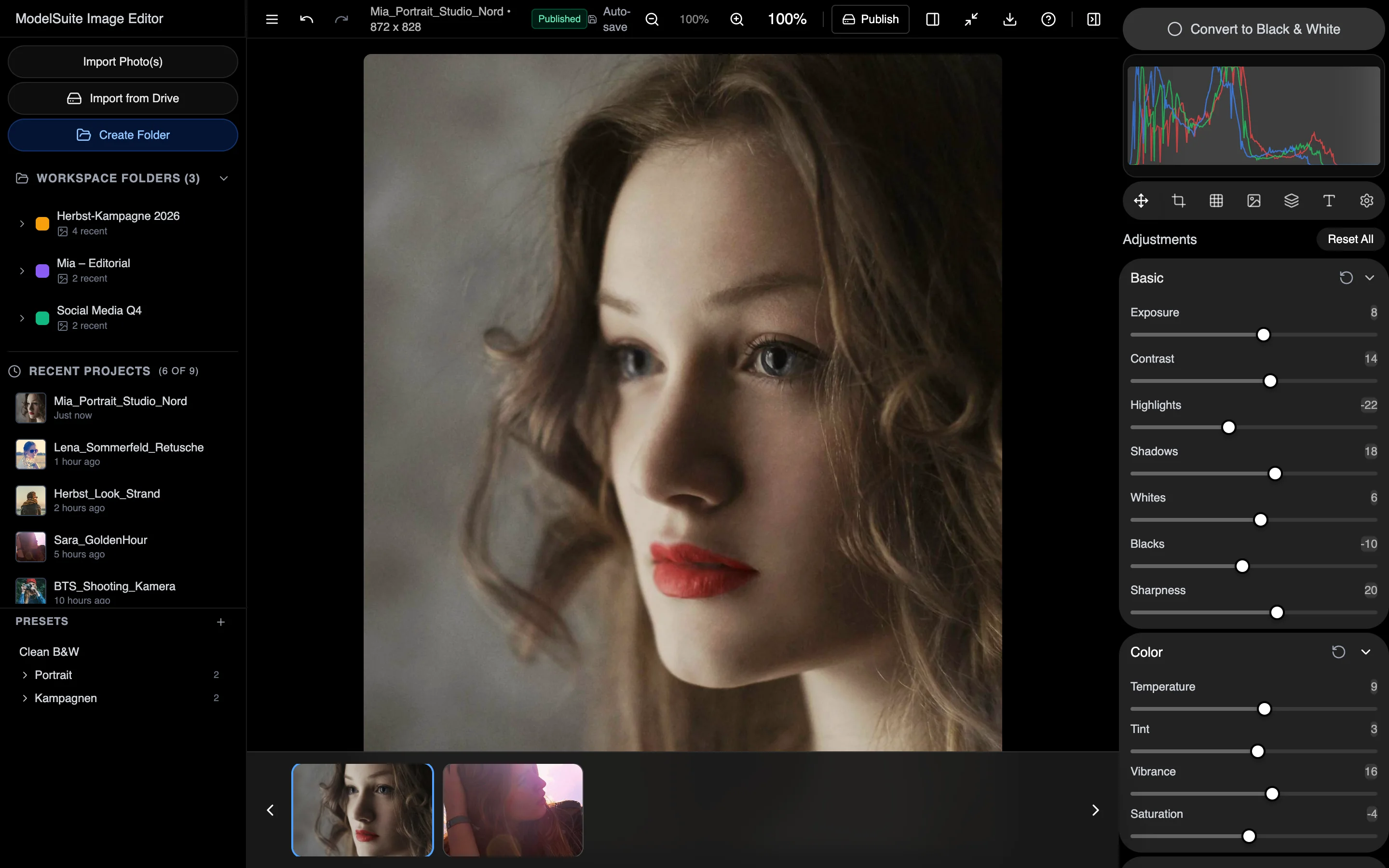
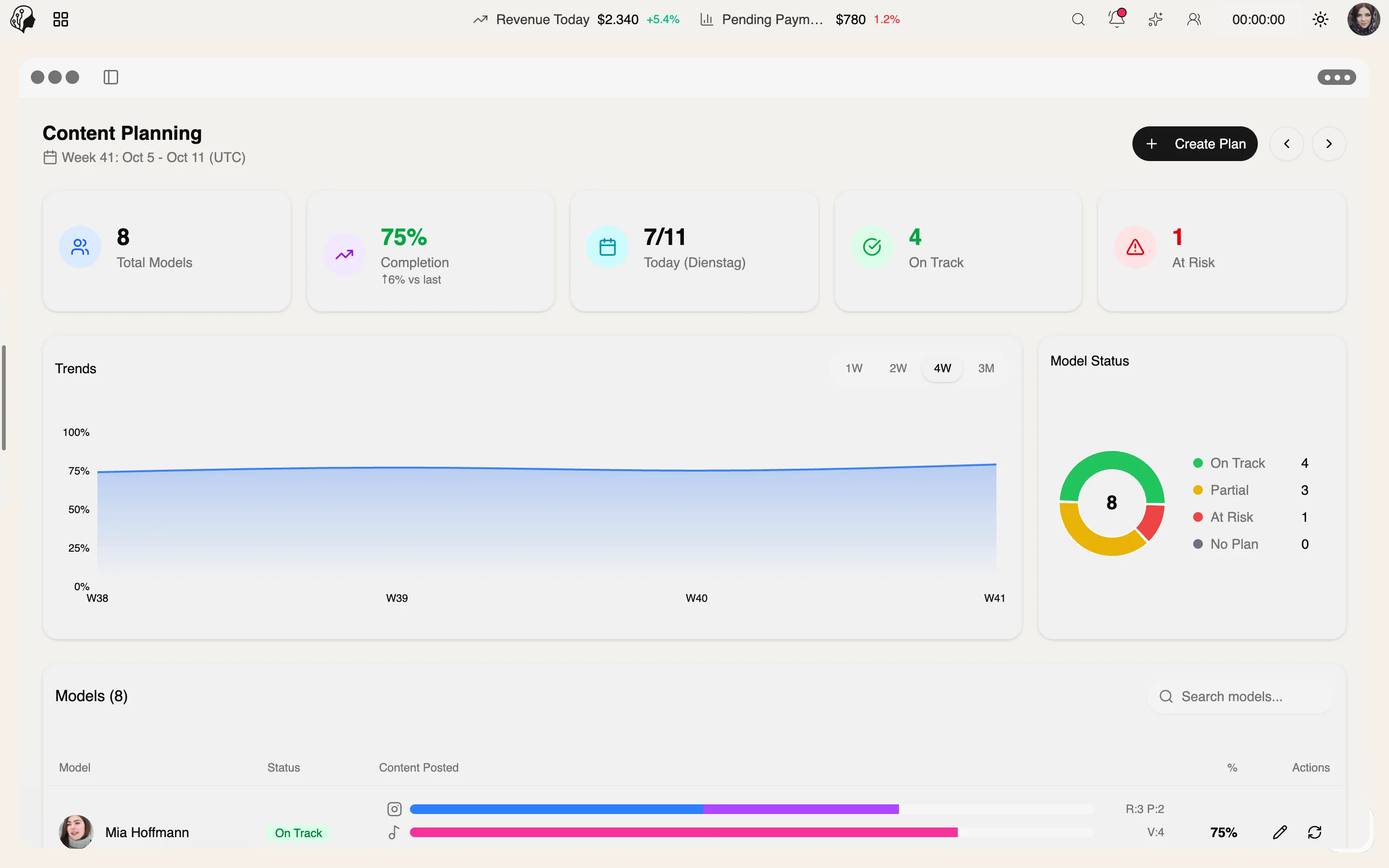
A shoot from start to finish
Step 01 · Plan
Step 02 · Prepare
Step 03 · Align
Step 04 · Collect
Step 05 · Refine
Step 06 · Publish
Captions with Lyra AI, scheduled in the content plan.
Lyra AI · Content & AI
Overview
Upload an image or video, choose a style, done: Lyra AI writes fitting captions – persona-based if you wish, so every post sounds like the model.
See Lyra AI Captions live4 features
What the module does, point by point.
Professional, casual, creative or trendy.
Captions based on the model's saved persona.
Find every caption again and rate its impact.
A daily AI quota, transparently in view.
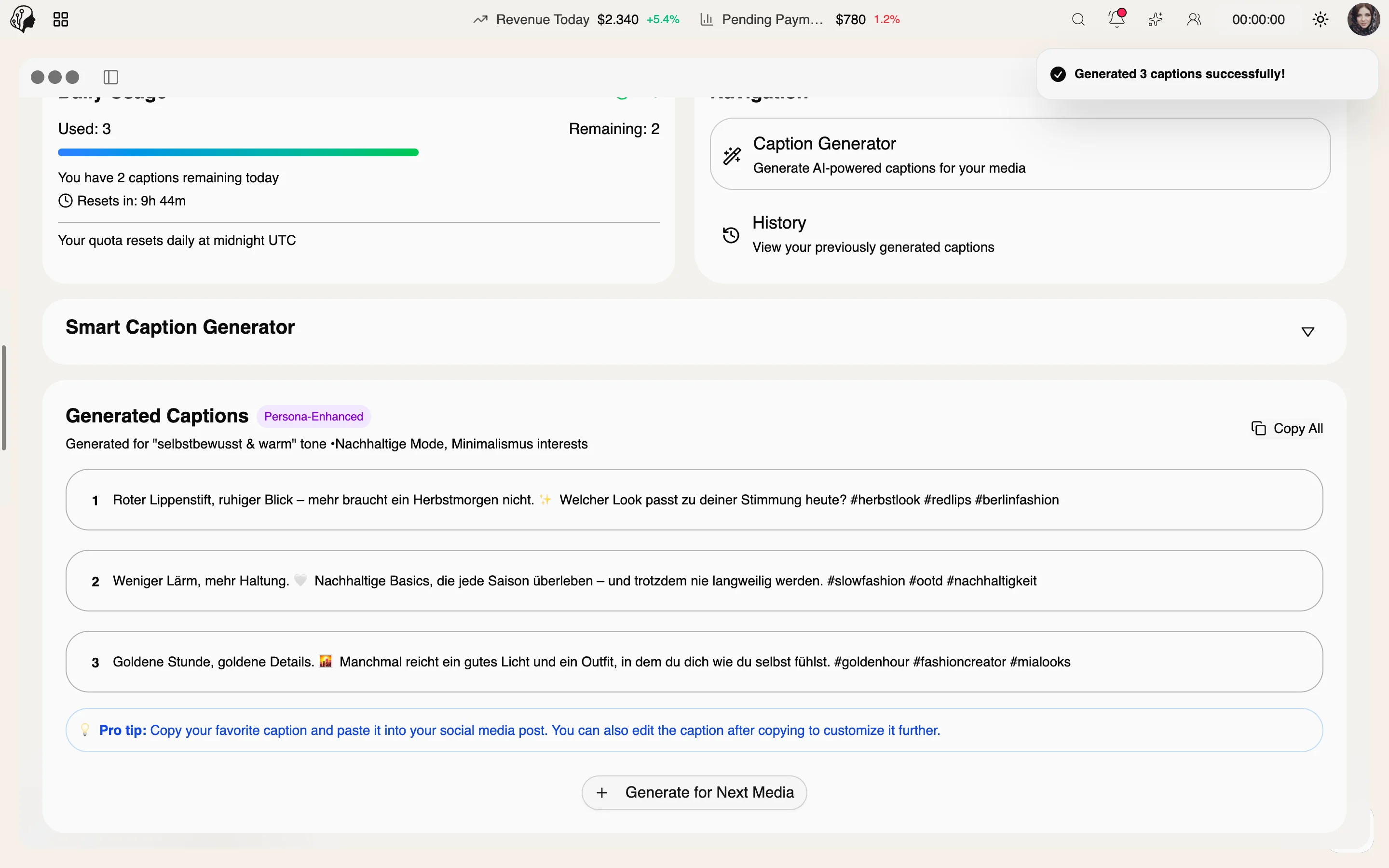
Professional · Casual · Creative · Trendy
The same shot, four tones. Lyra AI suggests several variants per style – you choose, refine and apply.
Clear, confident, brand-ready.
New campaign, new chapter. Thank you to the whole team behind this shoot.
Approachable, relaxed, like talking to friends.
Sunday, sunshine, no plans – just right.
Vivid, poetic, with attitude.
Light that stays after the day has already gone.
Short, punchy, with emojis and hashtags.
Golden hour, golden mood ✨ #behindthescenes
Three steps · a few seconds
Pick an image or video – straight from uploads or the content plan.
Choose a tone and, if you like, include the model's persona.
Select a variant, polish it, copy it or schedule it right away.
Models create captions themselves – in their own portal, with history and ratings. The agency keeps the overview.
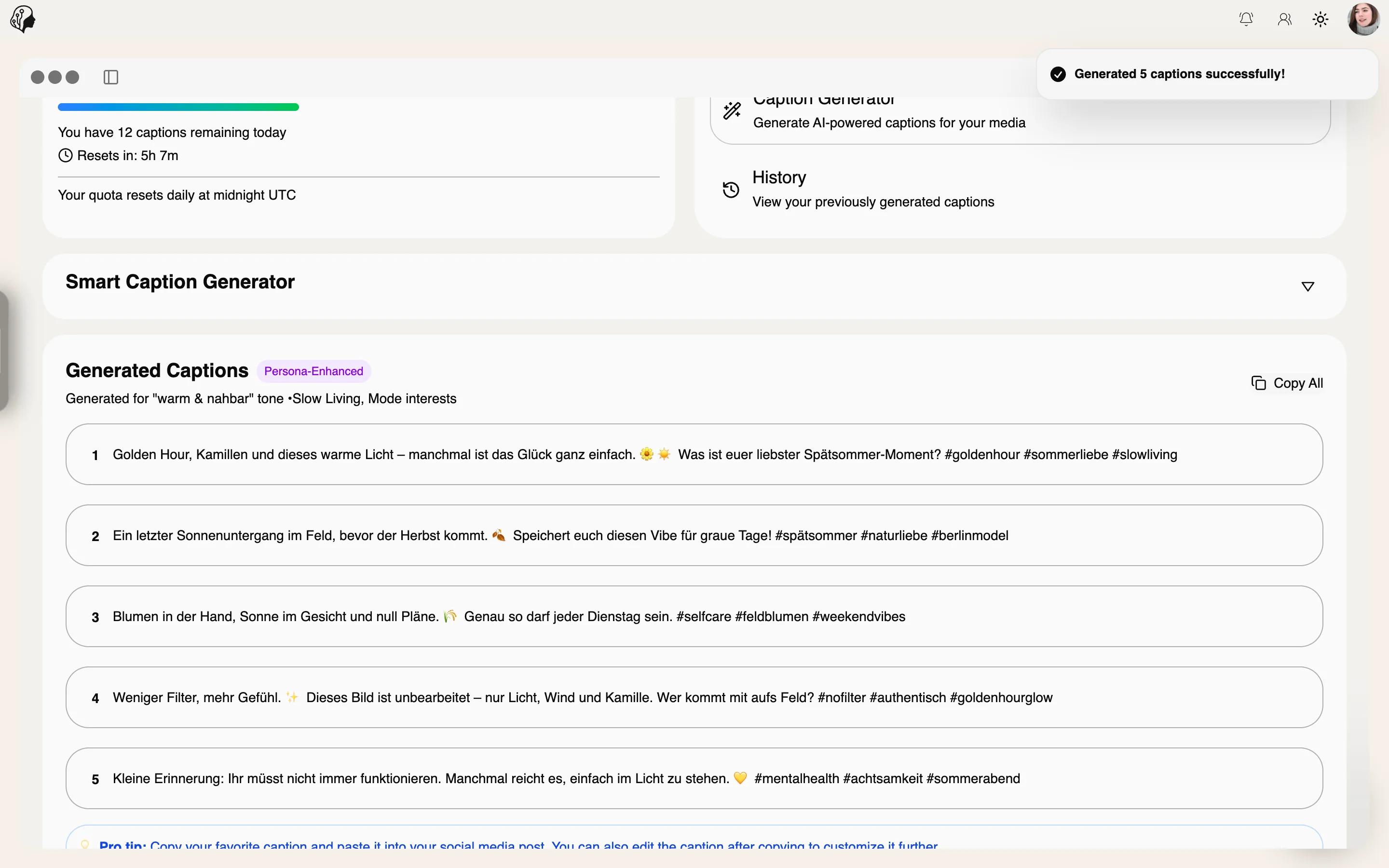
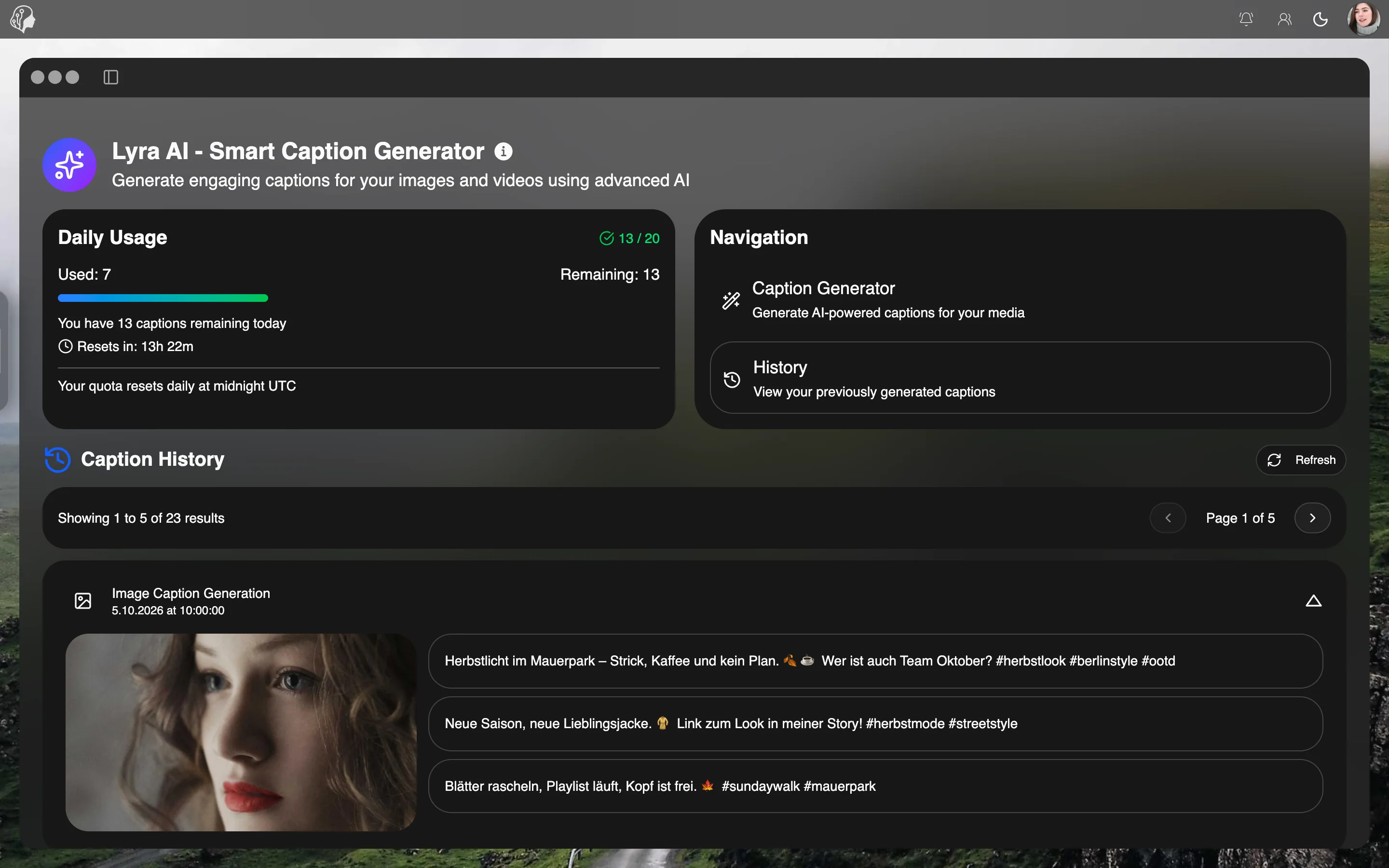
Lyra uses the model's saved persona – tone, topics, no-gos – so every caption sounds like the model, not like a machine.
Yes. Every variant can be edited freely before you apply it. Lyra suggests, you decide.
In the history: every generated caption stays searchable and can be rated by its performance.
There is a fair daily AI quota, always shown transparently.
Part of these workflows
Where the module shows up in everyday work – step by step.
Step 01 · Plan
Step 02 · Prepare
Step 03 · Align
Step 04 · Collect
Step 05 · Refine
Step 06 · Publish
Captions with Lyra AI, scheduled in the content plan.
Step 01 · Research
Step 02 · Plan
Step 03 · Collect
Step 04 · Refine
Step 05 · Write
Create captions with Lyra AI – in the persona's voice.
Step 06 · Check
By Invitation
A personal tour of the platform – tailored to your agency