Skip to content
MODELSUITEAGENCY OS

Finance & Contracts

Invoices & Payouts

Overview

Invoices, earnings and payouts in one place.

Create and manage client invoices, track outstanding amounts and earnings, and give models a transparent overview of their payouts.

See Invoices & Payouts live
ModelSuite Invoices & Payouts

4 features

In detail

What the module does, point by point.

  1. 01

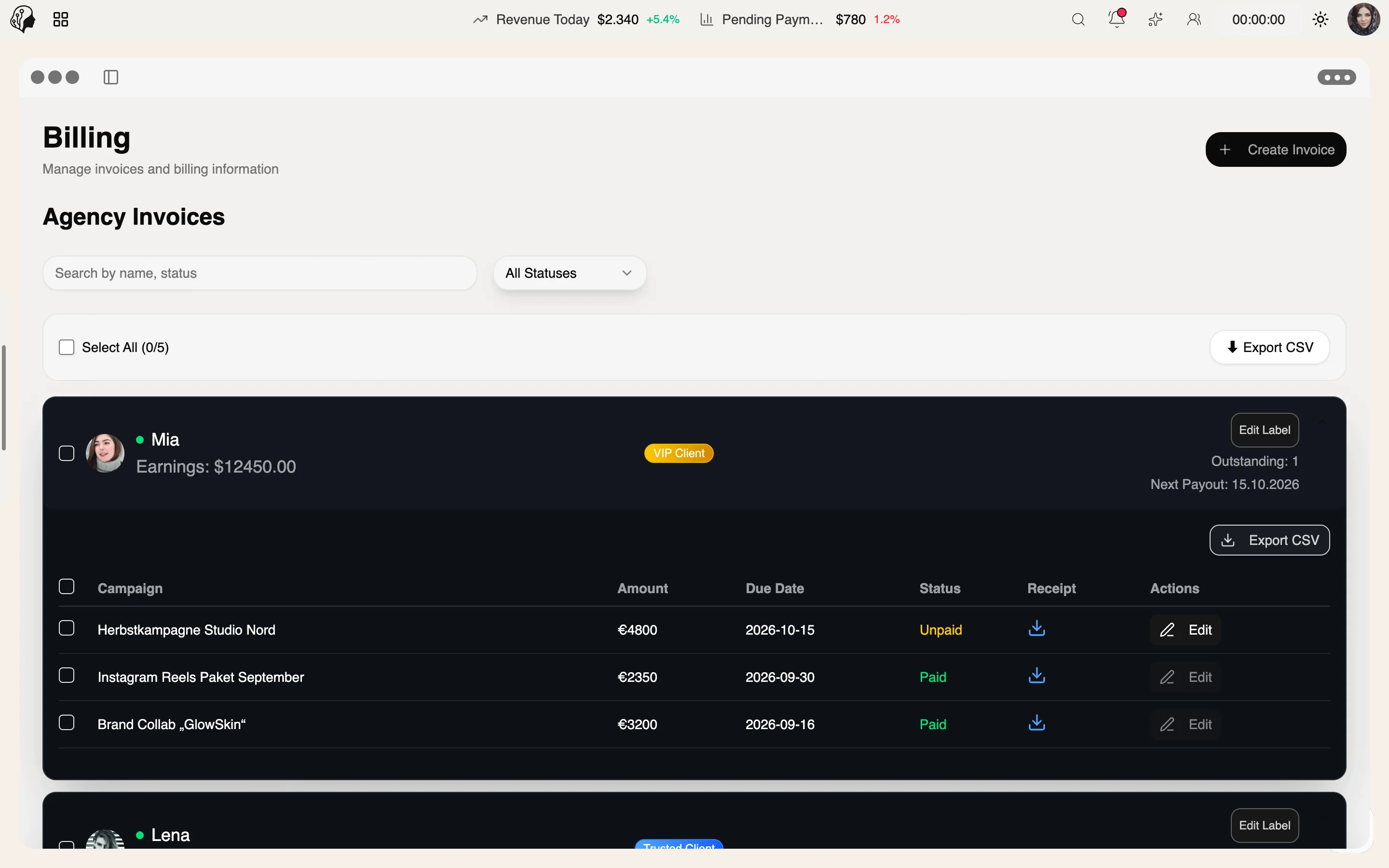
    Outgoing Invoices

    Client, campaign, amount, currency, due date, PDF.

  2. 02

    Status & Labels

    Paid, open, failed – with a reason.

  3. 03

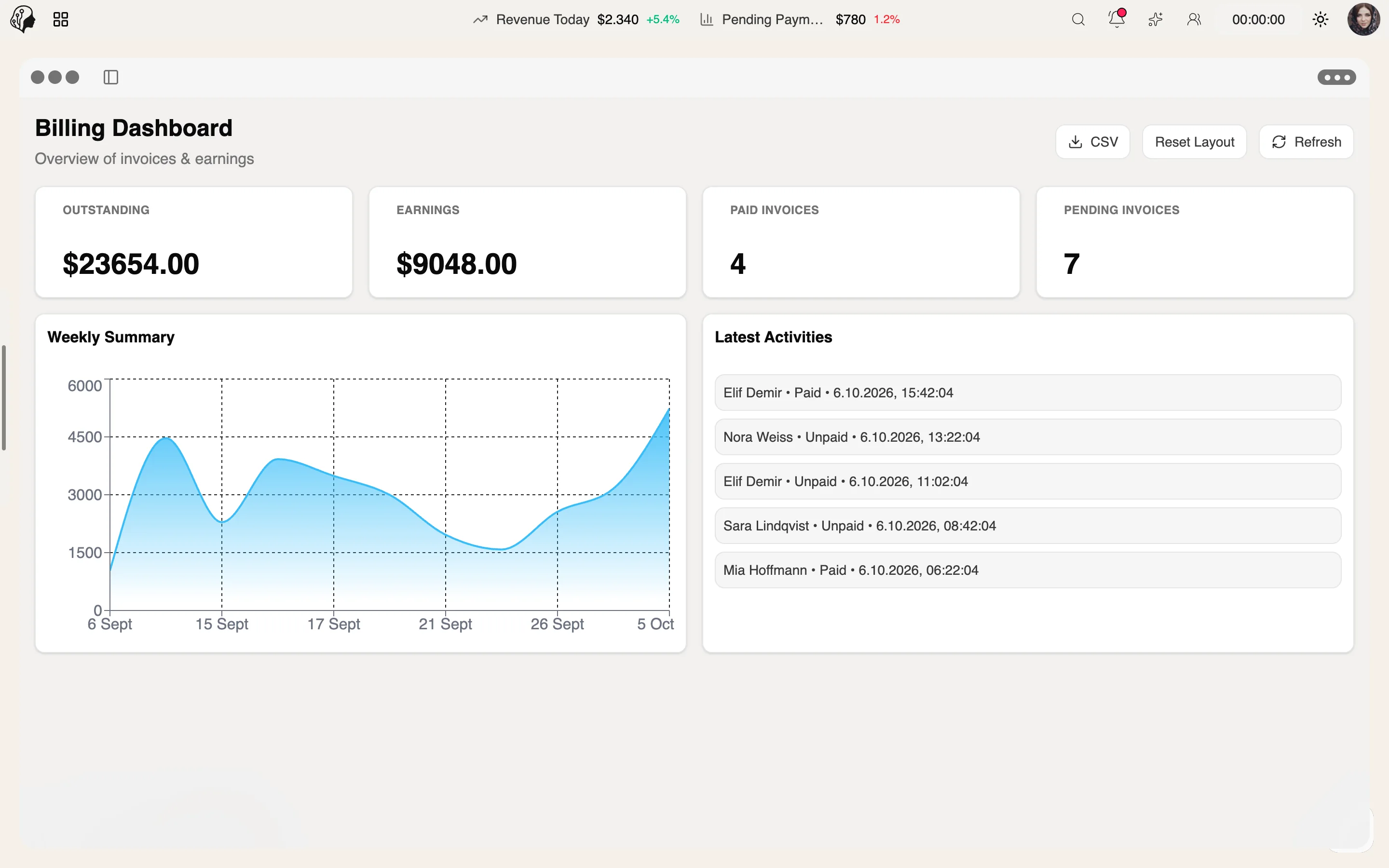
    Earnings Dashboard

    Open items, activity, bulk changes, export.

  4. 04

    Model Payouts

    This month, pending, last payment – in the portal.

ModelSuite Invoices & Payouts – another view

How Invoices & Payouts works

Three steps · from invoice to payout

  1. 01

    Create

    Issue outgoing invoices with client, campaign, amount, currency and due date – as a PDF.

  2. 02

    Track

    Status and labels show what is paid, open or failed – with a reason.

  3. 03

    Share

    Models see this month, pending amounts and their last payment in the portal.

Questions about Invoices & Payouts

What does an invoice include?

Client, campaign, amount, currency and due date. Every invoice is available as a PDF.

How do I keep track of outstanding amounts?

The earnings dashboard shows open items and activity. Several invoices can be updated at once with bulk changes.

What happens when a payment fails?

The invoice is marked as failed – together with the reason.

What do models see of their payouts?

In the portal, models see the current month, pending amounts and their last payment.

All questions & answers →

In practice

Part of these workflows

Where the module shows up in everyday work – step by step.

Closing the month

  1. Step 01 · Invoice

    Create client invoices per campaign – with amount, due date and PDF.

  2. Step 02 · Review

    Paid, open or failed: outstanding amounts in the earnings dashboard.

  3. Step 03 · Pay Out

    Models see this month's payout, pending amounts and their last payment in the portal.

  4. Step 04 · Check Contracts

  5. Step 05 · Renew

  6. Step 06 · Align

View the full flow →

By Invitation

Experience ModelSuite

A personal tour of the platform – tailored to your agency