A shoot from start to finish
Step 01 · Plan
Step 02 · Prepare
Step 03 · Align
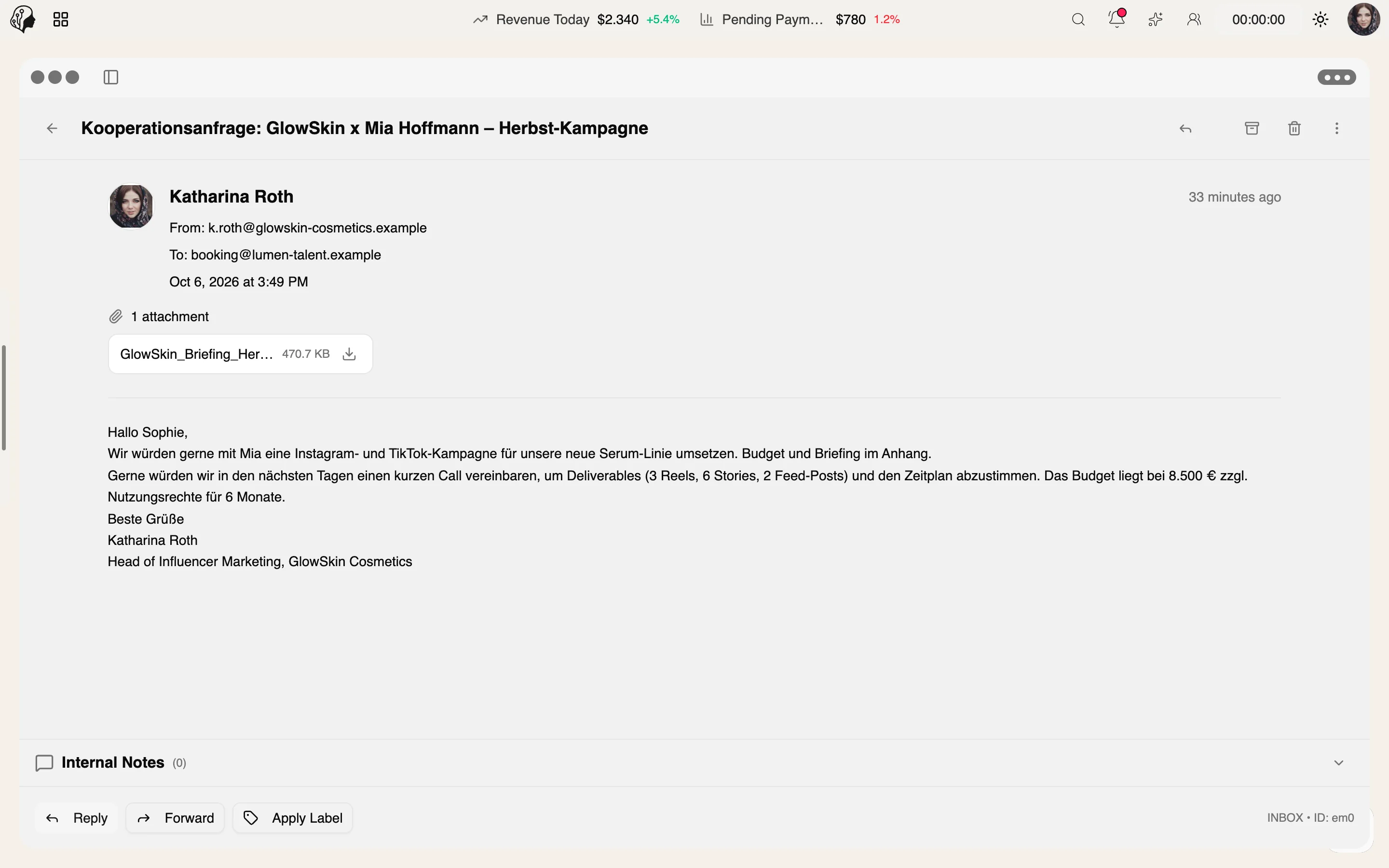
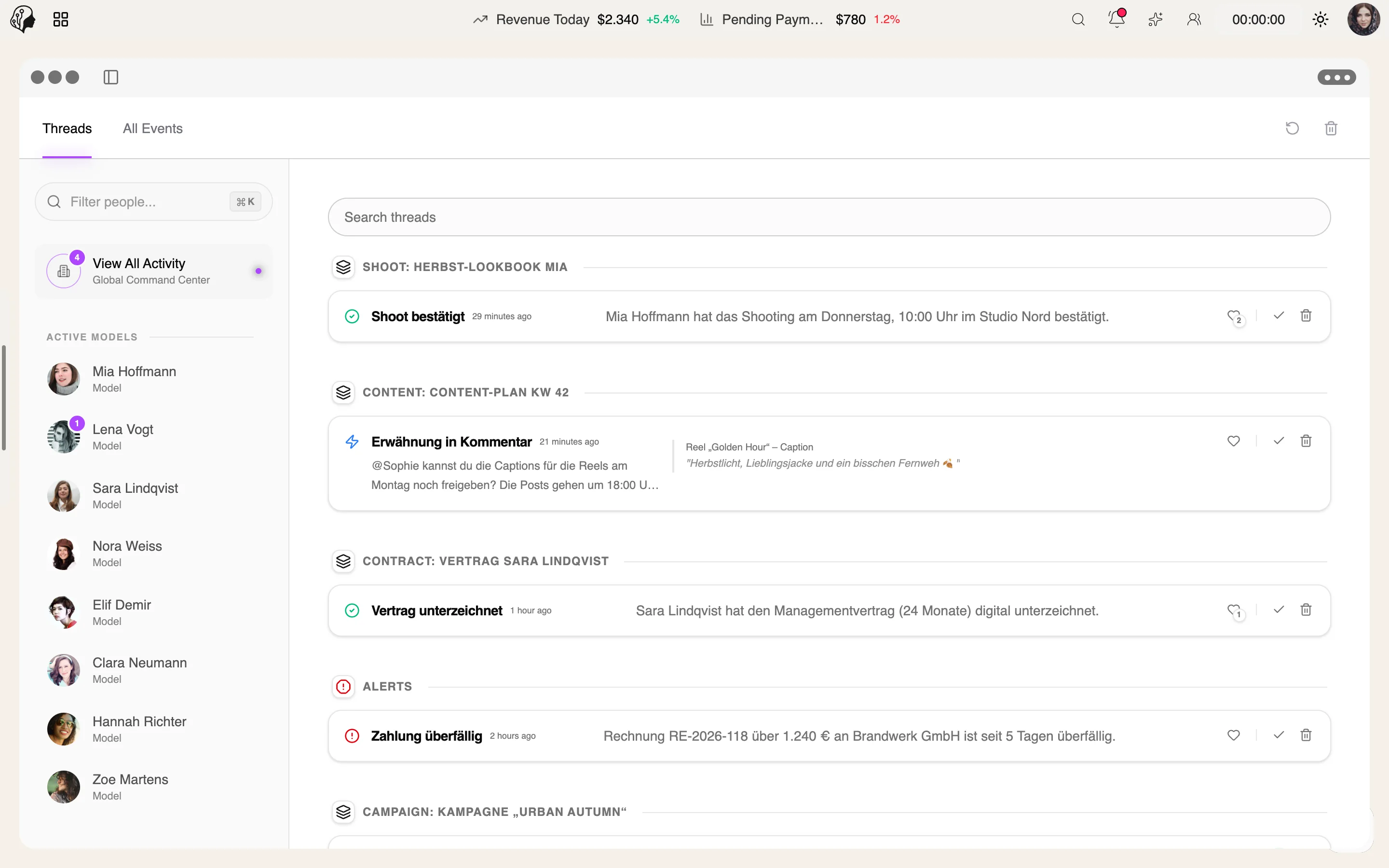
Questions in Messenger, the briefing as a note.
Step 04 · Collect
Step 05 · Refine
Step 06 · Publish
Communication
Overview
Real-time direct messages and groups – with media, voice notes, templates and automatic translation. Built for the rhythm of an agency, not for casual chat.
See Messenger live6 features
What the module does, point by point.
One-to-one chats and groups with admins, online status, typing indicators and read receipts.
Translate conversations automatically, chat by chat – ideal for international talent.
Images, videos, files and voice messages, with gallery and preview.
File attachments and entire conversations automatically in Drive.
Recurring replies as templates, with your own reaction bar.
Pin, search and edit messages, or delete them for everyone.
Drive in Messenger
Save attachments and conversations to Drive automatically.
Messenger, fully reimagined
Faster, with groups, templates, translation and a media gallery.
Three steps · one inbox
Start a one-to-one chat or a group – with online status, typing indicators and read receipts.
Turn on auto-translation per chat and share images, videos, files and voice notes.
Attachments and entire conversations land in Drive automatically.
Agency, models and team – in direct messages and groups, in real time.
With auto-translation, switched on chat by chat. Everyone reads in their own language.
Automatically in Drive if you wish – single files as well as entire conversations.
Yes. You can edit, pin and search messages, or delete them for everyone.
Part of these workflows
Where the module shows up in everyday work – step by step.
Step 01 · Plan
Step 02 · Prepare
Step 03 · Align
Questions in Messenger, the briefing as a note.
Step 04 · Collect
Step 05 · Refine
Step 06 · Publish
Step 01 · Invoice
Step 02 · Review
Step 03 · Pay Out
Step 04 · Check Contracts
Step 05 · Renew
Step 06 · Align
Clear up open questions with the model directly in Messenger.
By Invitation
A personal tour of the platform – tailored to your agency