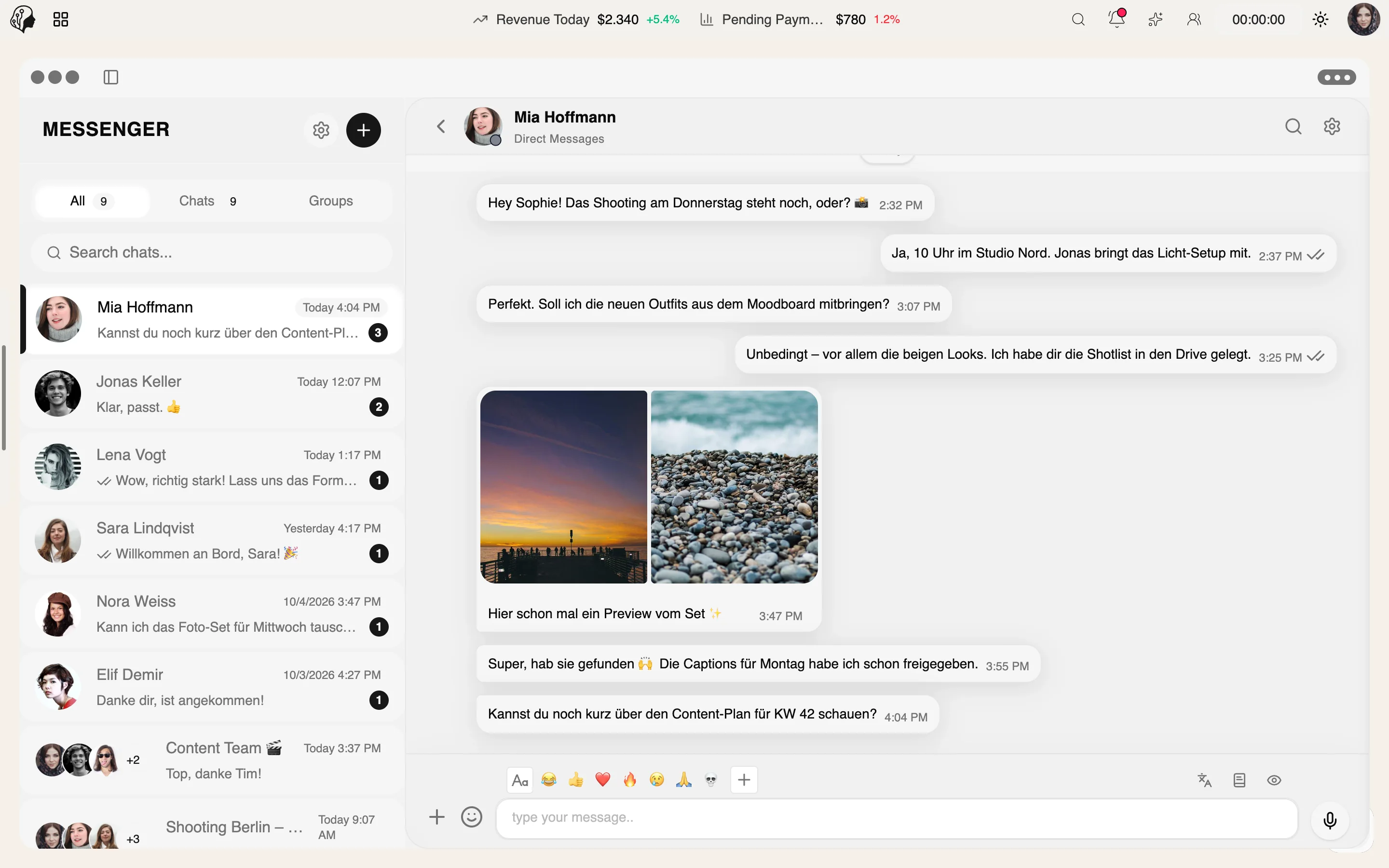
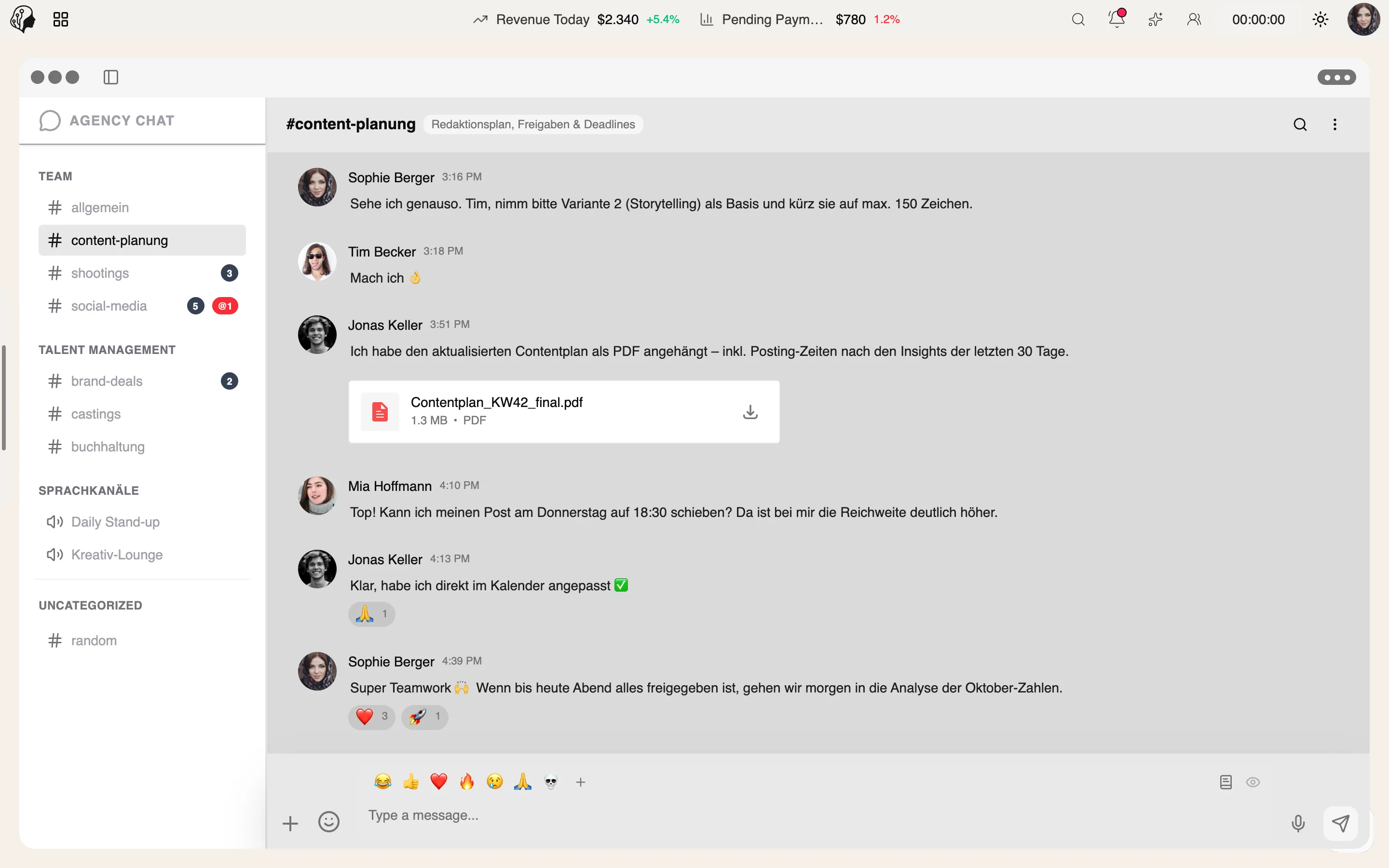
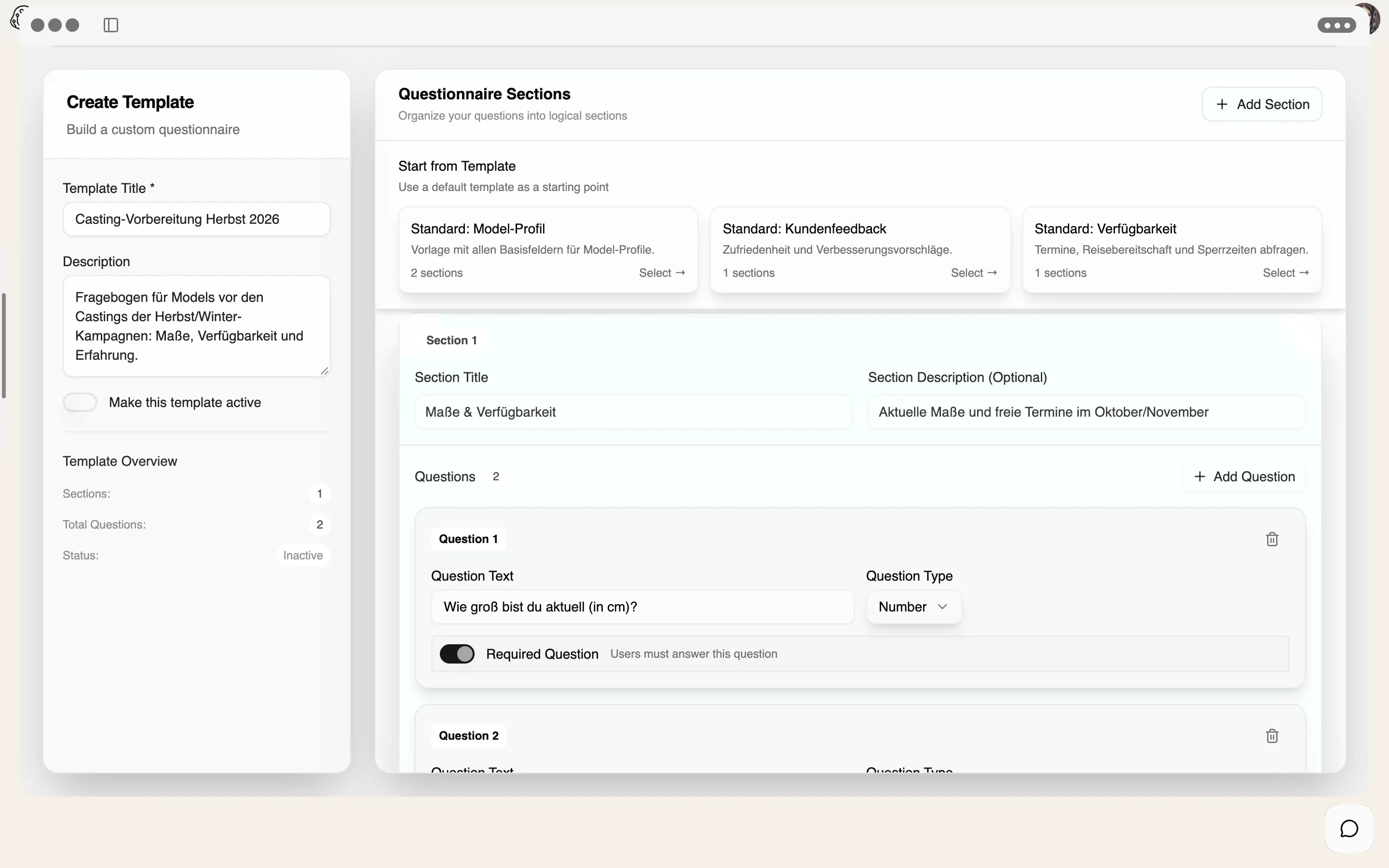
A day with the team
Step 01 · Clock In
Step 02 · Catch Up
See in the Command Center what has happened since the last shift.
Step 03 · Align
Step 04 · Work
Step 05 · Review
Step 06 · Report
Communication
Overview
The notification center brings together events from every module. With threads, comments, mentions and filters by source, urgency and time period.
See Command Center live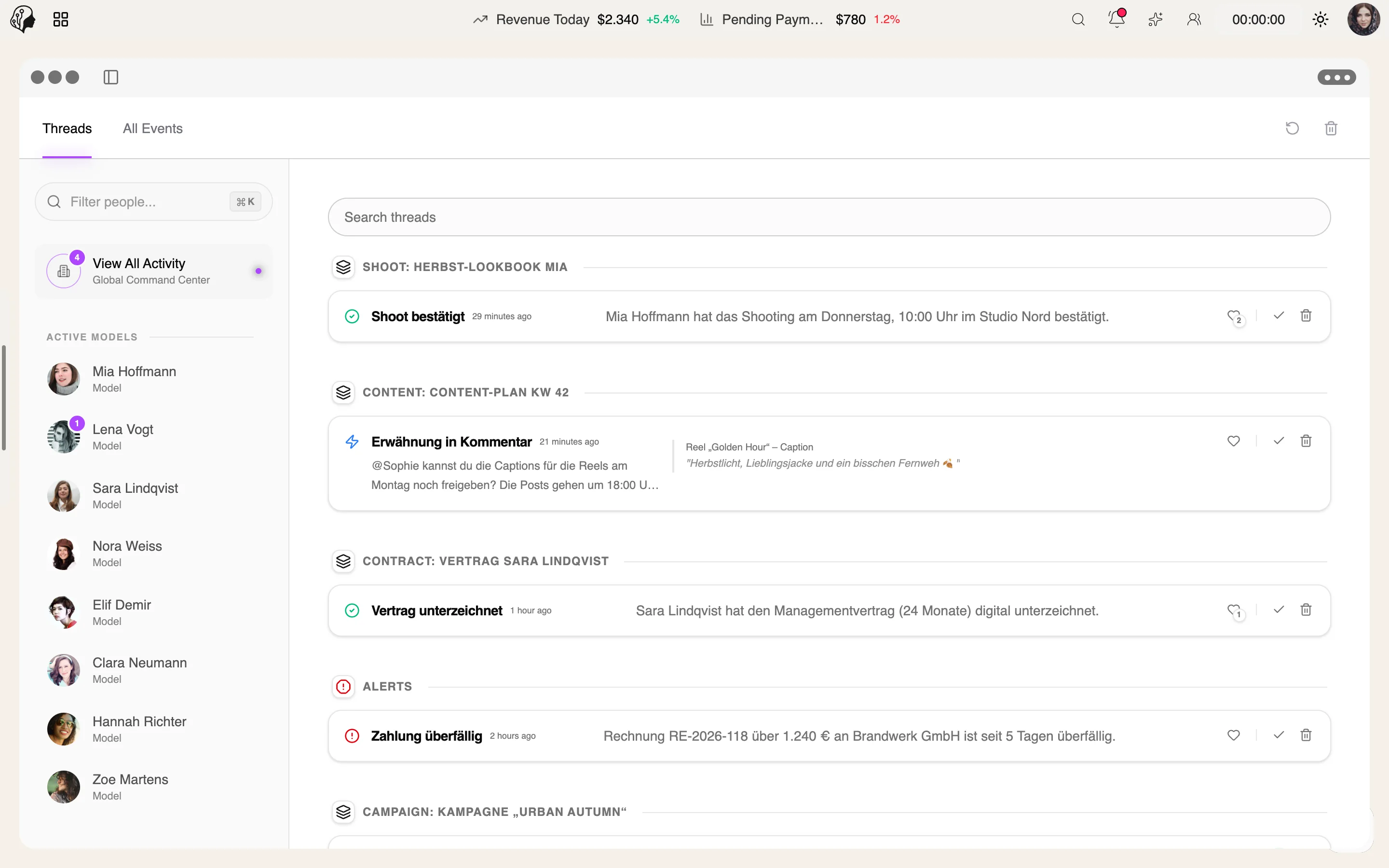
4 features
What the module does, point by point.
Uploads, contracts, shifts, shoots, messages.
Comments, likes and @-mentions right on the event.
By severity, app and time period.
Delivered via WebSocket – no reloading.
Uploads · Contracts · Shifts · Shoots · Messages
Whatever happens in a module lands in the Command Center instantly – sorted by time, filtered by urgency and source.
2 min ago
14 min ago
32 min ago
1 hr ago
2 hrs ago
3 hrs ago
Sample data
Three steps · no forwarding
An upload, a signature, a shift swap – every module reports on its own.
Live via WebSocket in the feed, no reloading, with source and urgency.
Comment, @-mention, like – right on the event instead of in a new message.
Events from every module – such as uploads, contracts, shifts, shoots and messages. You see what is happening, in one place.
With filters by urgency, source app and time period, so only what matters right now remains.
No. New events arrive in real time via WebSocket.
The agency and its staff – each within the permissions of their role.
Part of these workflows
Where the module shows up in everyday work – step by step.
Step 01 · Clock In
Step 02 · Catch Up
See in the Command Center what has happened since the last shift.
Step 03 · Align
Step 04 · Work
Step 05 · Review
Step 06 · Report
By Invitation
A personal tour of the platform – tailored to your agency